
Edit your profile

What you'll learn: How to update your personal information, contact details, and digital signature in FireWorks PRO.
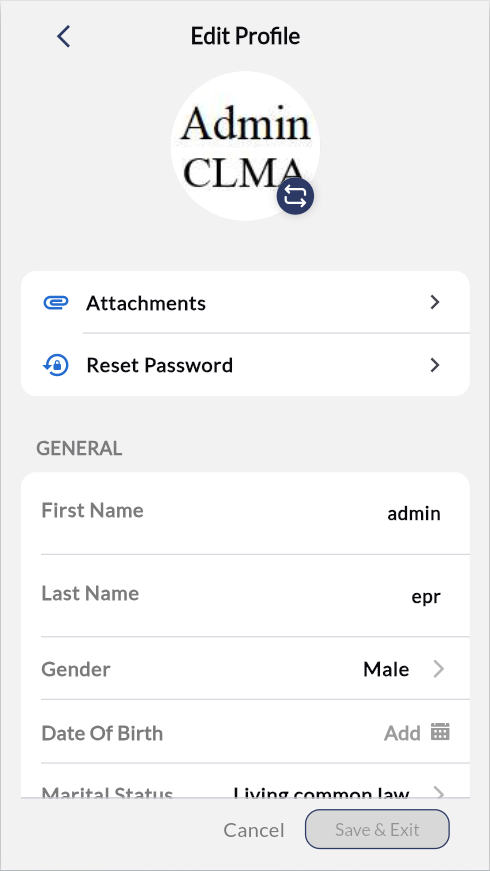
Update profile photo
Personalize your account with a profile photo using your device camera or photo library.
Press  at the bottom of your profile photo. When camera options appear, select either "Take Photo" or "Select from Library.”

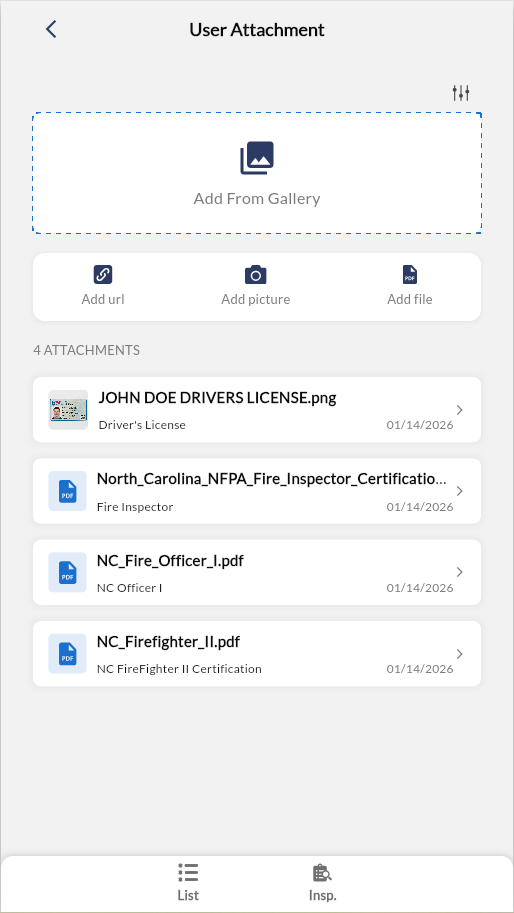
Manage attachments
Attach personal documents such as certifications, licenses, and credentials to your FireWorks PRO profile.
Tap Attachments. Choose Add From Gallery, Add url, Add picture, or Add file to attach personal documents (certifications, licenses, etc.).
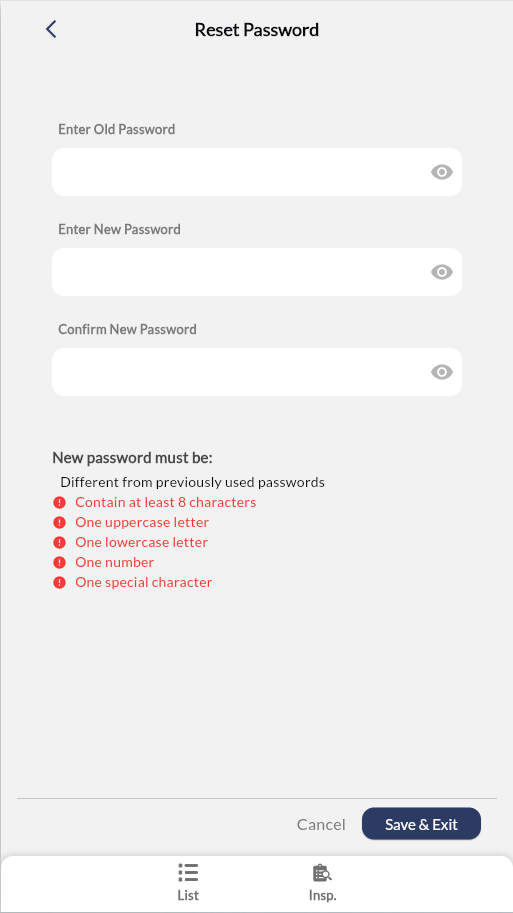
Reset your password
Change your FireWorks PRO login credentials for account security.
Tap Reset Password.
Follow the prompts to create a new password.
When done, click Save & Exit.
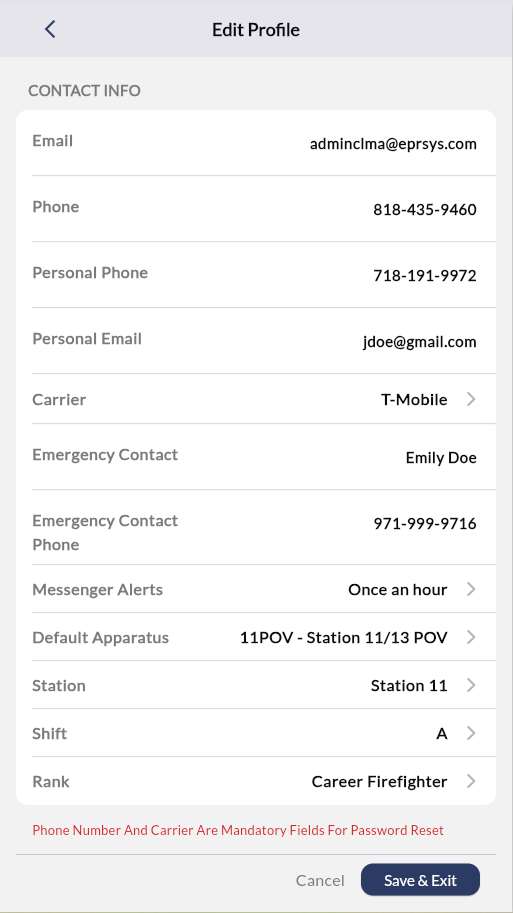
Update your information
Edit personal details, contact information, operational defaults, and address across all profile sections.
Scroll to the applicable section (GENERAL, CONTACT INFO, ADDRESS).
Tap a field, then enter or select information.

Important: Phone and carrier fields are mandatory for password reset functionality.
Create or Update Your Digital Signature
Enable report approval with your electronic signature for the authentication of documentation.
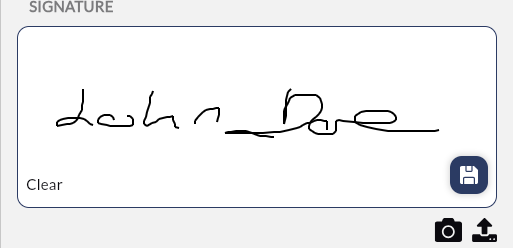
Scroll to the Signature section
Press
 .
. Draw signature with finger on signature pad.
When done, press
 to save the signature.
Tip: Use the  and
and  icons to upload signatures photgraphs or files.
Save or discard changes
Save & Exit — Saves all changes and returns to previous screen
Cancel — Discards all changes and returns without saving