FireWorks PRO at a Glance

What you'll learn: The key features and capabilities of FireWorks PRO across all modules. If you're completely new to the app, read [Welcome to FireWorks PRO] first.
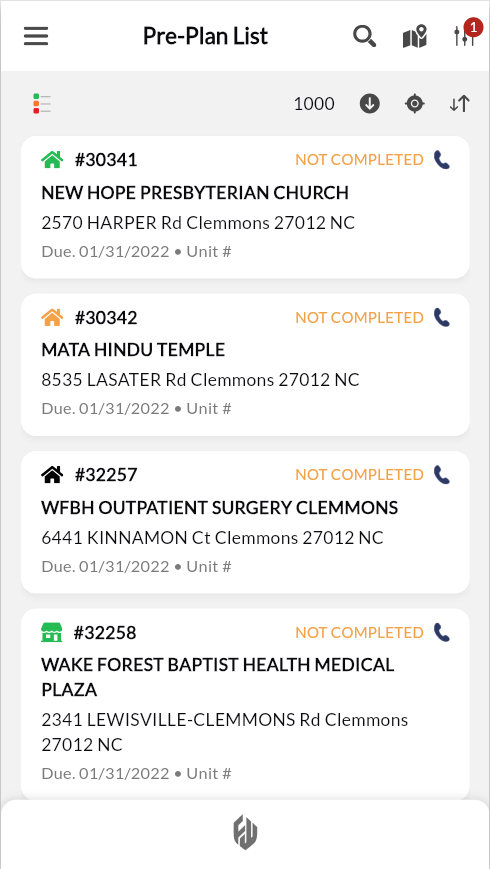
FireWorks PRO puts fire inspections, hydrant testing, and pre-fire planning on your iPhone or Android. Complete all required documentation in the field—even without cell service.
Your work syncs automatically with the FireWorks desktop system when you're online. When offline, changes save to your device and sync when connectivity returns.
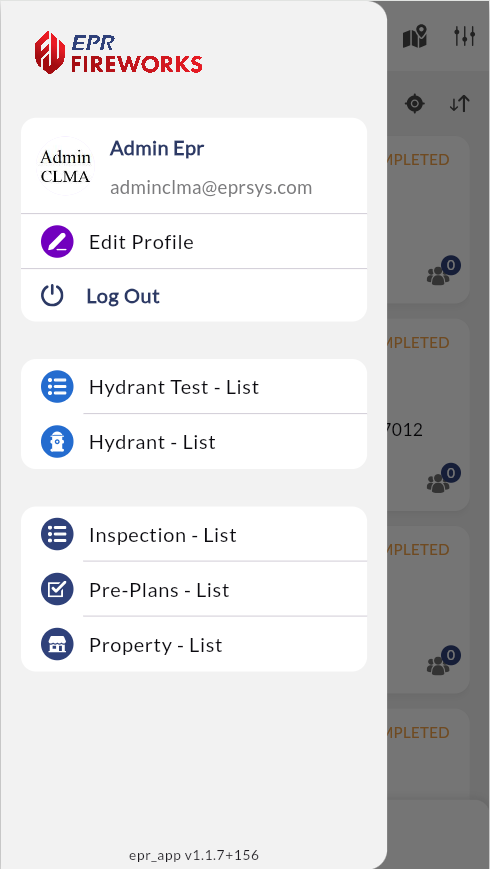
Access all your modules
Switch instantly between fire inspections, hydrant testing, hydrant inventory, pre-fire plans, and property records.
Work anywhere, even offline
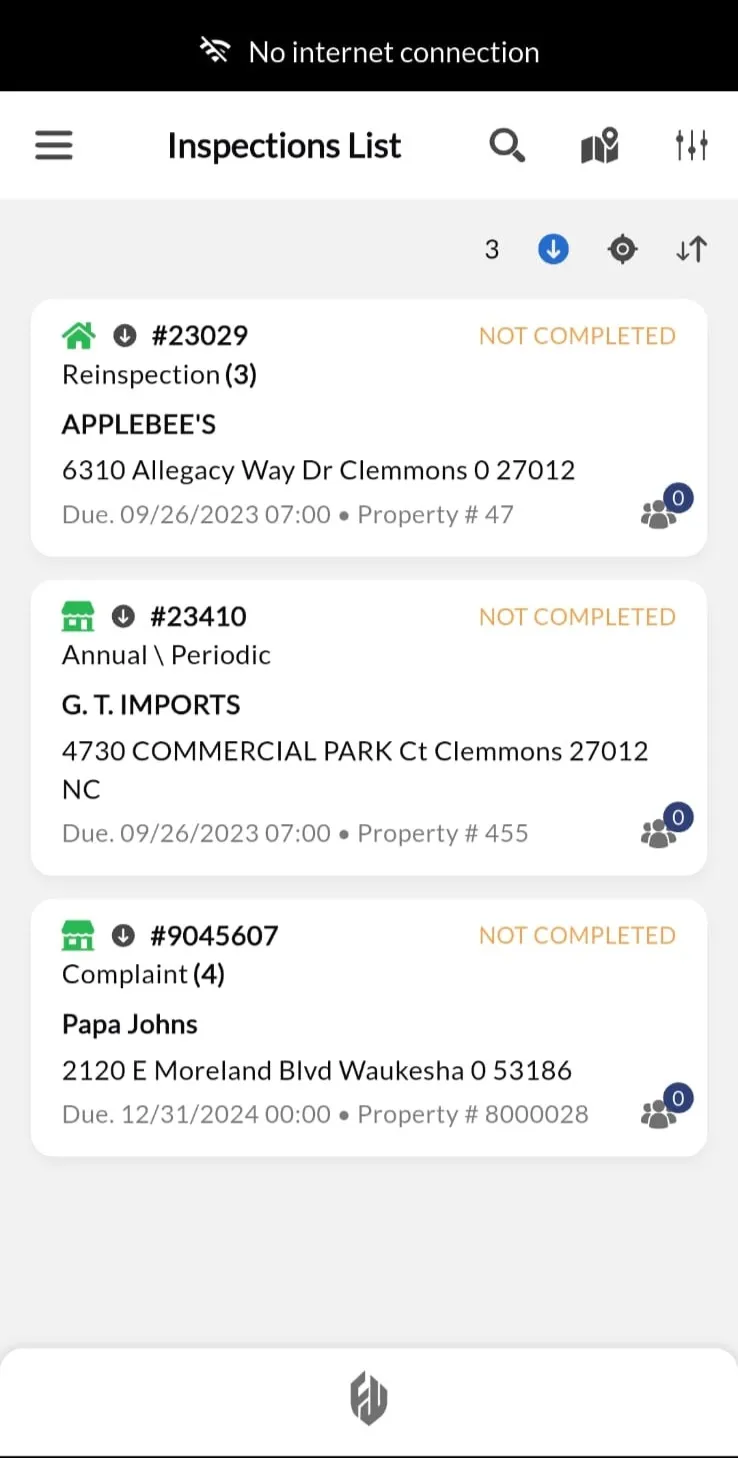
Download inspections before heading to the field.
Complete your work without cell service: add photos, document violations, capture signatures, and complete all required sections. Changes sync automatically when connectivity returns.

Why this matters: Rural properties, industrial buildings, and areas with thick concrete walls often have no signal. Offline mode means you never return empty-handed because you couldn't access forms.
Plan your route efficiently
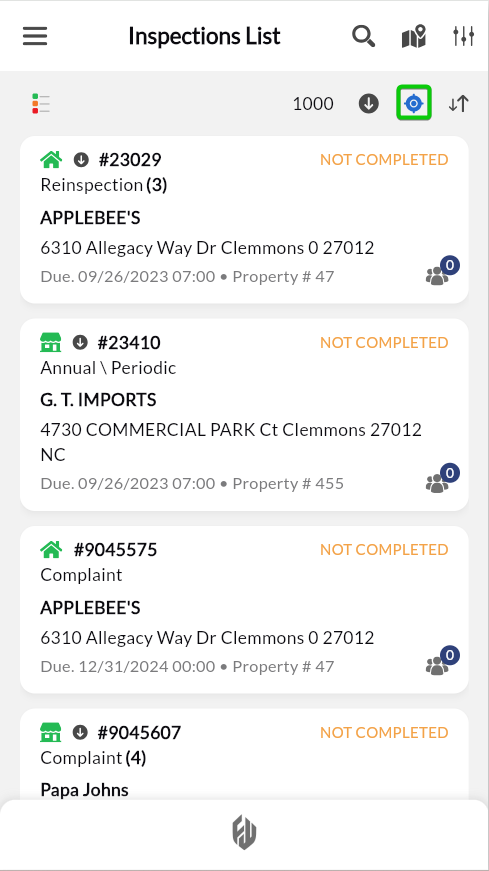
Sort by distance with geolocation
Filter properties by distance from your current location. Tap the blue location icon in the top right toolbar to sort inspections by proximity (nearest properties appear first).
Tip: Use distance sorting to plan efficient routes by clustering nearby inspections.
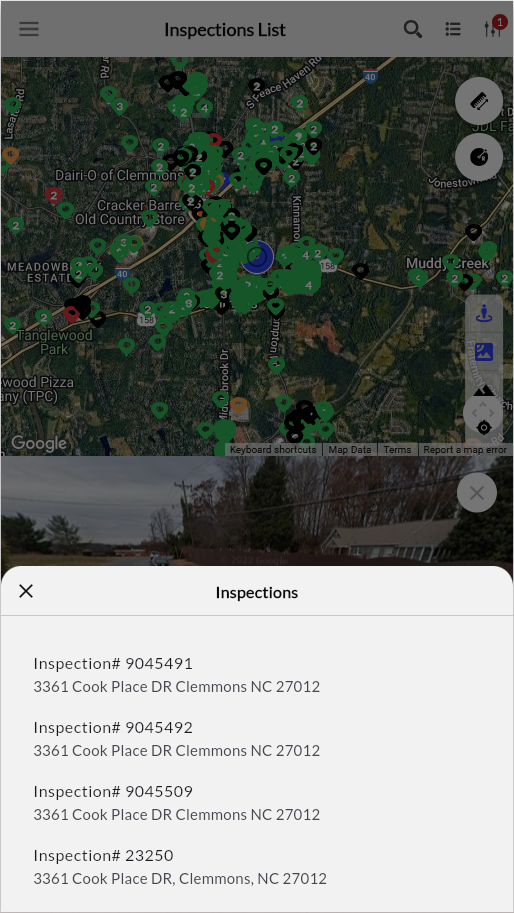
Switch to map view
Plan efficient routes by seeing which properties are close together. Map view displays your work geographically, marking property clusters to minimize backtracking. Confirm building location with Street View before you arrive.
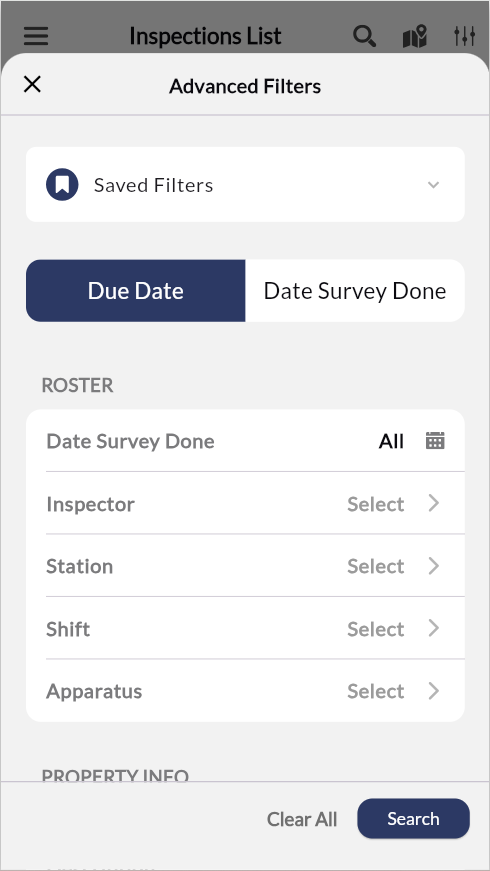
Find work fast with filtering
Search by property name, address, or inspection status. Filter by due date, inspector assignment, or compliance status to focus on specific work priorities.
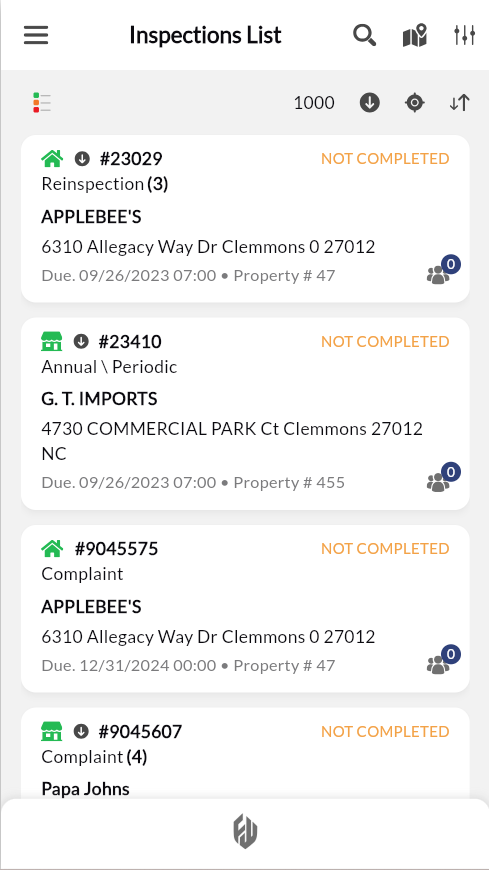
Complete inspections in the field
Document fire code inspections directly on your device. Capture violations with photos, record corrective actions, and collect property owner signatures, all from your phone or tablet.
Access complete property history to spot patterns across inspections. Previous violations, compliance notes, and inspector comments help you provide consistent enforcement and track improvement over time.
Test and track hydrants
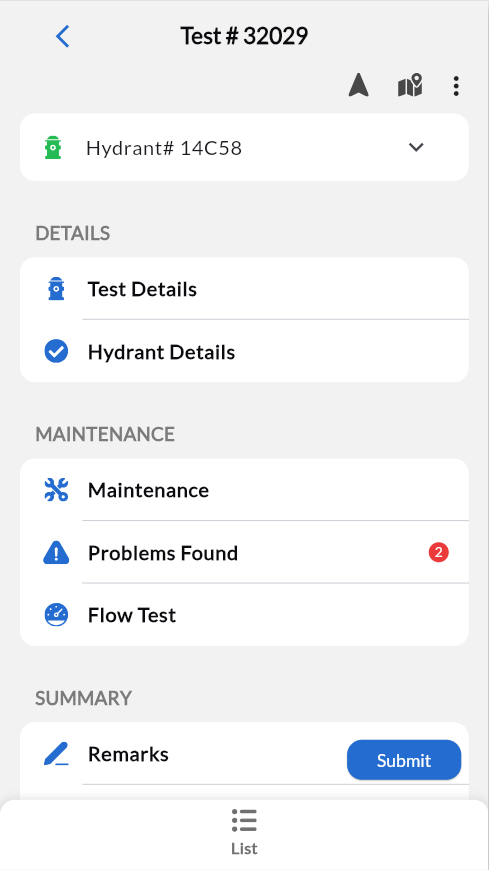
Perform flow tests and document hydrant conditions using NFPA 291 standards. Record static pressure, residual pressure, and flow calculations automatically. Capture photos of damaged components and schedule maintenance directly from test results.
Track hydrant inventory across your district. View service history, replacement schedules, and maintenance requirements for every hydrant in your system.