NERIS Settings - a Glance
Overview
The redesigned NERIS Settings interface reduces configuration overhead and streamlines system administration, minimizing time spent on setup and maximizing operational availability.
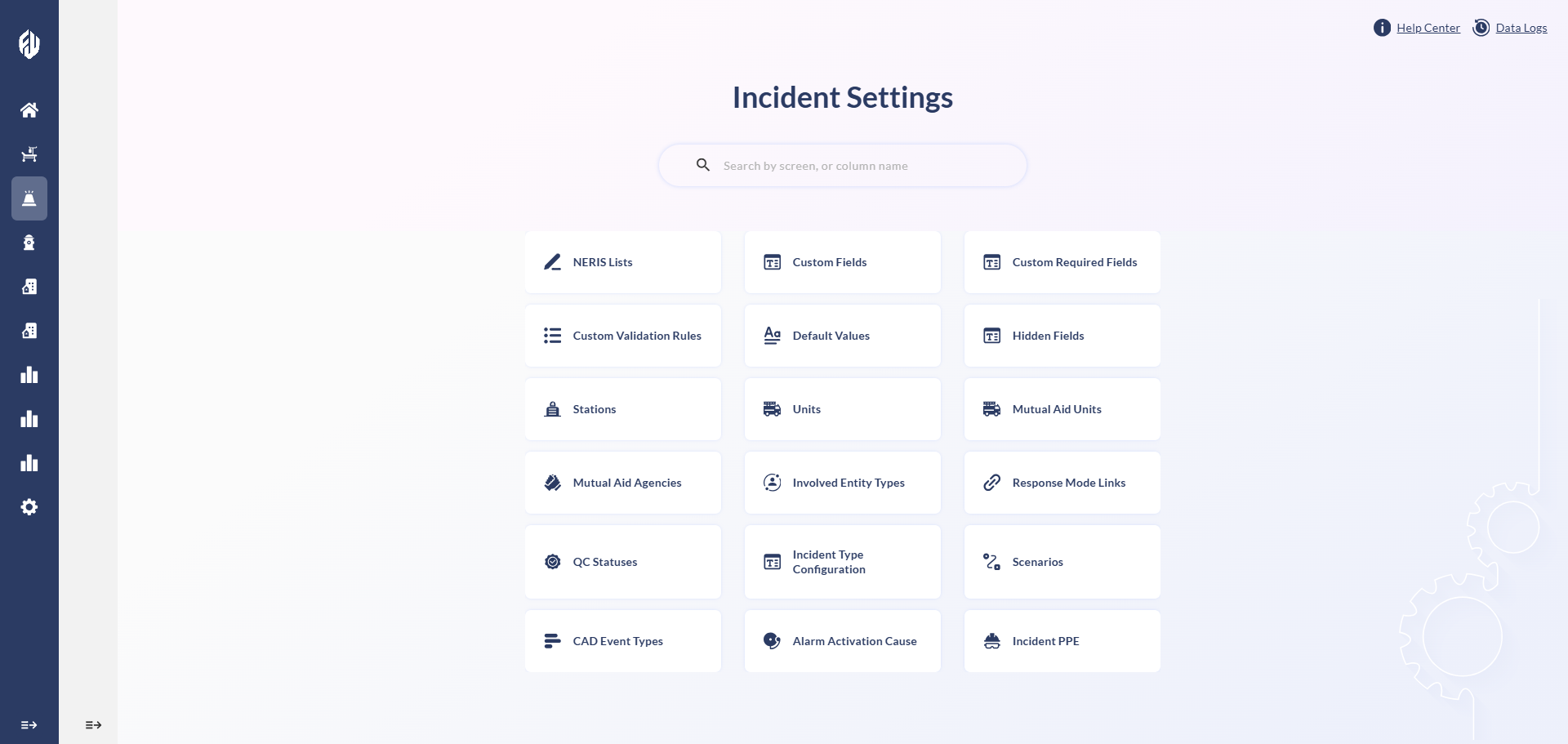
Access Settings Without Leaving FireWorks
NERIS Settings is now fully integrated into the FireWorks web application interface. Your administrators configure and manage NERIS without switching systems, reducing interruptions to daily operations.
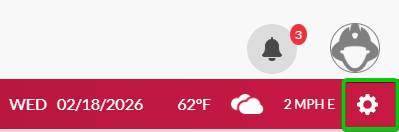

You can open the NERIS Settings interface in a new tab by clicking  .
.
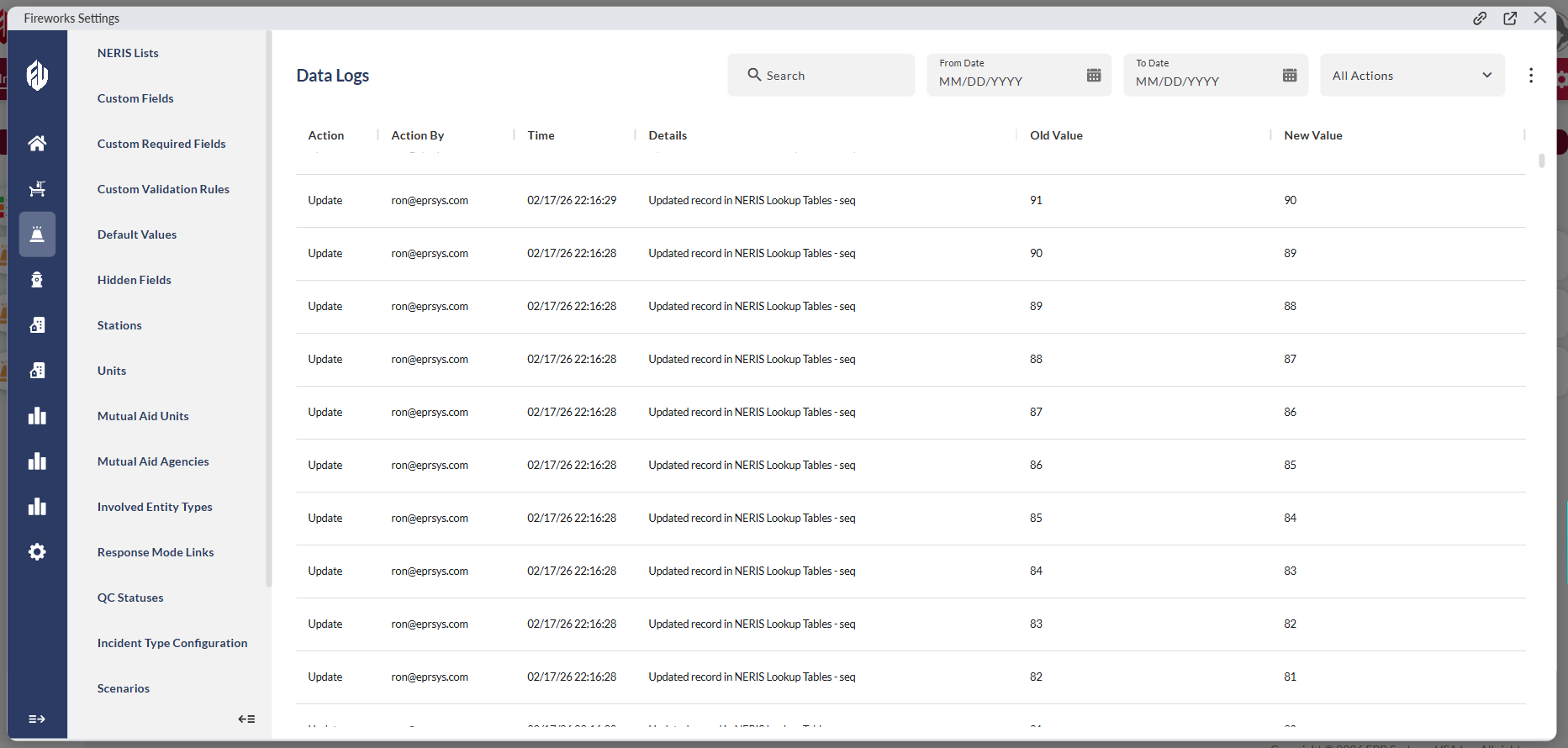
Data Logs
Data Logs record every change made to NERIS Settings, giving you visibility into exactly what was modified and when. Configuration issues can be identified and resolved quickly without manual investigation.
Settings Search
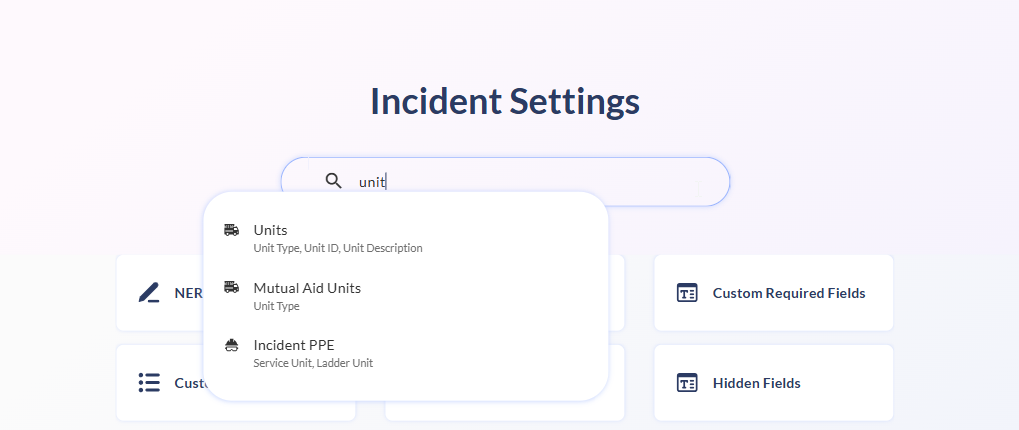
NERIS Settings now includes a system-wide search by field or table name, providing direct access to any configuration without navigating the full menu structure.
Customizable Table Column Layout
Table columns across NERIS Settings are now fully customizable. Columns can be shown or hidden to suit your workflow, reducing visual clutter across large configuration tables.
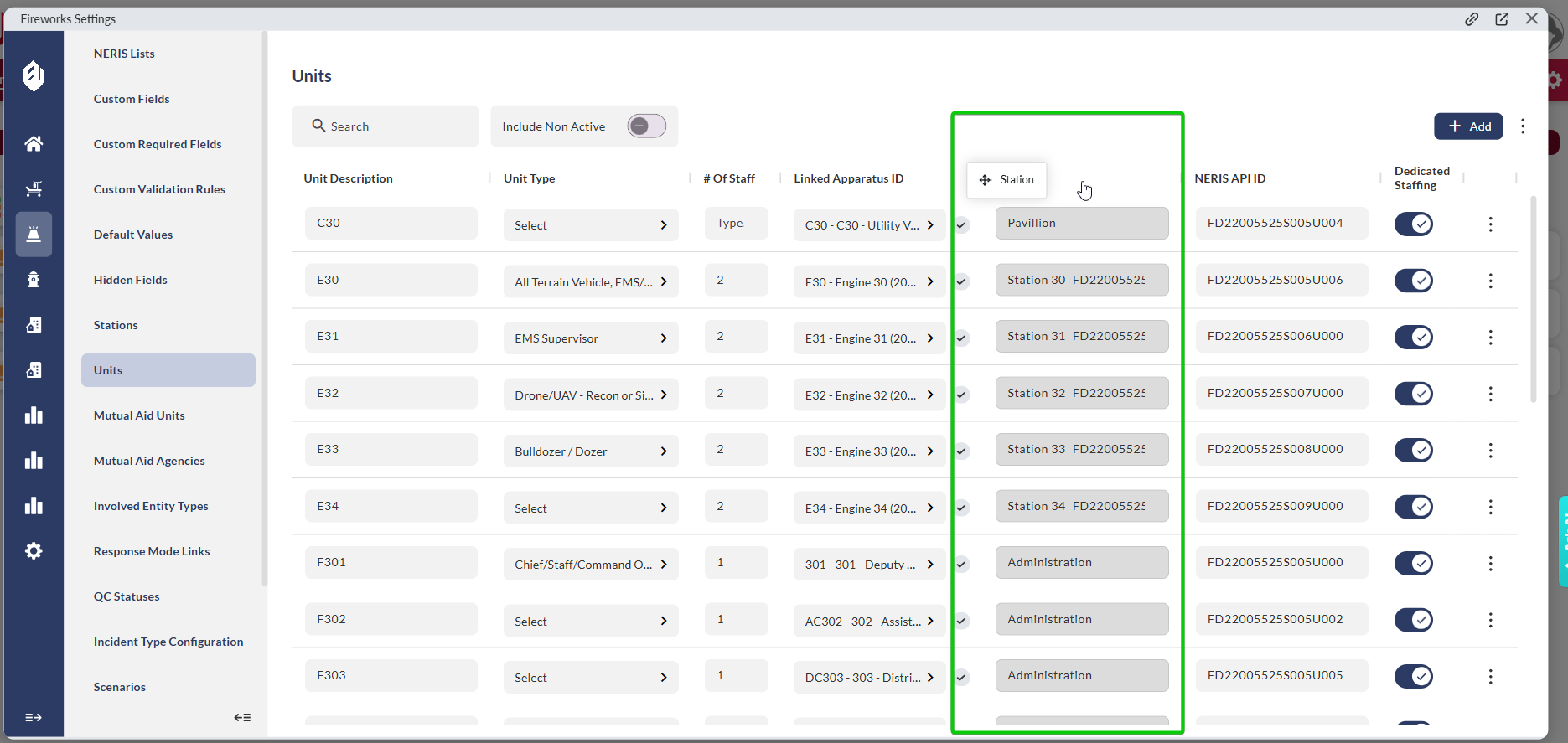
Column visibility is applied per session. Each time you exit and return to a table, all columns revert to the default display.
Drag-and-Drop Row Ordering
Sequenced tables now support drag-and-drop reordering, replacing manual row numbering. Row sequences can be updated directly without renumbering or additional configuration steps.
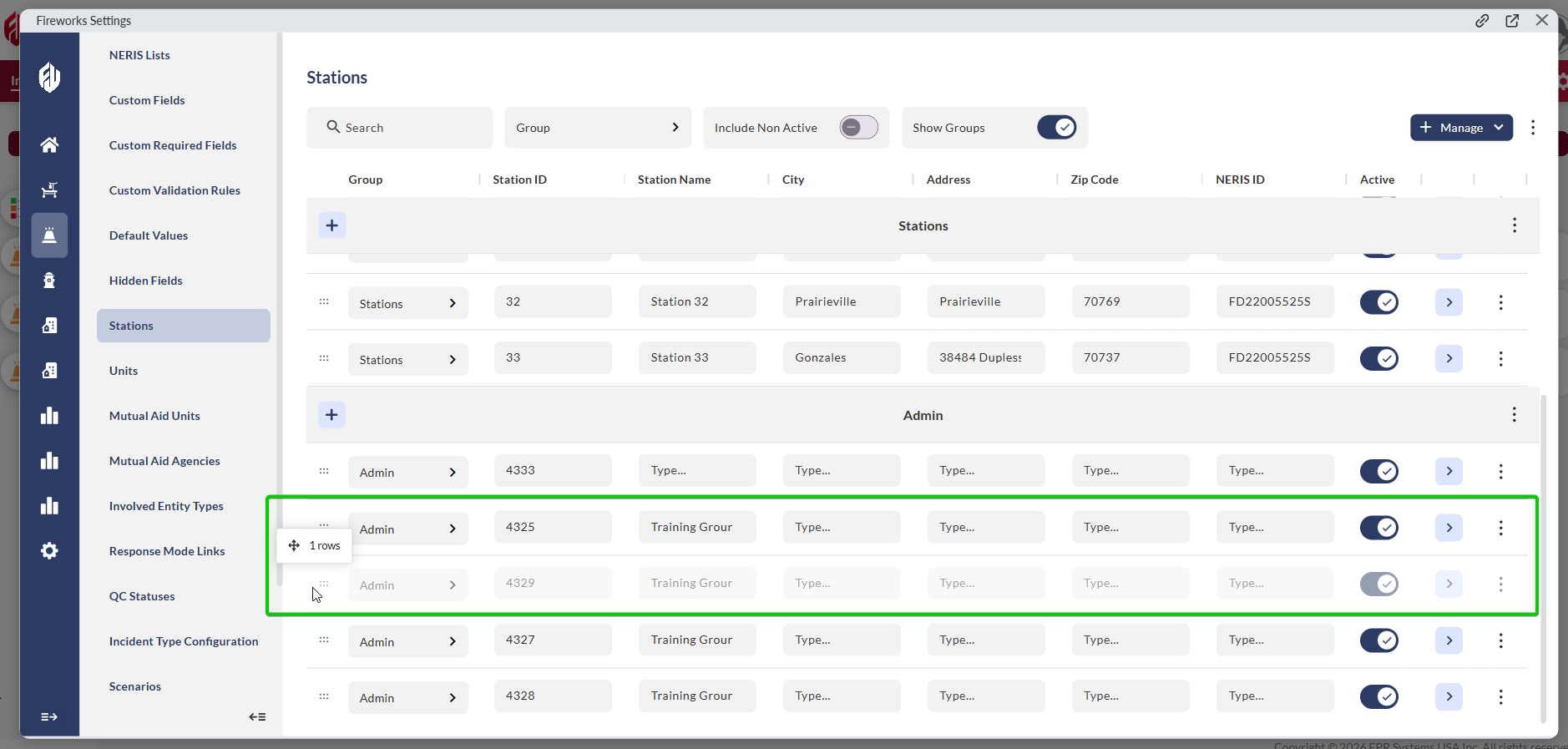
Table Export
All tables in NERIS Settings can now be exported to Excel. This supports data review workflows for inspections, budget processes, and compliance reporting.

Validation Rules, Simplified
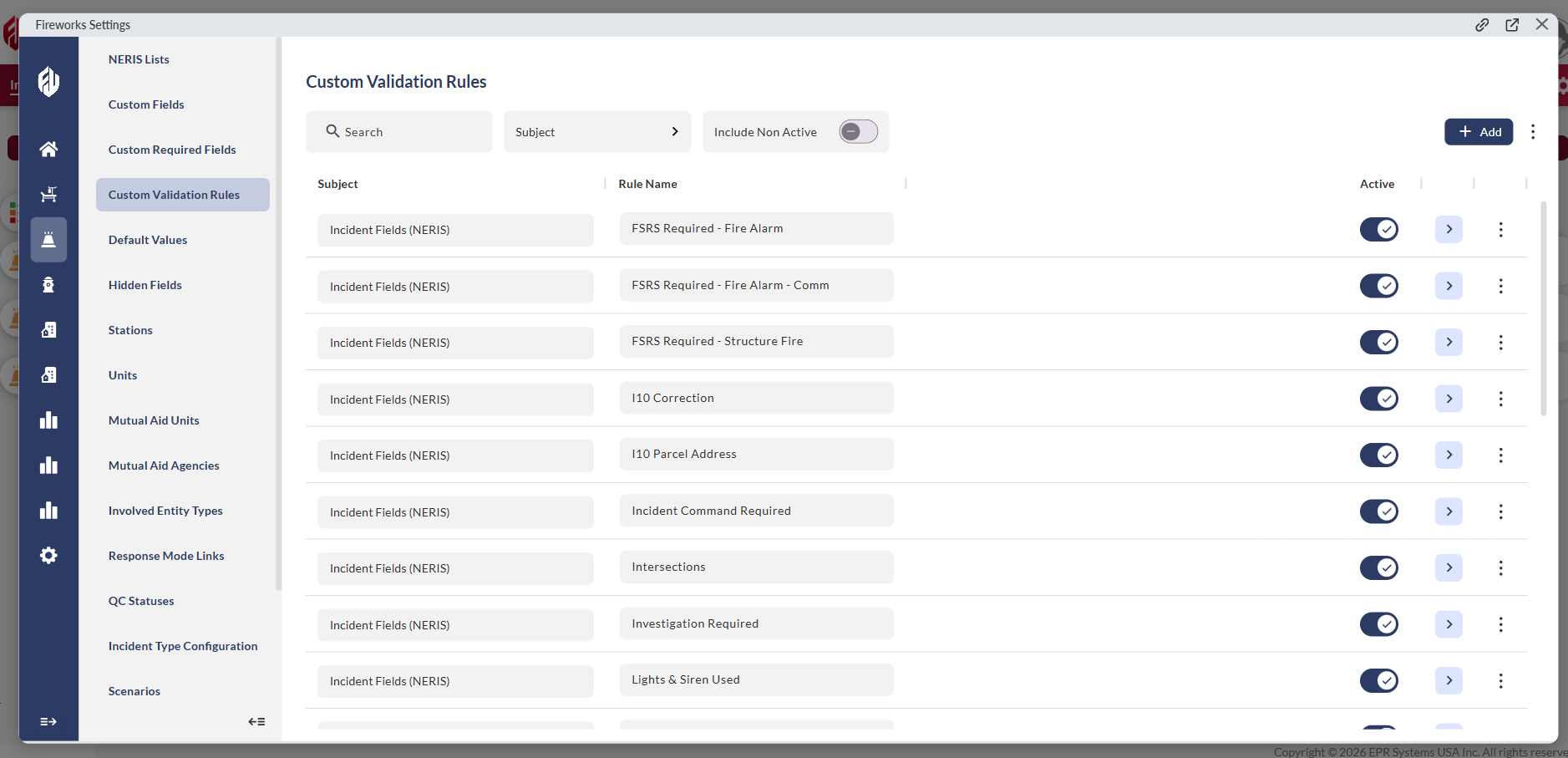
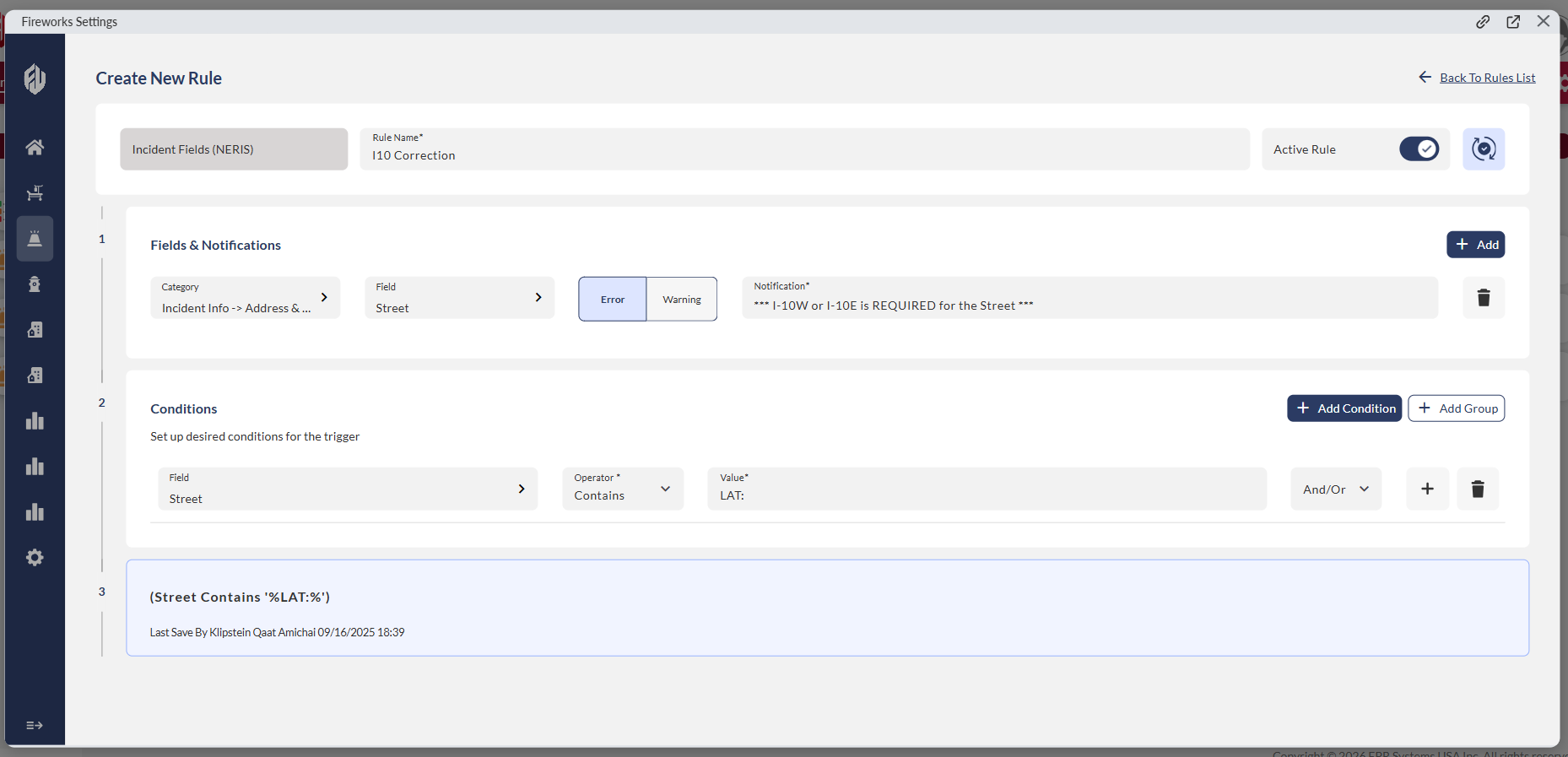
Custom Validation Rules now display in a consolidated interface showing active and inactive rules at a glance. Each rule supports condition groups, allowing multiple conditions to be managed within a single rule structure.
EPR FireWorks is developed for the operational requirements of emergency services. Each release is focused on reducing administrative overhead and improving system efficiency across the department.
Questions? Contact your EPR account representative.