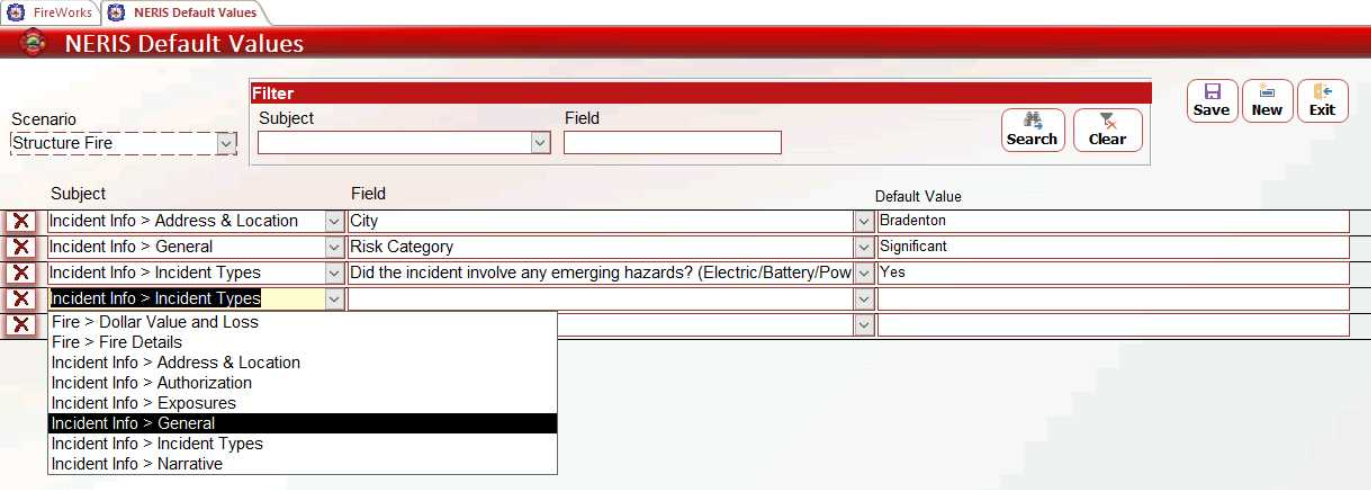
NERIS Scenarios
Overview
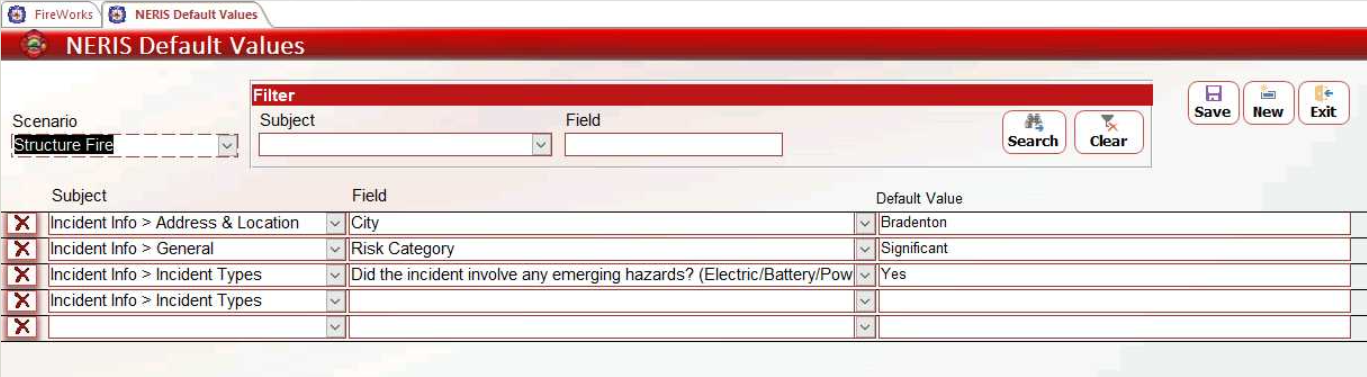
Configure scenario presets in the Admin Back-Office NERIS Default Values page to establish reusable field configurations for common incident types.
Before You Start
Required Access: Admin Back-Office with NERIS Settings permissions
Creating New Scenarios
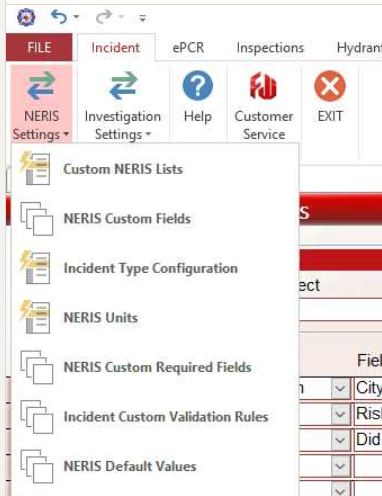
In the Admin Back-Office, click FILE > NERIS Settings, then select NERIS Default Values
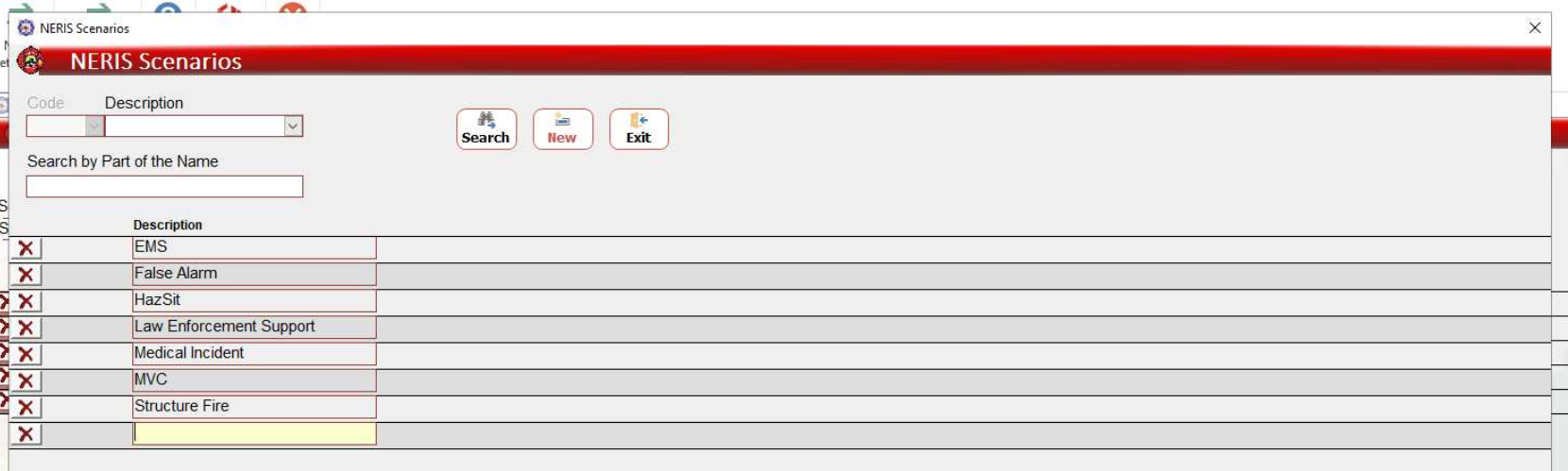
Double-click the Scenario field to open the NERIS Scenarios window.
Click New or click the empty row.
Enter the scenario name.
Click Exit to save changes.
Configuring Scenario Default Values
In the NERIS Default Values page, expand the Scenario dropdown and select your scenario.
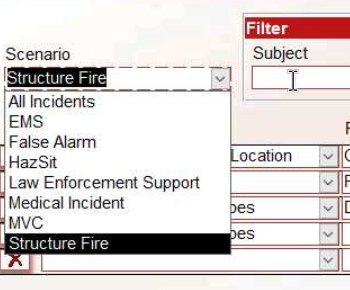
Use the Subject, Field, and Default Value dropdowns to select values for this scenario.
Click Exit to save changes.