Management (Back-Office) - Release Notes
September 2024 Build 1.4.09.3
Fire Department parameters in a unified screen
(Admin Back-Office > Management > Department Configuration)
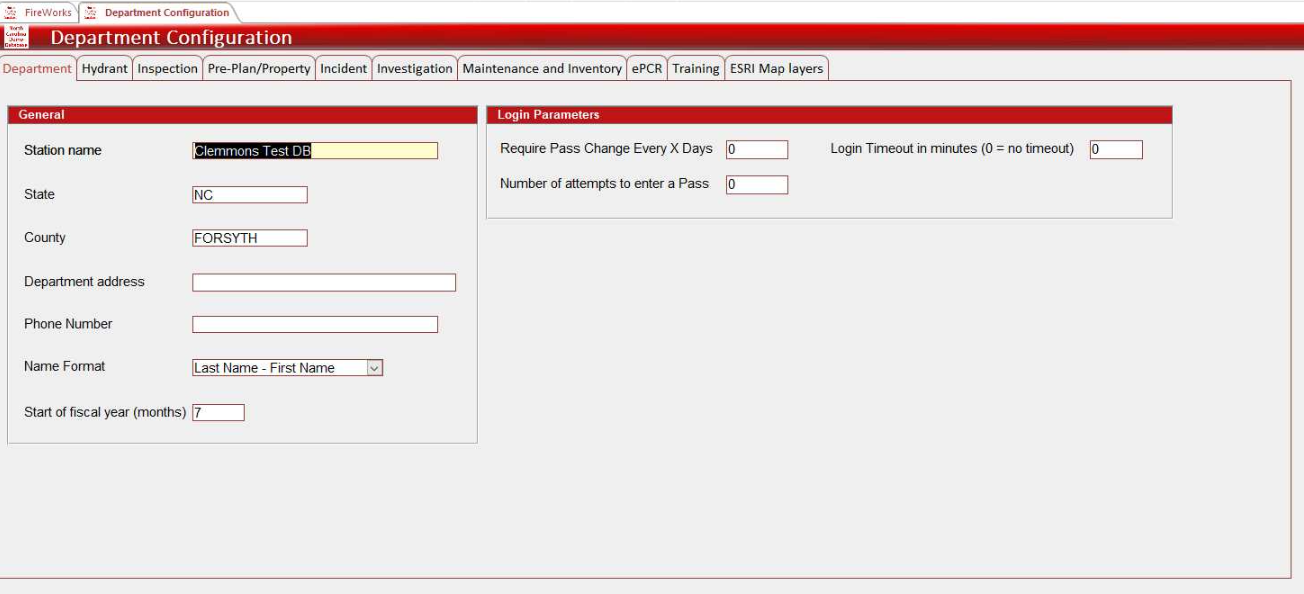
In the unified Department Configuration screen, we consolidated your Fire Department parameters for all FireWorks modules. This includes parameters previously defined solely by FireWorks. The new screen is divided into tabs according to modules. To access this screen, in the Back-Office, go to Management > Department Settings > Department Configuration.
Click here to view the full Department Configuration user guide.
Note: Some complex parameters were not added to the Department Configuration screen and still require us to define them for you. To/ configure a parameter that does not appear Department Configuration, contact Support at support@eprsys.com.
September 2024 Build 1.4.09.1
Payroll types
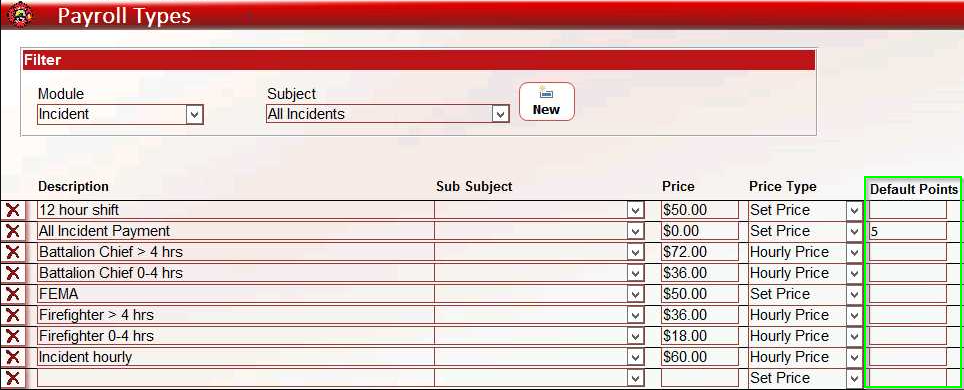
We added the Default Points feature in Payroll Types, so that you can set a default number of points for incidents and training assignments.
To set default points, go to Management > Staff Settings > Payroll types. In the Default Points column, enter the desired number of points for each incident/assignment. Move between incidents and training assignments using the filter at the top of the page.
August 1.4.08.1
Apparatus list
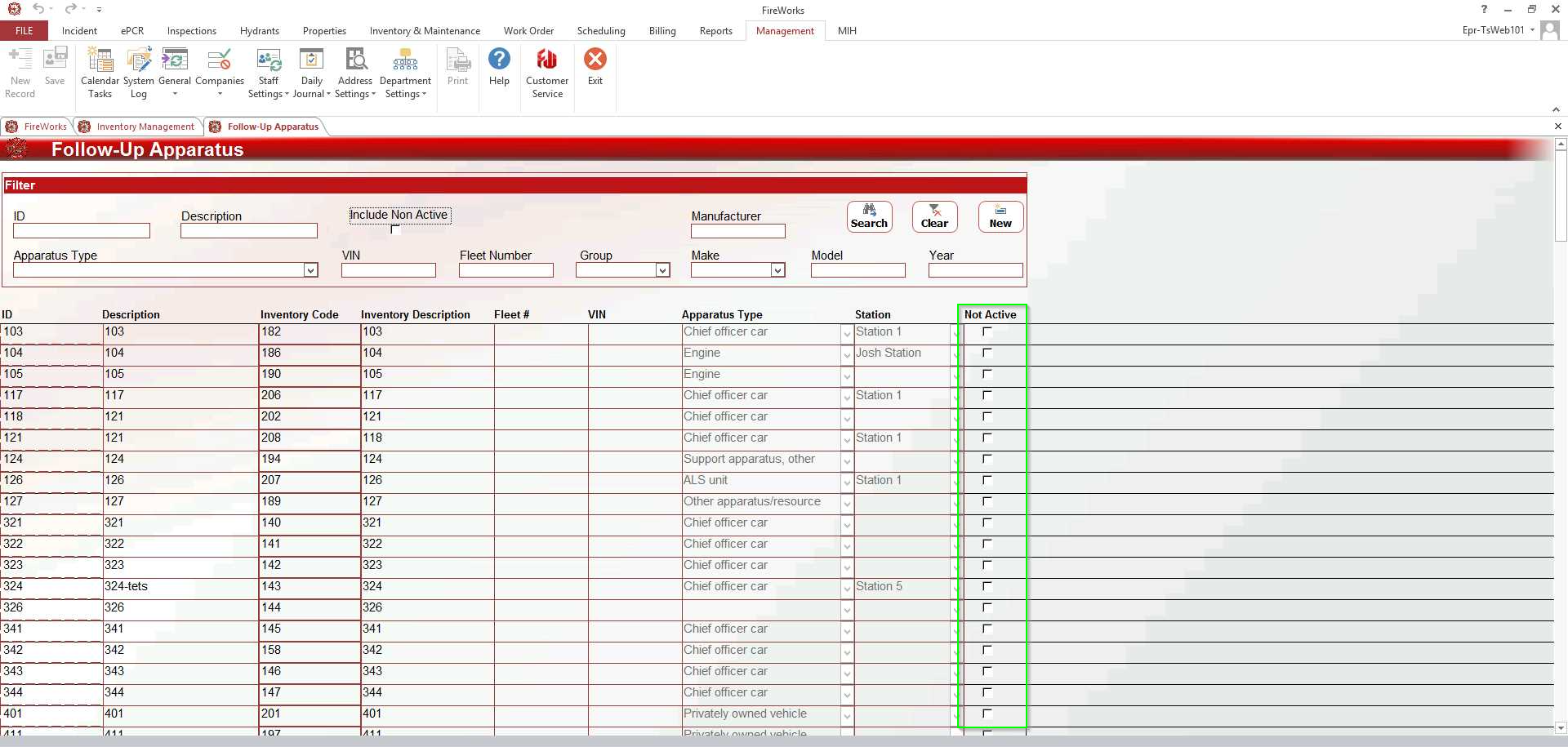
You can now set your apparatuses to Not Active directly from the apparatus list, using the new Not Active column.
Users & Permissions
Add Staff Certification
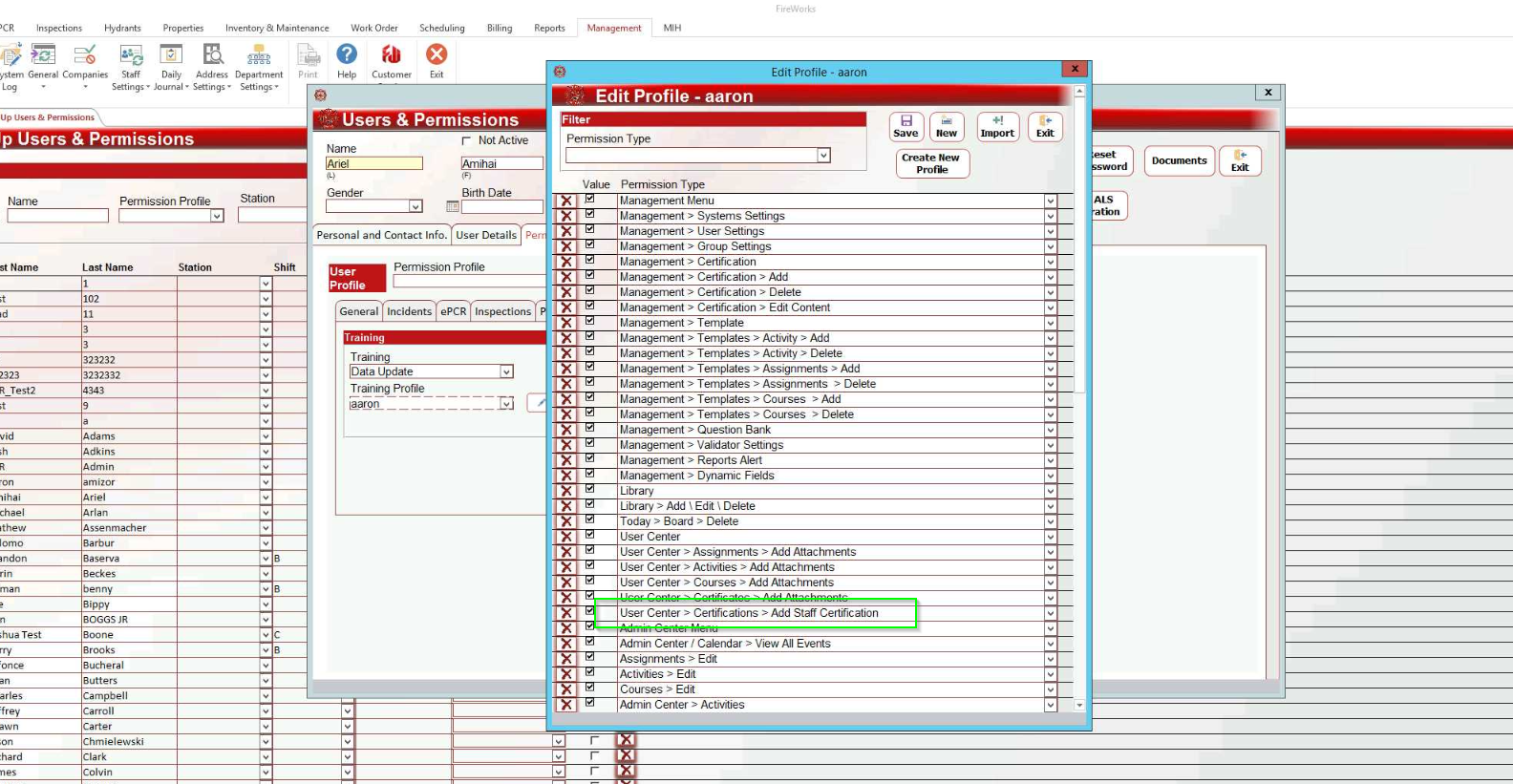
We added the Add Staff Certification permission under User Center > Certifications, so that you can control who is allowed to add certifications to user profiles.
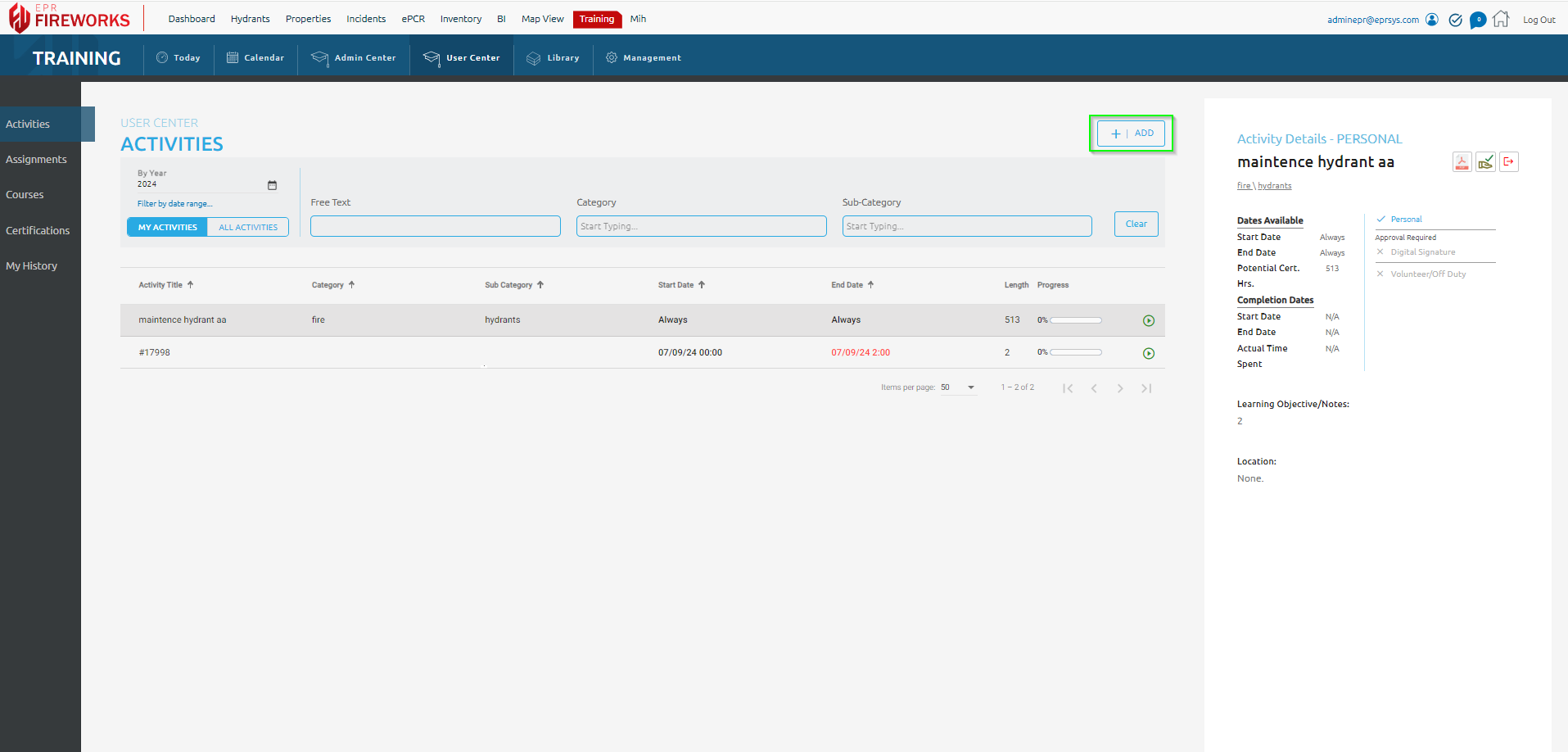
After setting the Add Staff Certification, use the Add button on the Training module to add certificates to users.
Incident Attachments
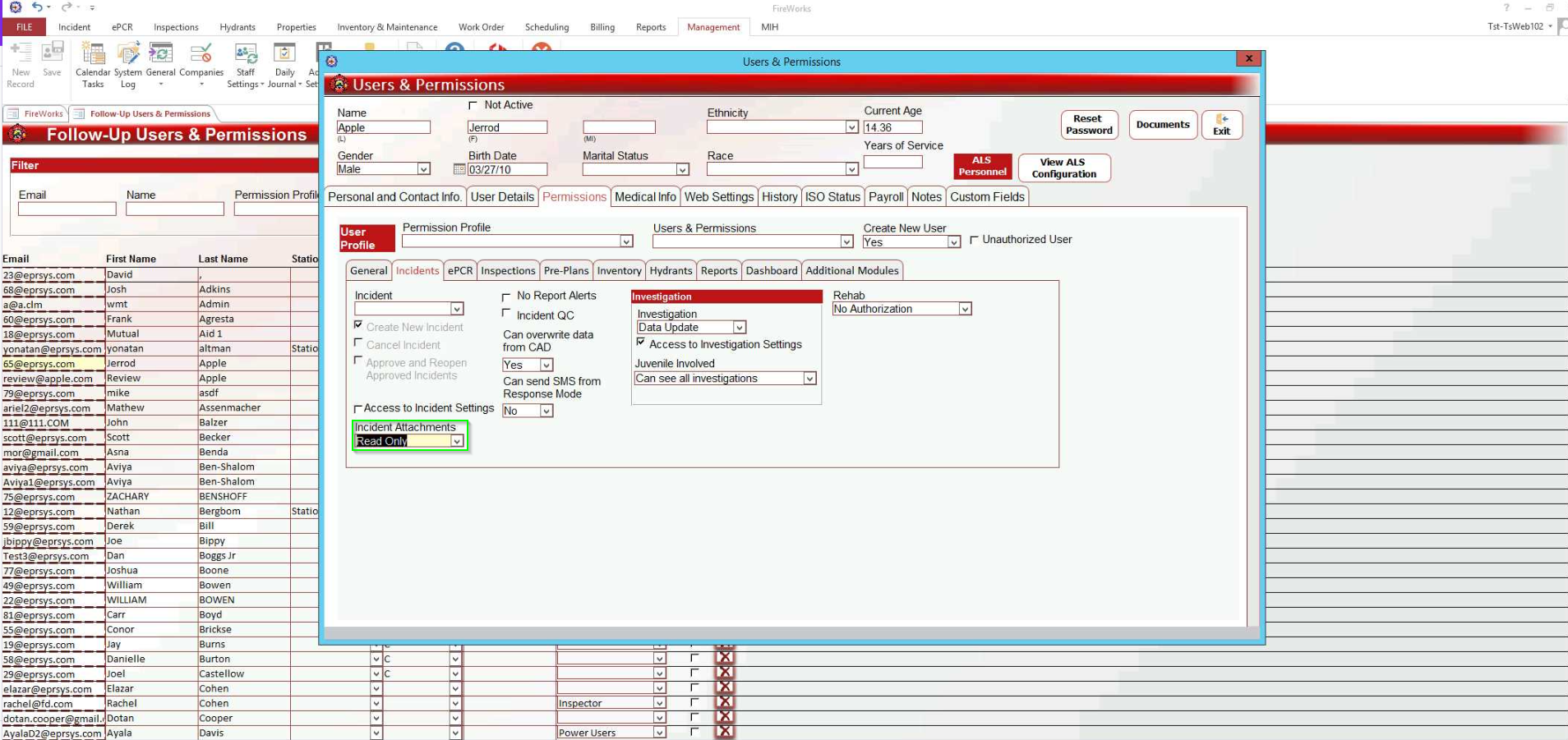
We added a Read Only permission to the Incident Attachments, so that you can control who can upload attachments to incidents, yet still view attachments added by others.
Daily Journal Subjects
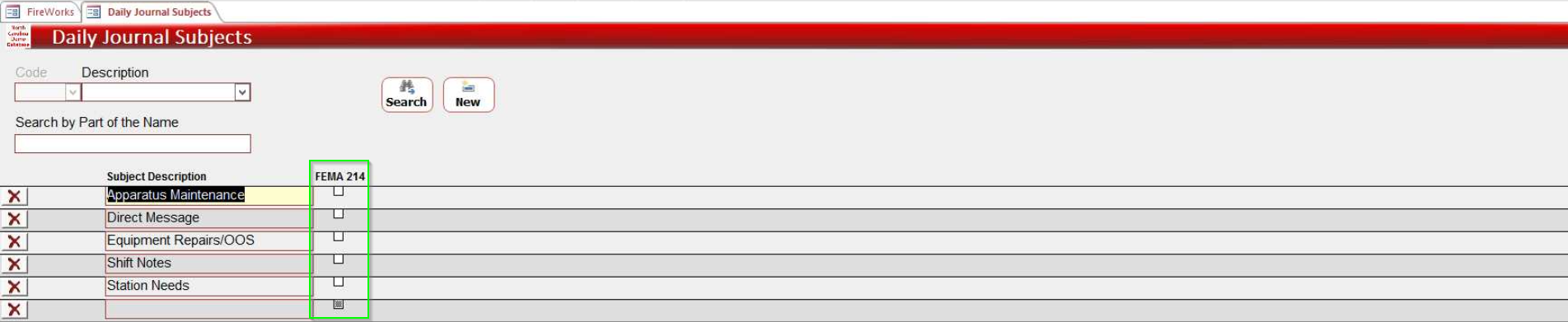
We added the FEMA ICS 214 form to the FireWorks ISO & NFPA Report Generator (BI > Reports & Queries > Reports). To add daily journal subjects to the form, in Management (Back-Office), go to Daily Journal Subjects, and then mark the fields you want to add to the form in the FEMA 214 column.