Billing - Release Notes
September 2025
Permits > Printing and Billing
We enhanced the Permits section (Property Info > Permits) with new features to streamline printing and billing processes for fire department operations.
New Features
Print Permits: Generate and email PDF versions of permits directly from the Permits interface.
Email Bills: Send multiple bills to a single recipient in a consolidated PDF format via the new Billing interface.
Print Permits
The Print Permits feature allows you to create and share PDF versions of permits.
Navigate to Property Info > Permits.
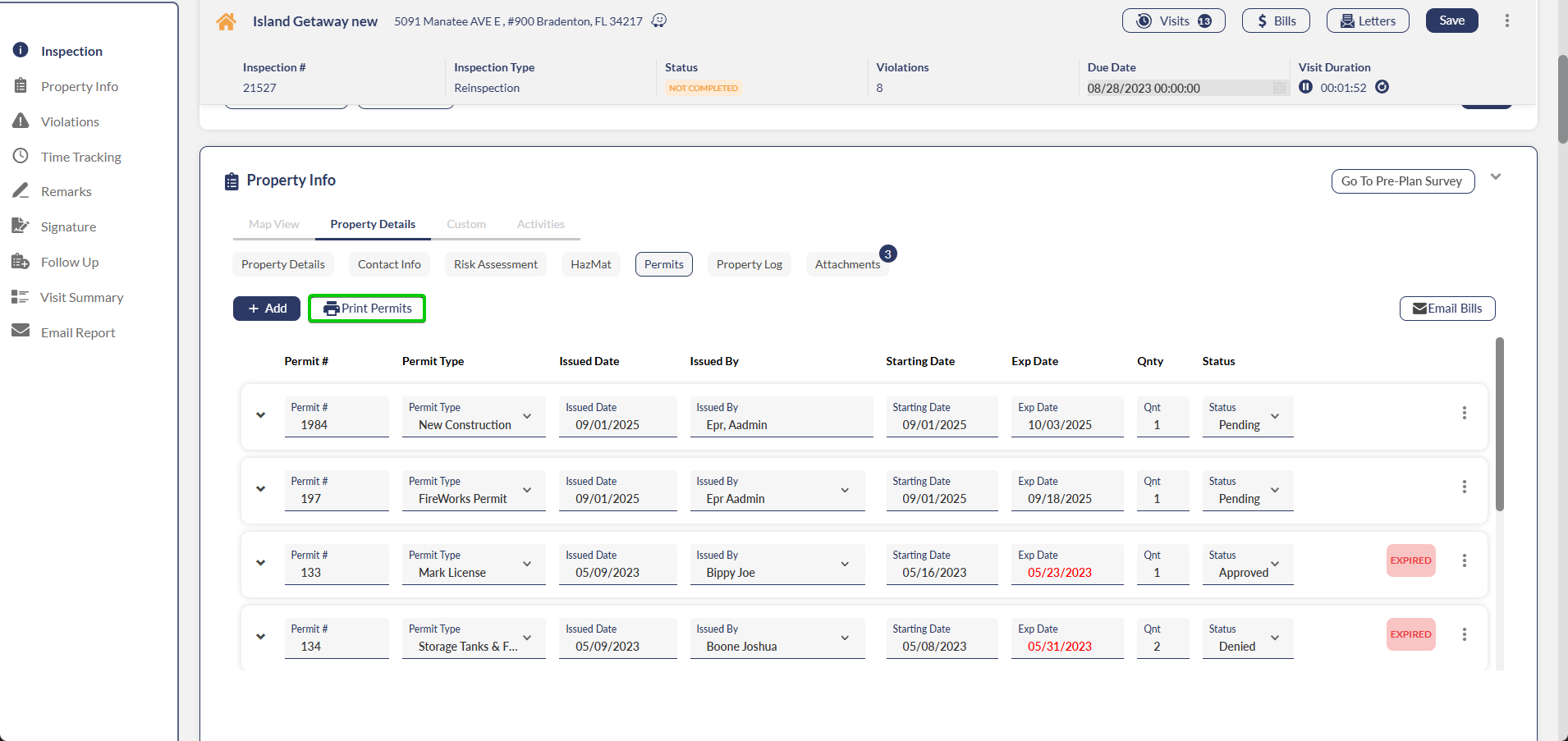
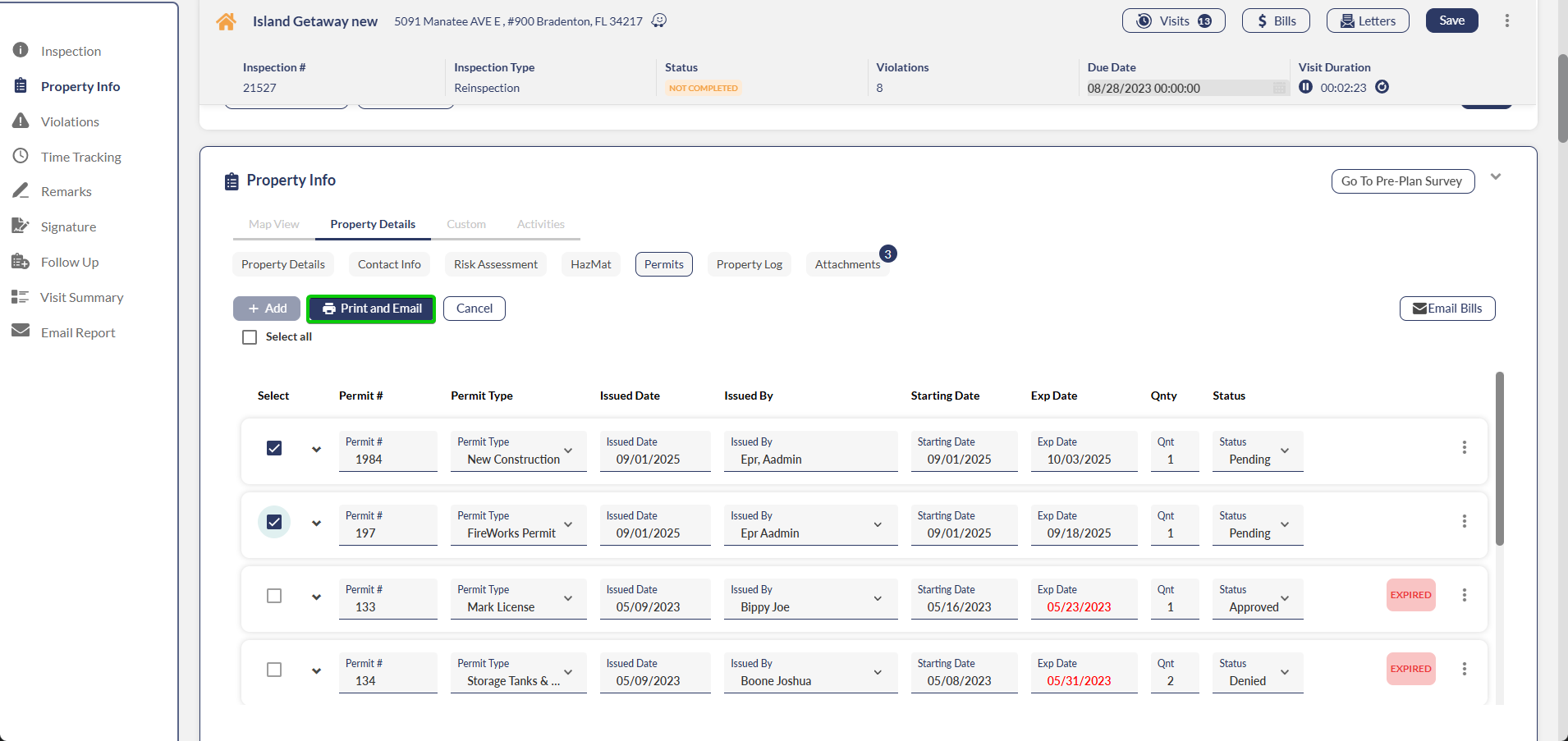
Click Print Permits.
Select one or more permits from the available list, or use Select All to select all permits.
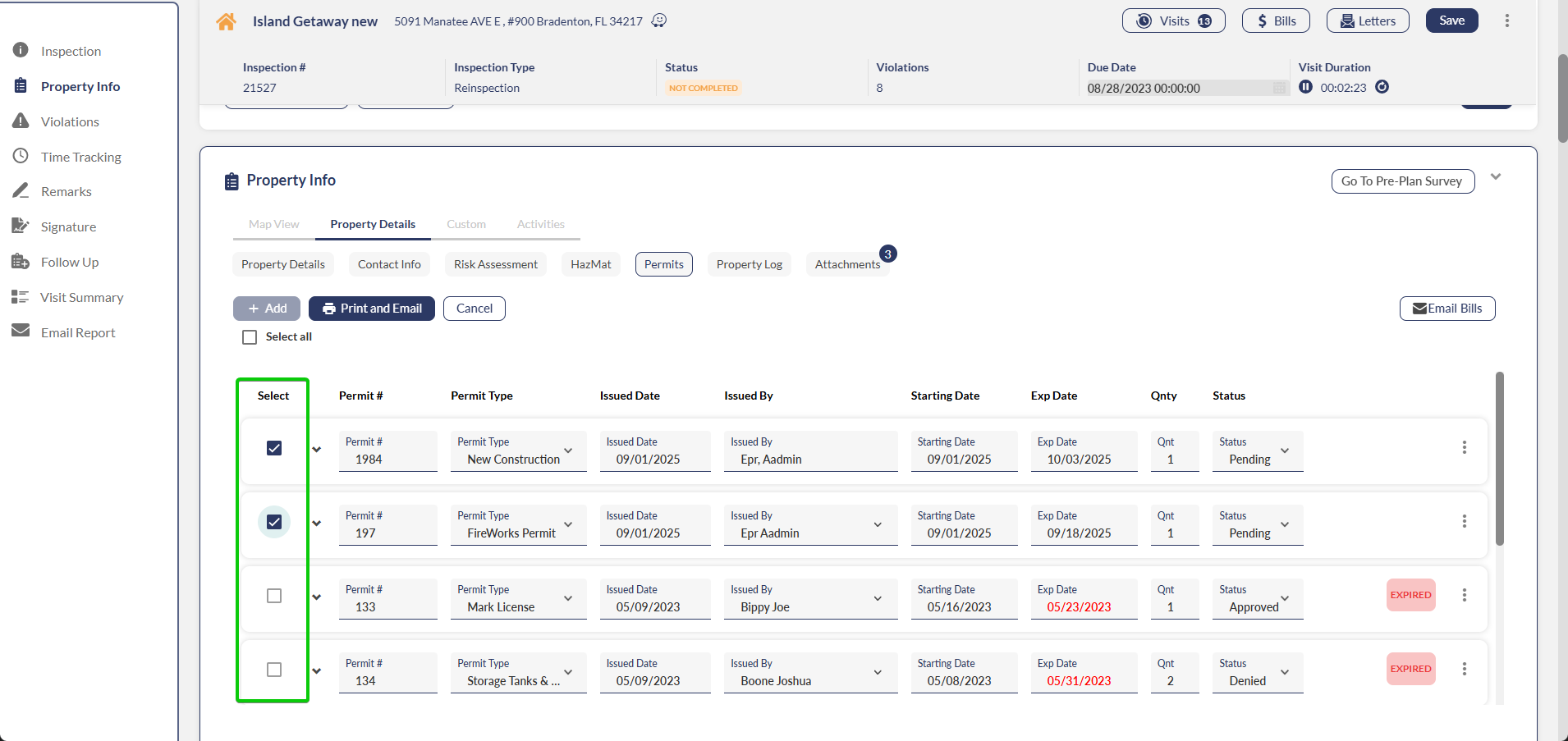
Note: You can only select permits with valid expiration dates.
Click Print and Email.
Choose a letter description and add optional remarks for recipients.
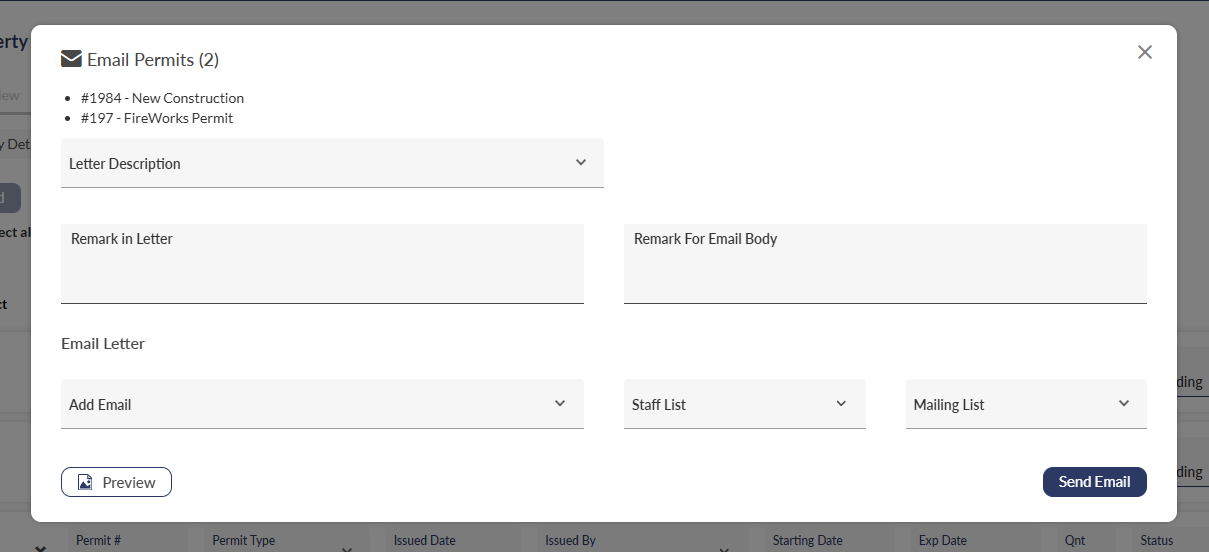
Enter the recipient's email address, select from the staff list, or choose a mailing list.
Click Send Email to deliver the PDF permits.
Email Bills
The Email Bills feature enables sending multiple unpaid bills to a single recipient in a consolidated PDF.
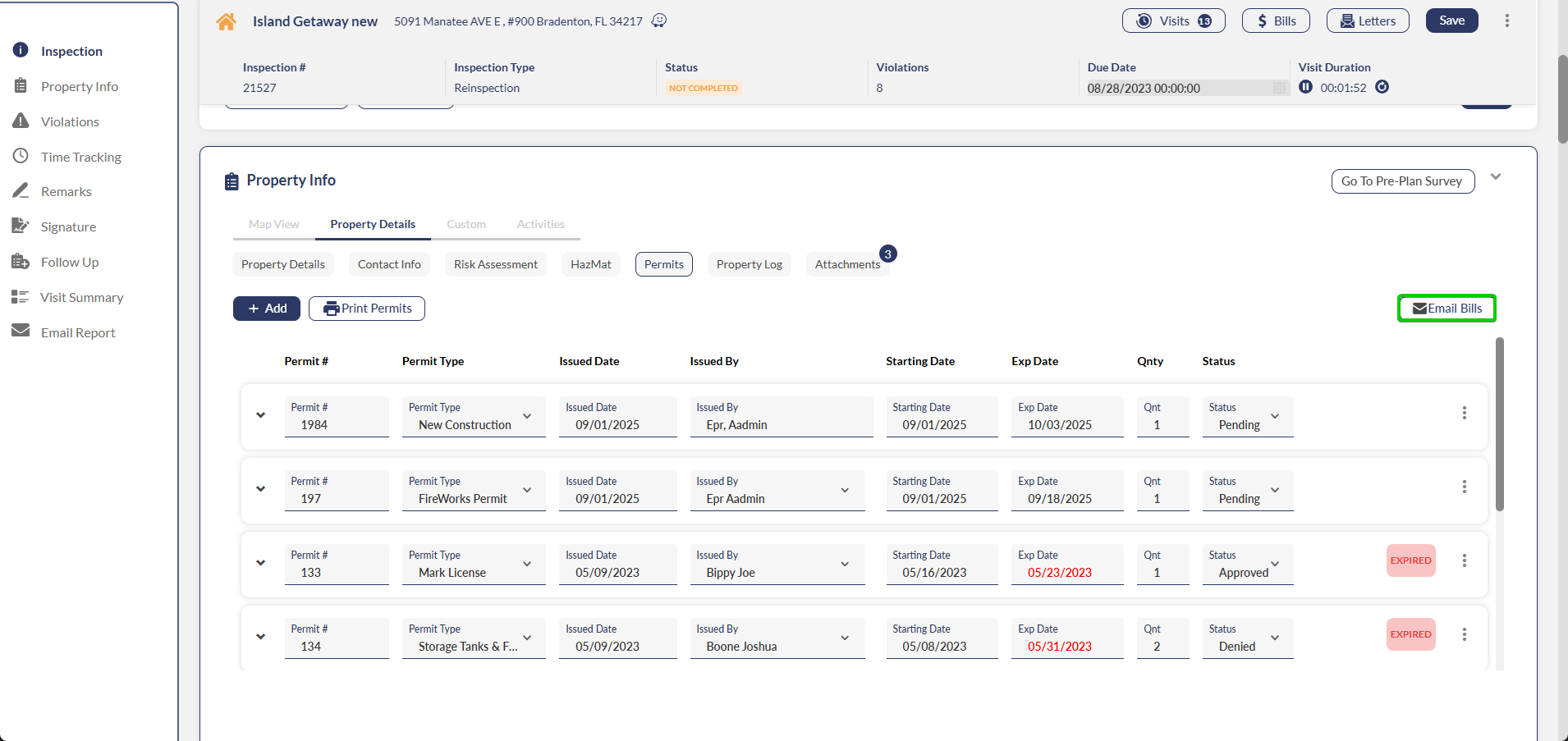
Navigate to Property Info > Permits.
Click Email Bills.
Select a contact from the dropdown or manually enter the recipient's email address.
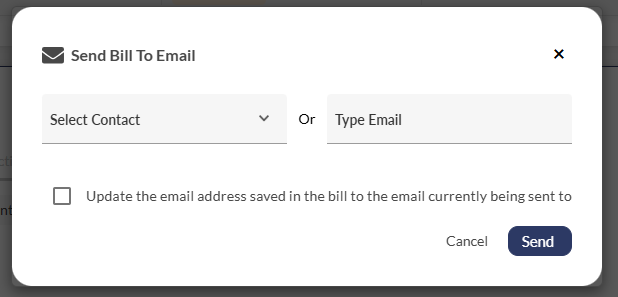
Click Send to deliver the consolidated billing PDF.
Billing Portal
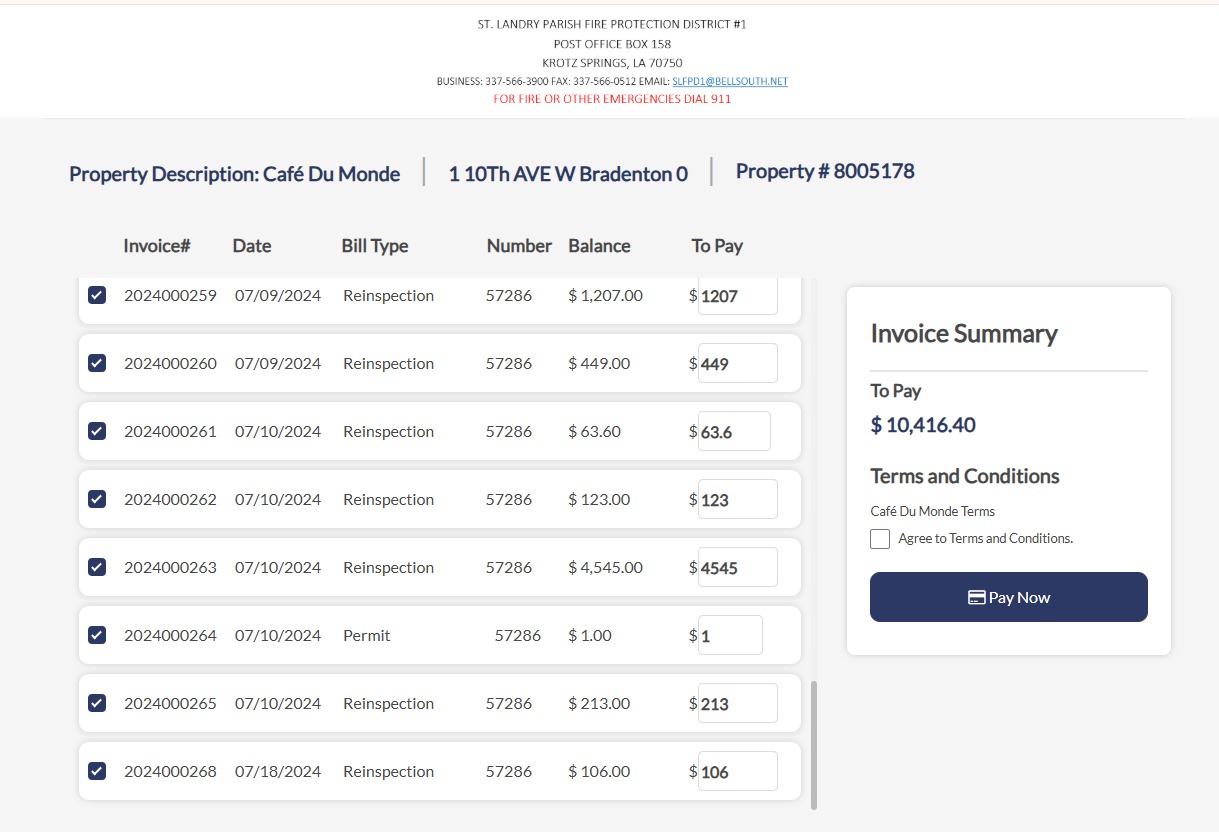
For departments working with Elavon for billing, we updated the billing portal, allowing users to pay for multiple bills at once.
July 2025 Build 1.5.7.1
Billing > Sent to Collection
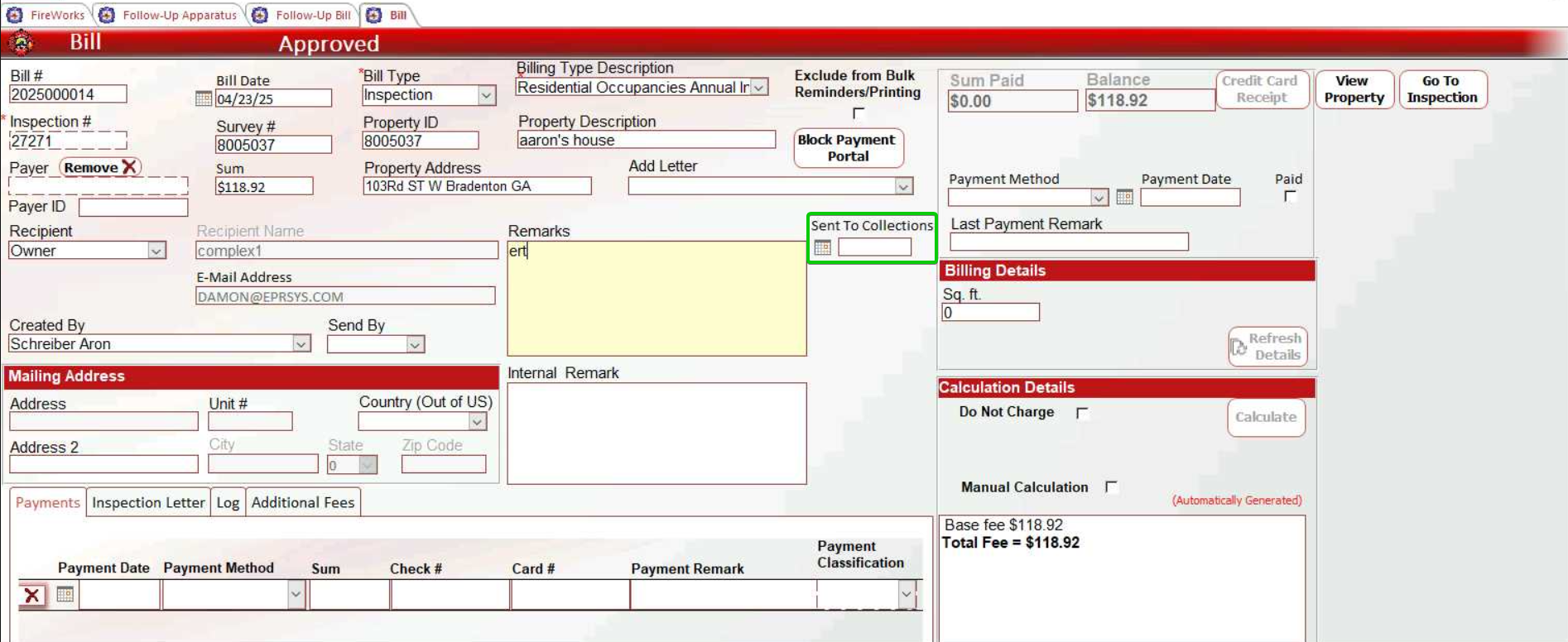
You can now track when unpaid bills were sent to collections using the new Sent to Collections feature in the Billing window. This enhancement helps you maintain accurate records of when bills were forwarded to collections and improves tracking of your billing workflow.
Billing > External Billing
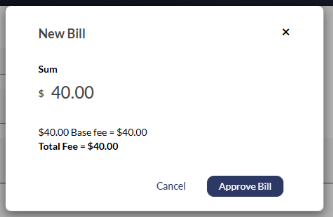
We disabled the Approve and Email feature for all departments using external billing vendors, ensuring billing emails to citizens are sent exclusively by your billing vendor. This prevents duplicate billing communications to your citizens and streamlines your billing workflow.
April 20, 2025 Build 1.5.4.1
Billing > Billing Types
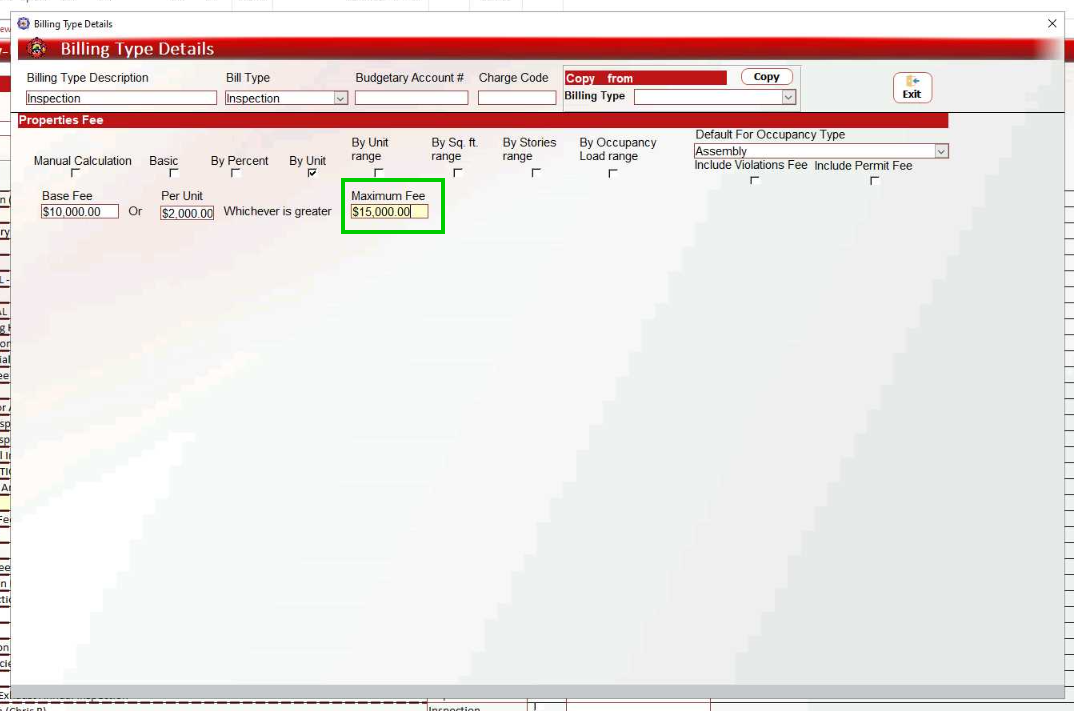
When billing by unit, you can now set a Maximum Fee in inspection billing.