May 2026 (Web Application)
May 12, 2026
BI > NERIS Insights
.gif?inst-v=ee4f8db6-ad1f-47bd-b362-b9f167384037)
You can now access NERIS Insights from the BI module using the NERIS button. This analytics platform transforms your NERIS submission data into dashboards, forecasts, maps, and AI-powered reporting, refreshed hourly.

Note: NERIS Insights reflects only the data your department submits to NERIS. Fields or modules not transmitted to NERIS will not appear in analytics.
NERIS Batch Changes
You can now perform batch changes on a filtered list of NERIS incidents.
To run a batch change:
Set filters.
Click
 > Batch Changes on the top right of the incident list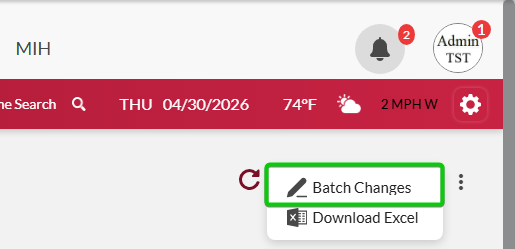
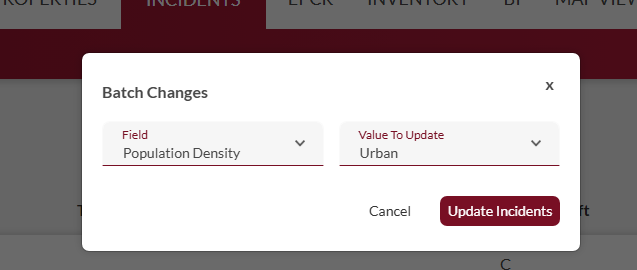
Select the field and value you want to update.
Click Update Incidents.
NERIS Incident List > Adding Attachments to Completed/Approved Incidents
You can now add attachments to completed/approved incidents.
Note: Attachments added to completed/approved incidents cannot be edited or deleted.
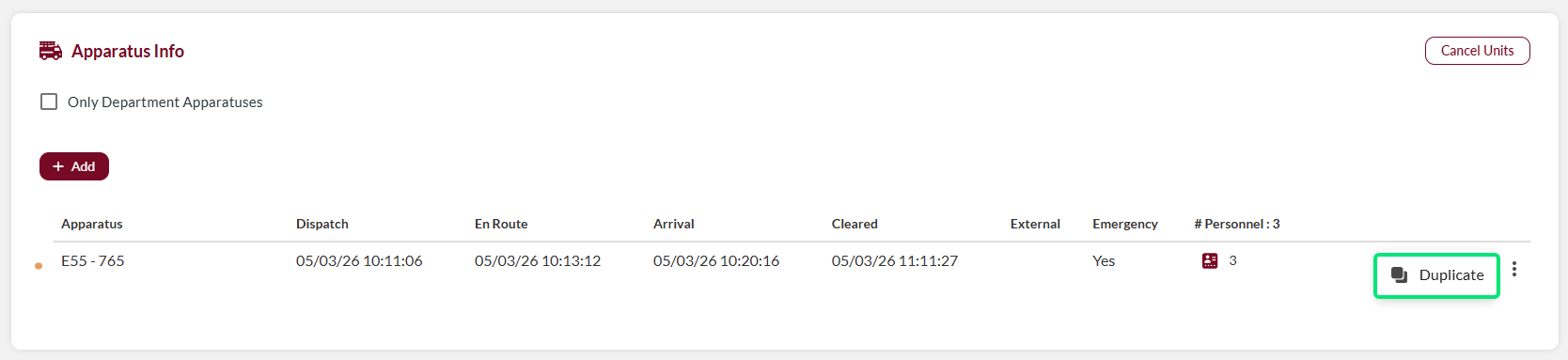
NERIS Incident > Duplicate Apparatus Icon
The Duplicate Apparatus icon has moved to the three-dot menu on the apparatus row, reducing visual clutter in the incident interface.
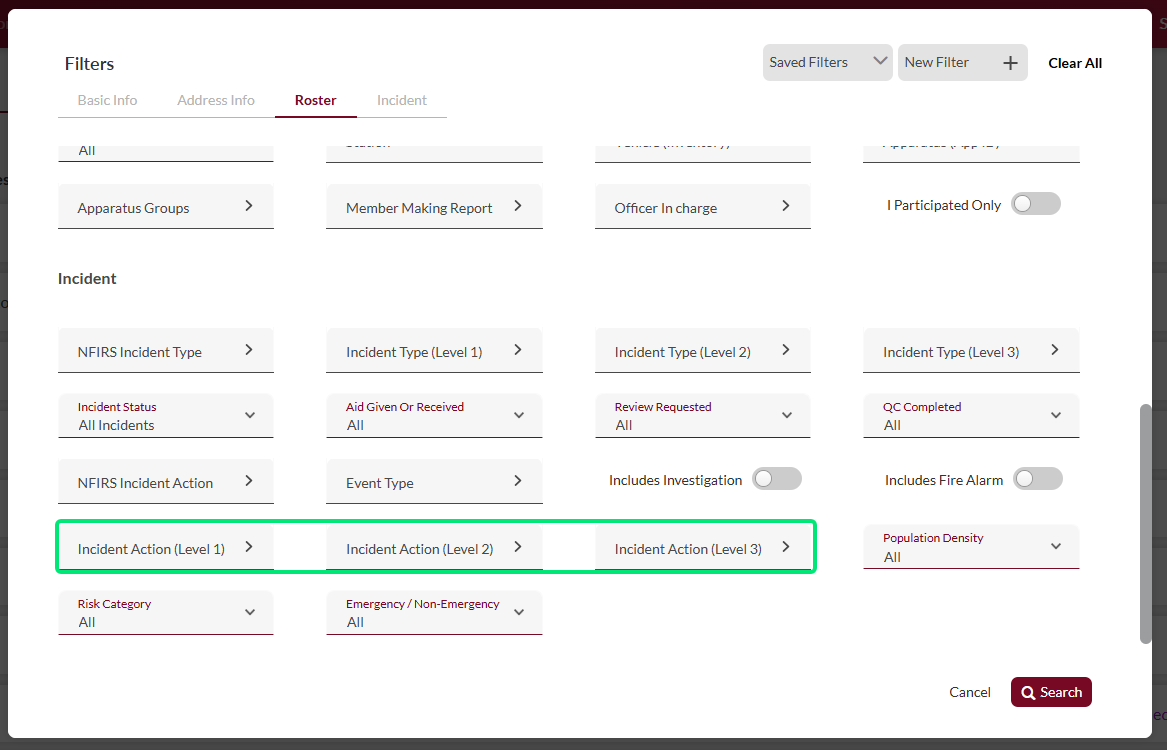
NERIS Filters > Action Level Filters
You can now filter incidents by up to three Action Level values simultaneously, in accordance with NERIS guidelines.
ePCR > Improved Scalability for all Devices
The ePCR interface has been updated to improve display and usability across all device types, including adjustments to screen sizing, date pickers, and numeric input pads.
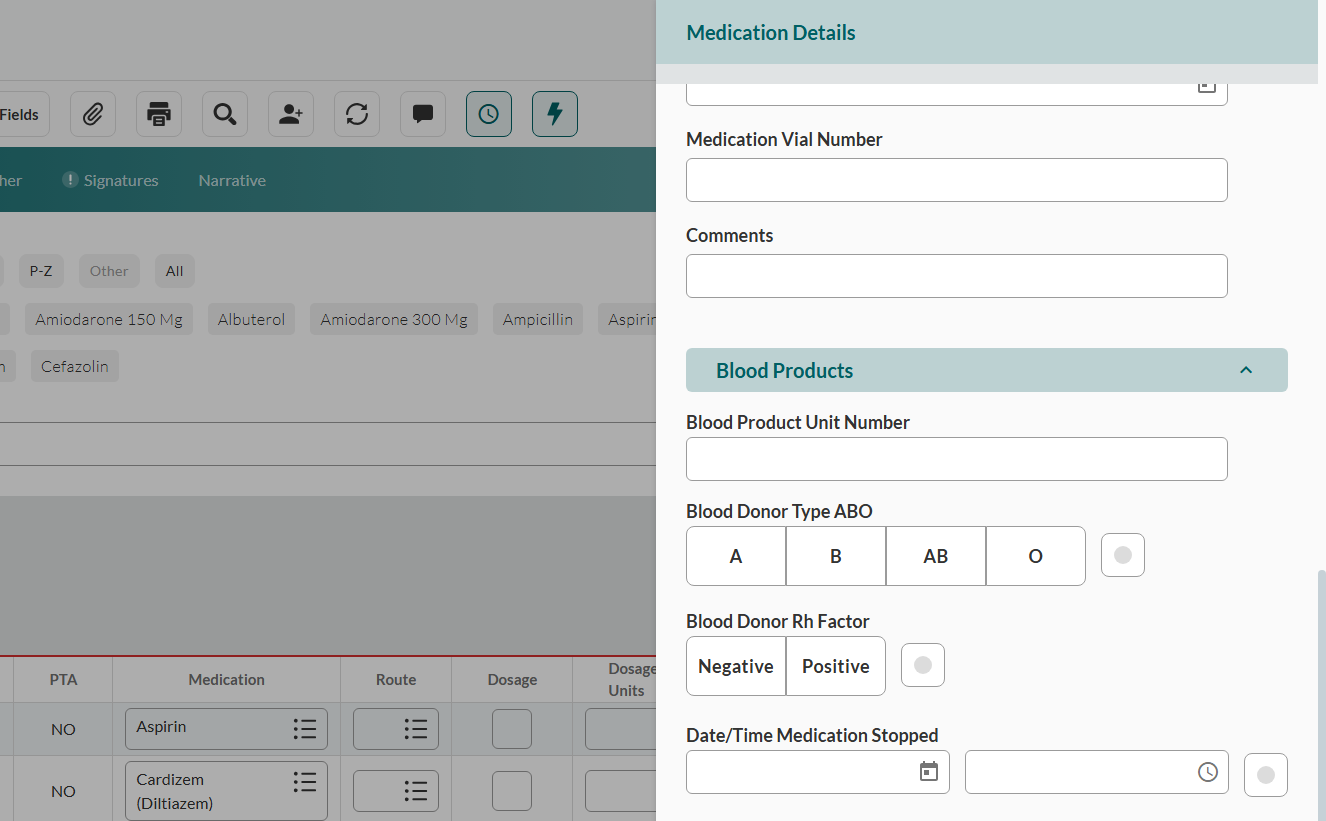
ePCR > Assessment > Treatment > Medication Details > Blood Products
The Blood Products subsection is now available in the Medication Details sidebar, allowing you to document blood product administration within patient medication records.
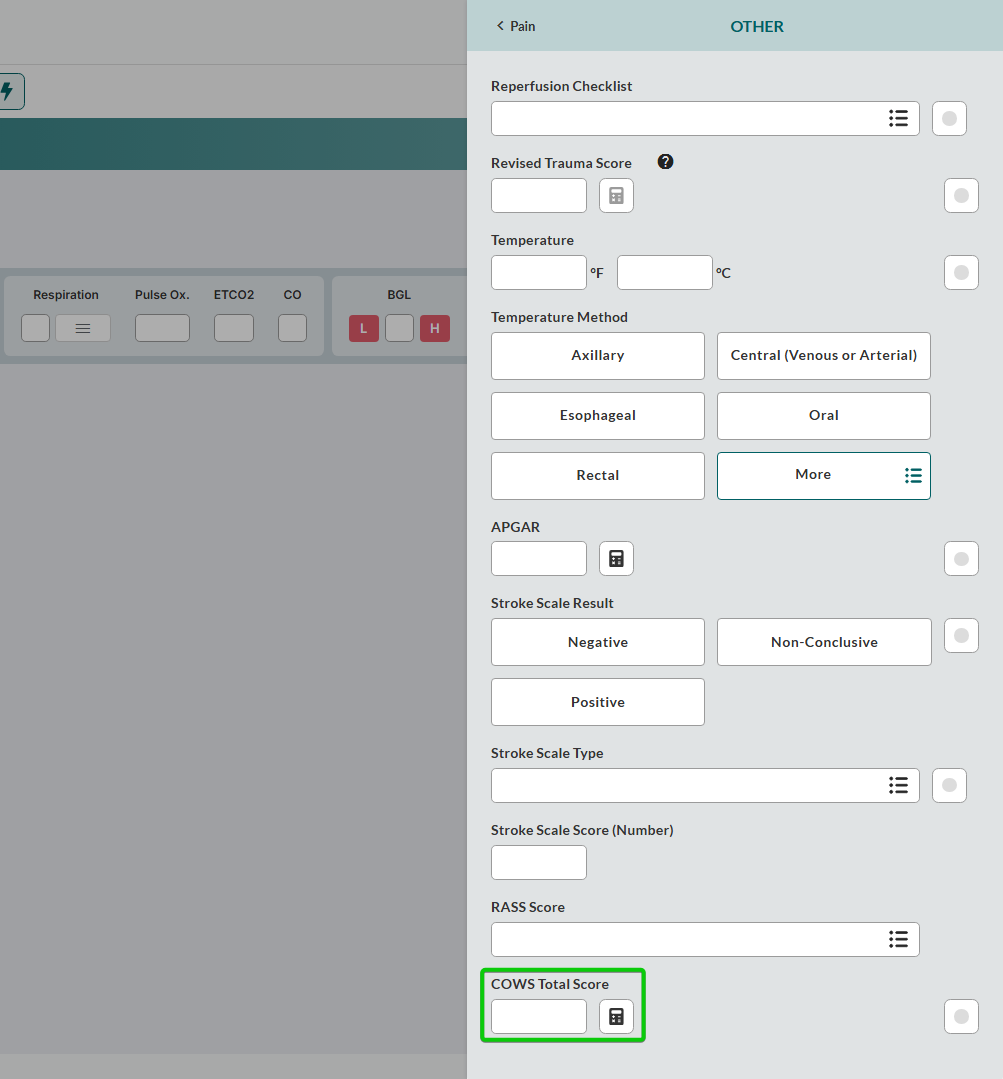
ePCR > Assessment > Vitals > Other > COWS Total Score
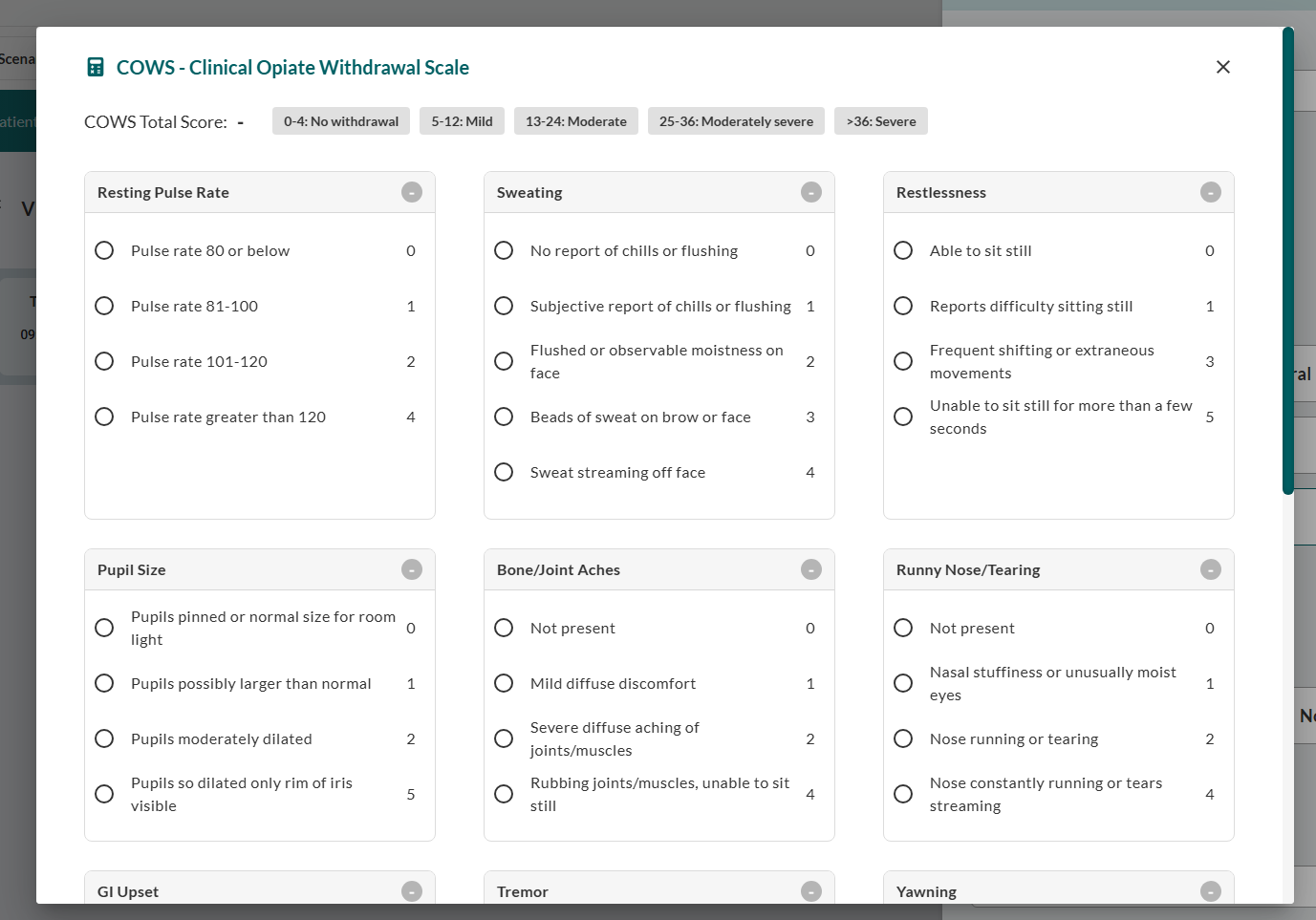
The COWS Total Score calculator now appears in the Other sidebar.
Clicking the opens a detailed calculation window, allowing you to complete the full assessment.
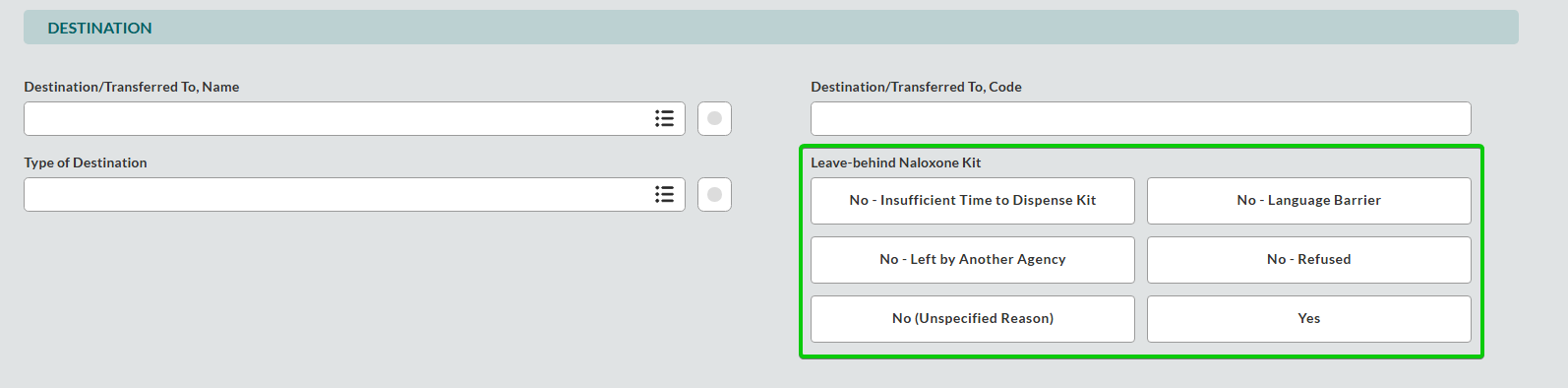
ePCR > Disposition > Destination > Leave Behind Naloxone Kit
The Leave Behind Naloxone Kit field is now available in the Disposition tab, allowing you to document whether a naloxone kit was left with the patient, bystander, or caregiver following an opioid-related incident.
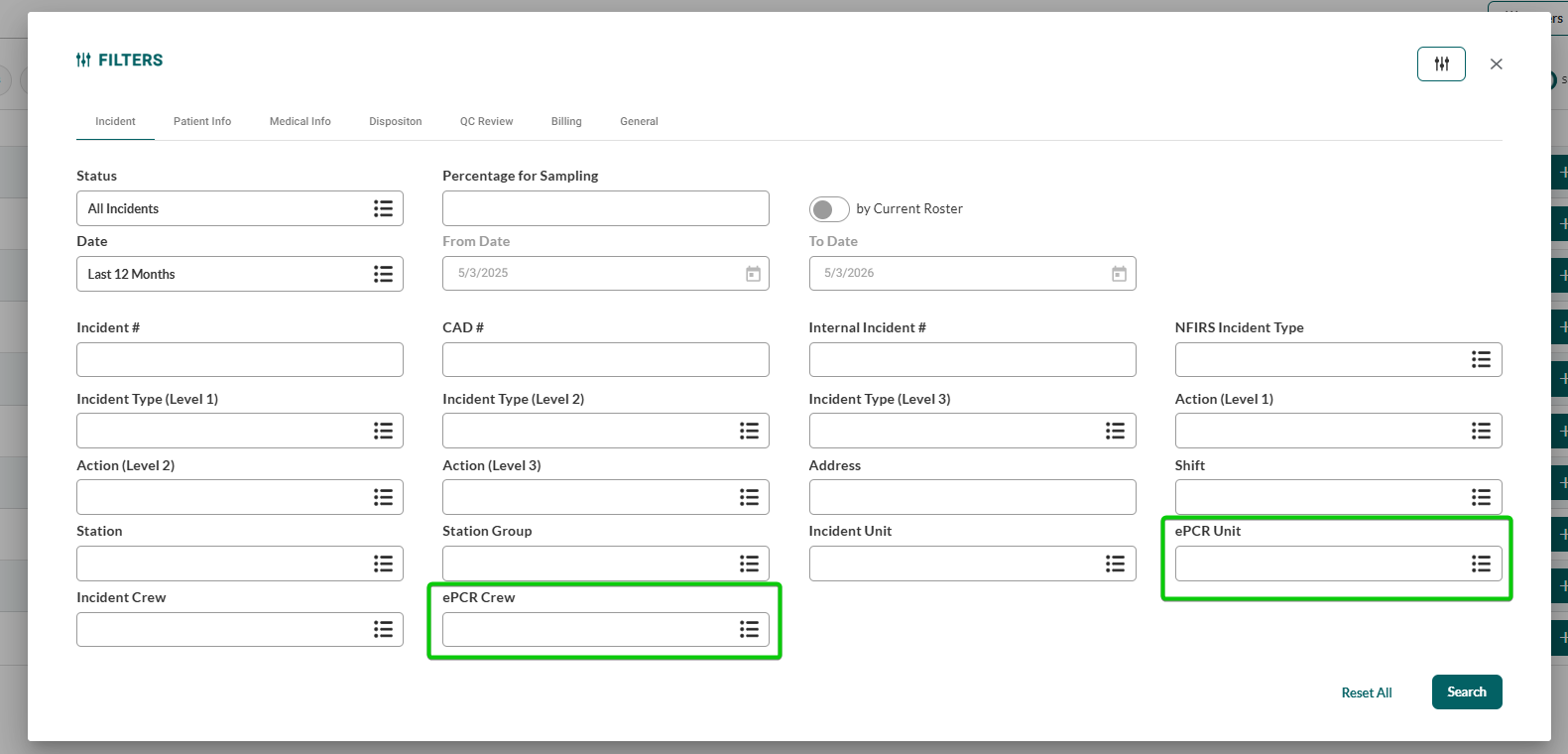
ePCR > Patient List > General Filters > ePCR Crew and Unit Filters
You can now filter the patient list by ePCR Crew and ePCR Unit, in addition to NERIS Incident Unit and Crew filters.
ePCR > Patient > Billing Tab Location
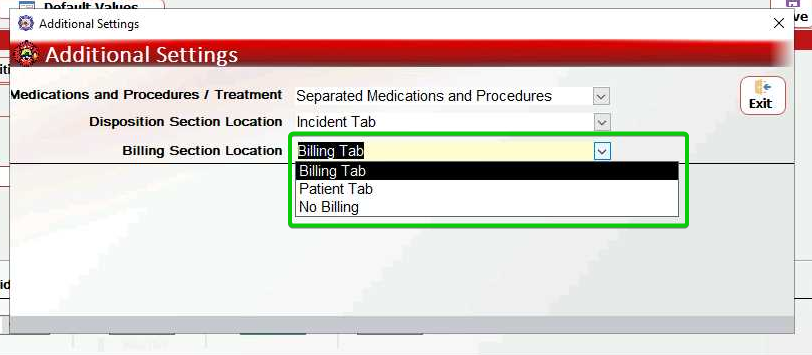
You can now configure the Billing tab to appear within the Patient tab instead of as a standalone tab in the main navigation.
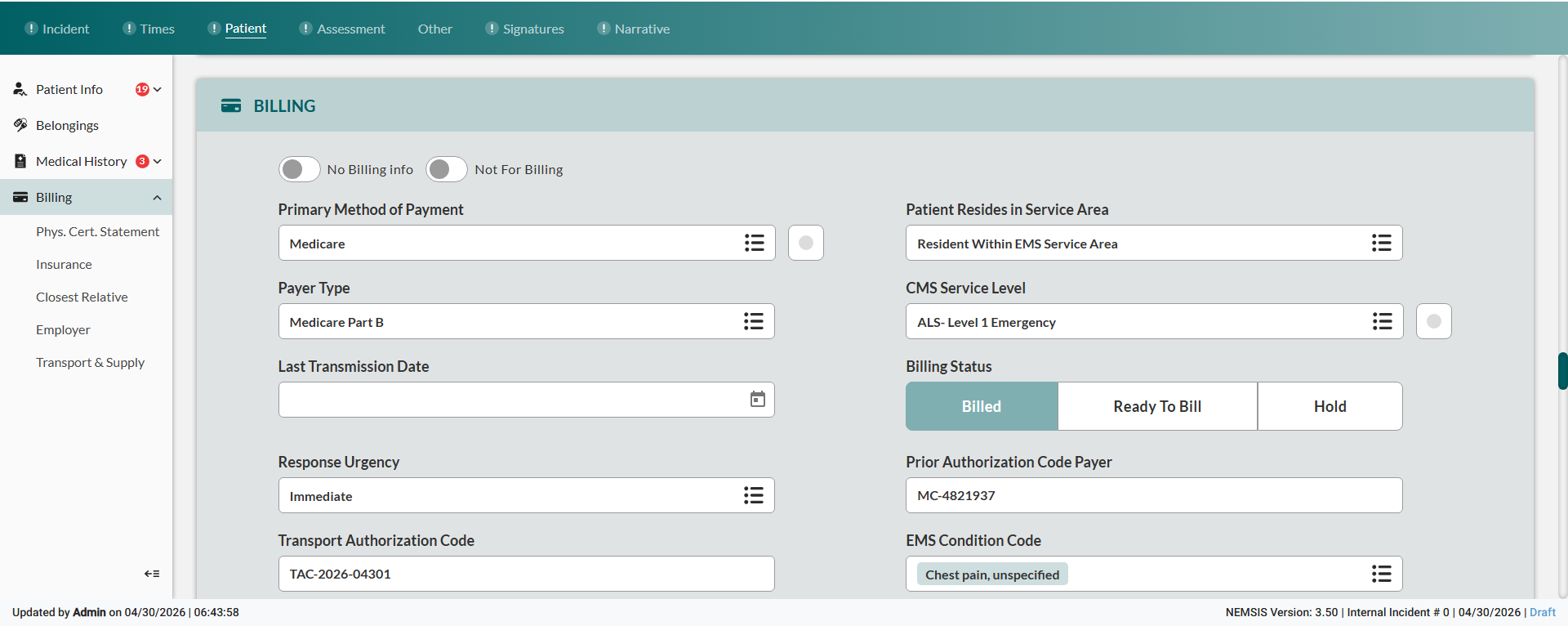
You can configure the Billing Section Location in ePCR Back-Office > Settings > ePCR Elements Configuration > Additional Settings.