
External Data Reports
Overview
Attach external report documentation to EPR FireWorks incident records for comprehensive patient care documentation.
Before You Start
Gather external report identification numbers and documentation
Ensure Hospital Team Activation is completed if applicable
Verify barcode scanning equipment is available and report barcodes are scannable
Entering External Data
Complete external reporting requirements and documentation attachment.
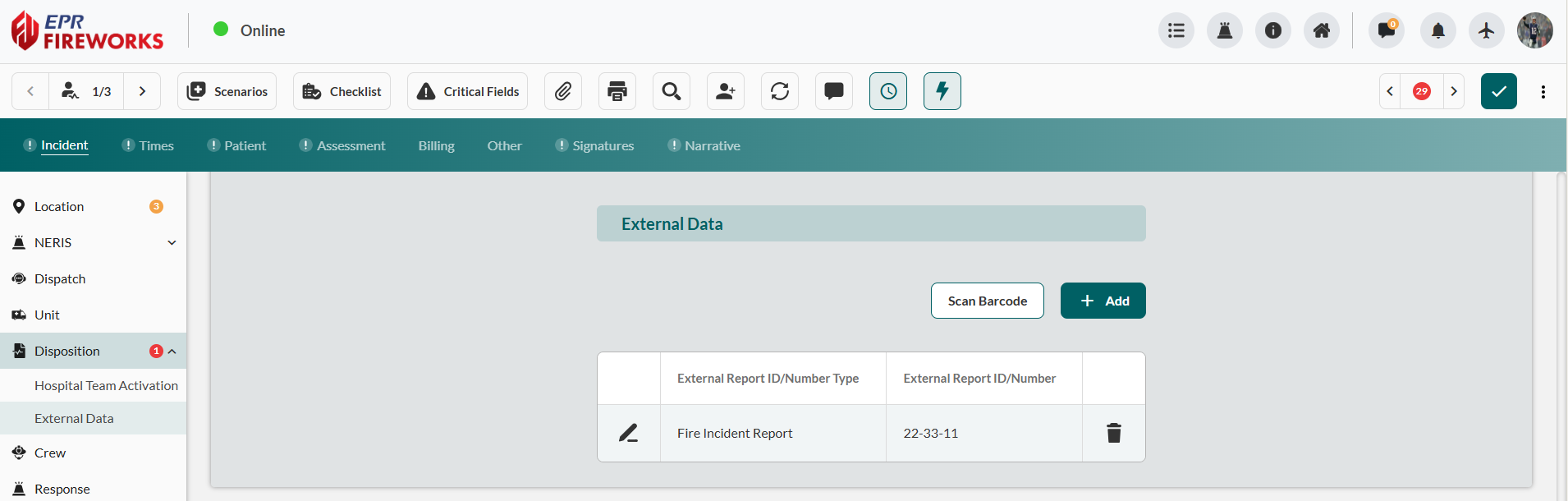
Scroll down to the External Data section.
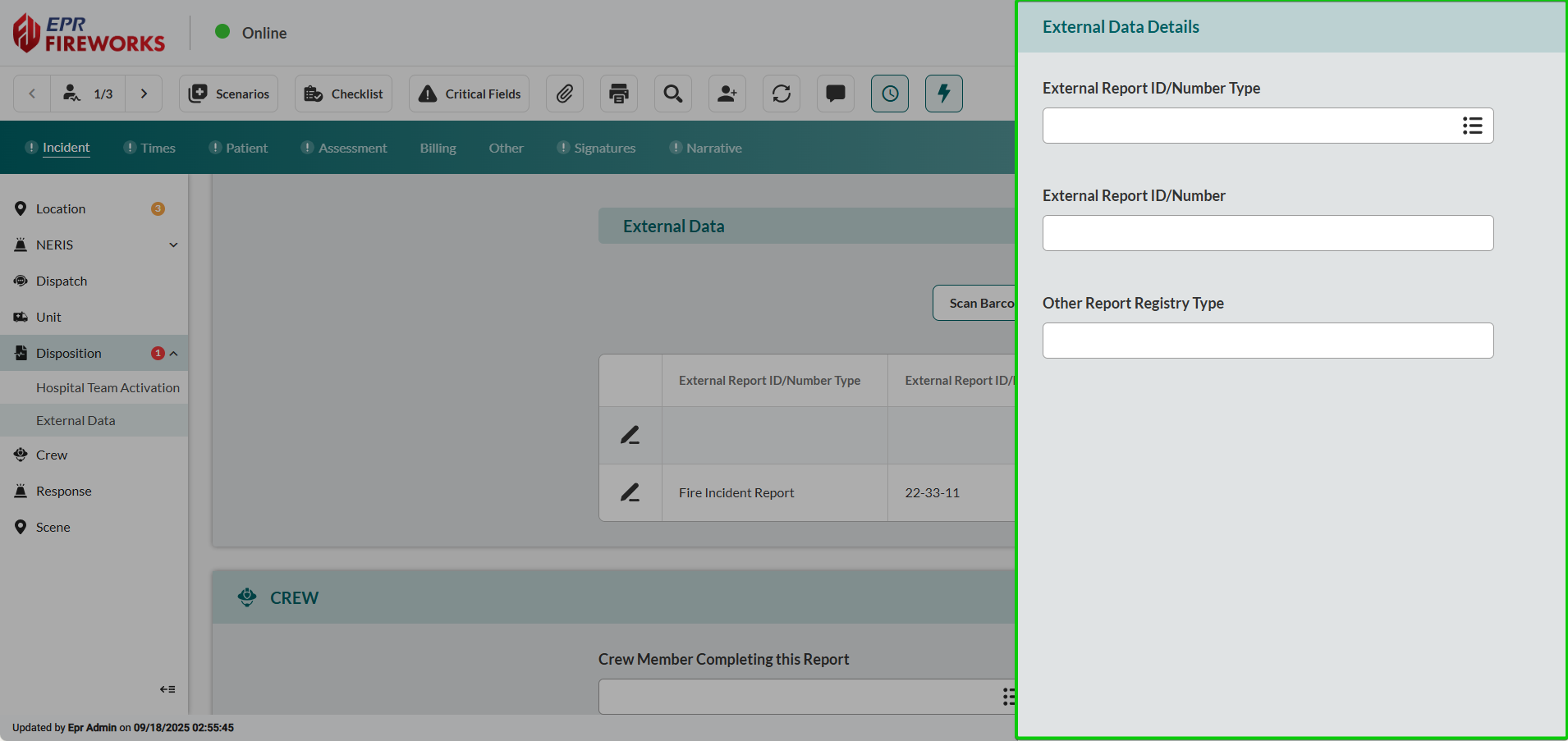
Click Add to open the External Data Details sidebar.
Select External Report ID/Number Type.
Enter the External Report ID/Number.
Complete Other Report Registry Type if applicable.
Alternative: Barcode Scanning
Use barcode scanning for automated data entry when available.
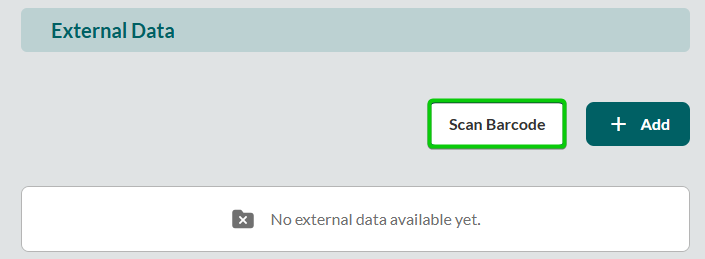
Click Scan Barcode to open the scanner interface.
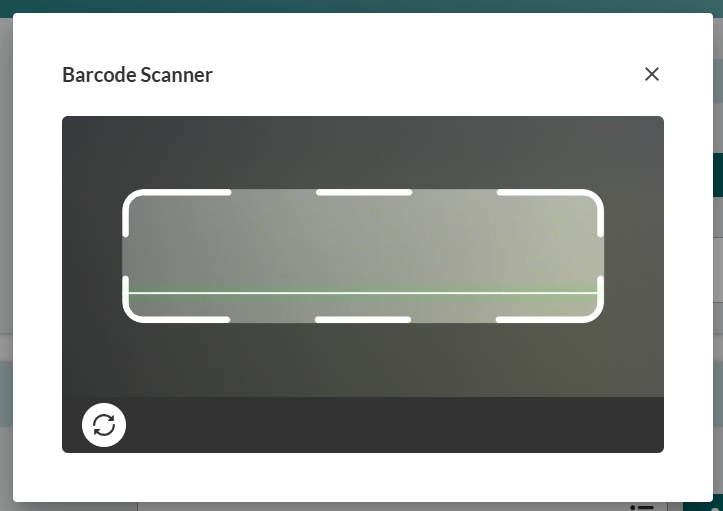
Position barcode within the scanning frame to populate external report details automatically.
Next Steps
After completing external data entry, proceed to Documenting Crew Assignments to record personnel information for the incident.