
Hospital Team Activation
Overview
Record hospital team activation events in EPR FireWorks for comprehensive incident documentation and communication tracking.
Before You Start
Navigate to the Disposition section in EPR FireWorks left navigation
Ensure patient assessment information is complete
Verify activation details with hospital communication records
Recording Hospital Team Activation
Document hospital notification and activation details.
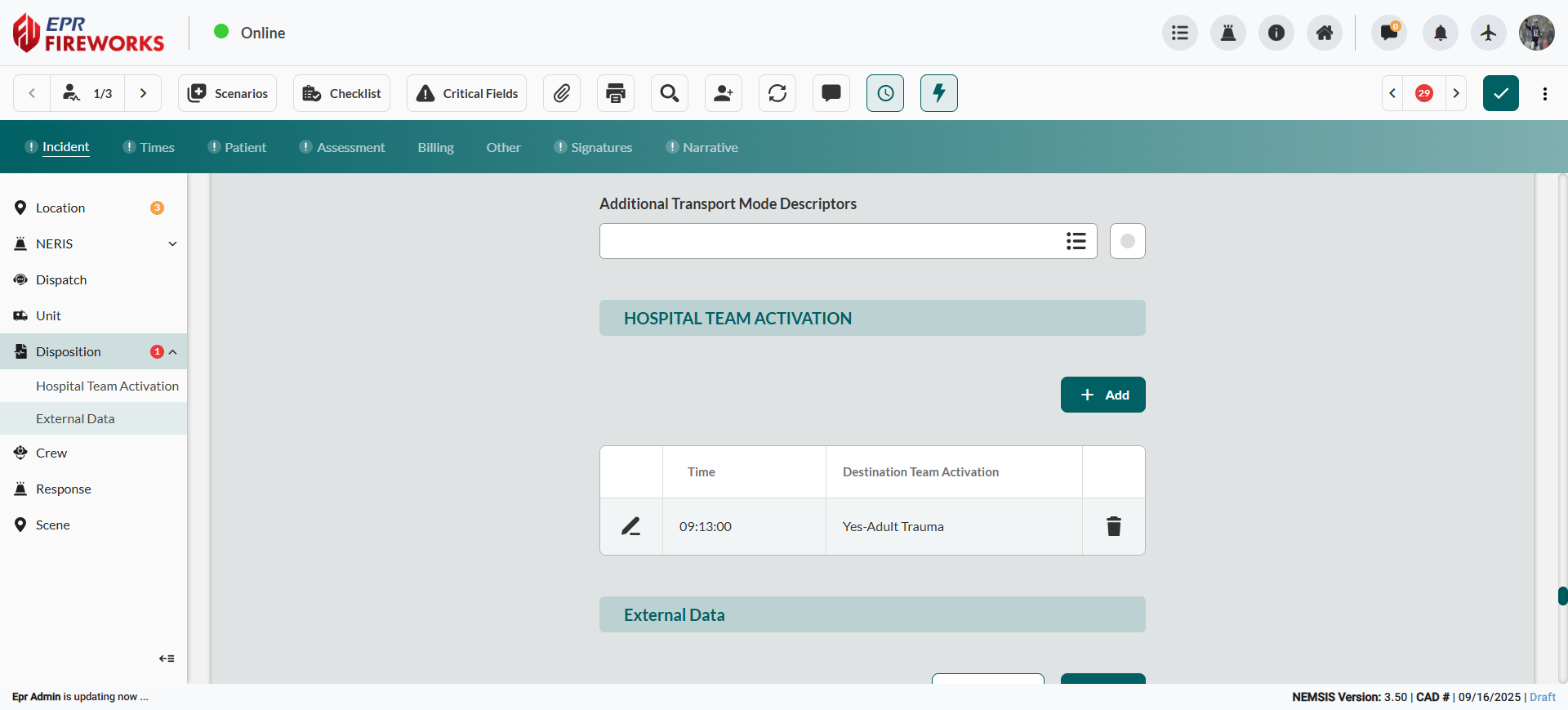
Scroll down to the HOSPITAL TEAM ACTIVATION section.
Click Add to open the Hospital Team Activation Details sidebar.
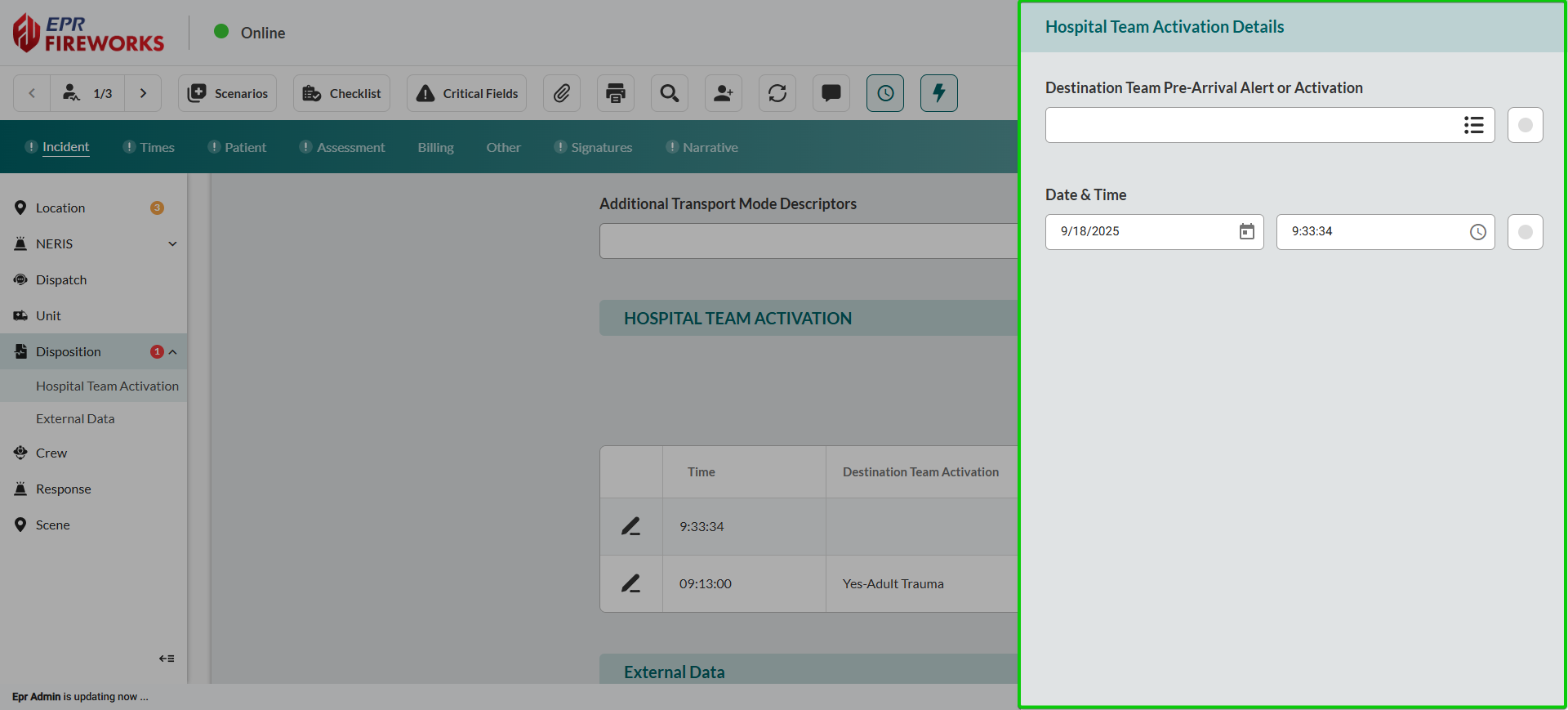
Select Destination Team Pre-Arrival Alert or Activation type.
Enter the Date & Time of activation using the calendar and time pickers.
Click the main ePCR screen to return to the report.
Next Steps
After completing hospital team activation, proceed to Entering External Data Reports if external documentation is required for the incident.
If external reports are not required, proceed to document Crew information.