
Unit (Disposition)
Overview
Document patient contact outcome, call classification, and crew assignments in EPR FireWorks for NEMSIS compliance.
Before You Start
Determine patient contact status and crew disposition before accessing the EPR FireWorks Disposition module.
Recording Unit Disposition and Call Details
Complete primary disposition fields and call classification.\

If the Unit Disposition is Cancelled on Scene, Cancelled Prior to Arrival at Scene, No Patient Contact, or No Patient Found, you can hide fields irrelevant to the incident disposition.
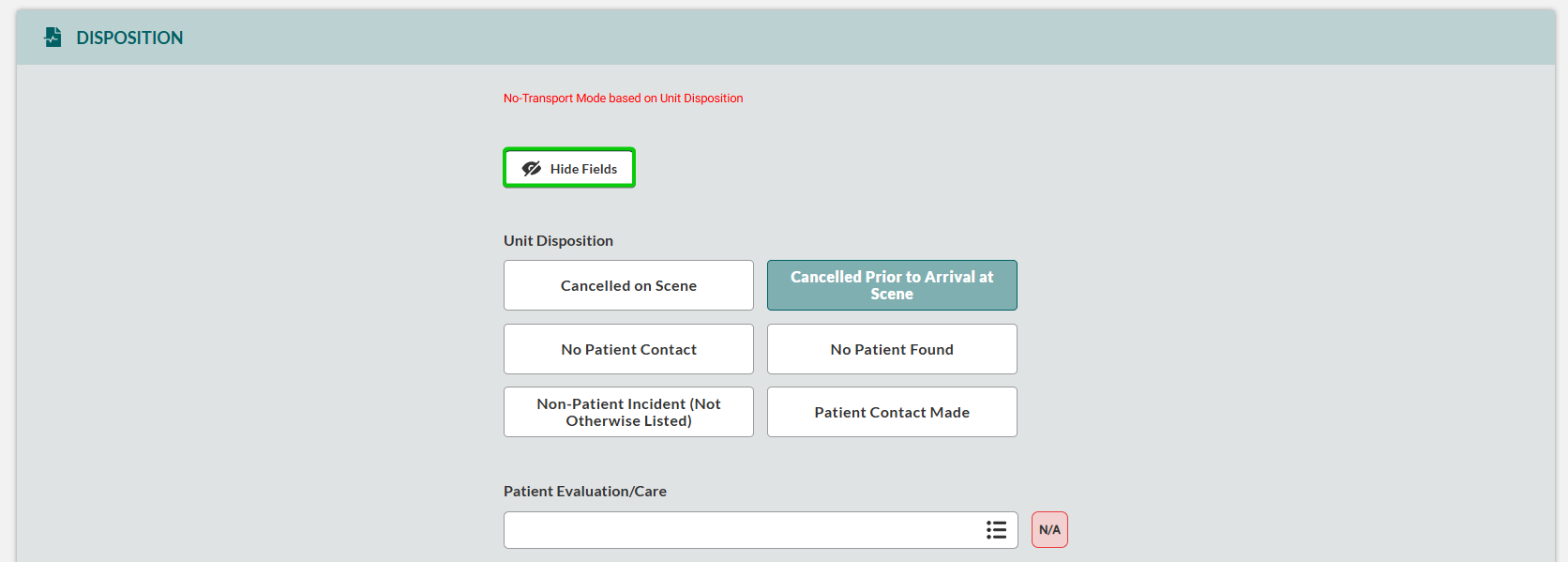
Navigate to the Disposition section in EPR FireWorks.
Select Unit Disposition outcome:
Patient Contact Made
Cancelled on Scene
Cancelled Prior to Arrival at Scene
No Patient Contact
No Patient Found
Non-Patient Incident (Not Otherwise Listed)
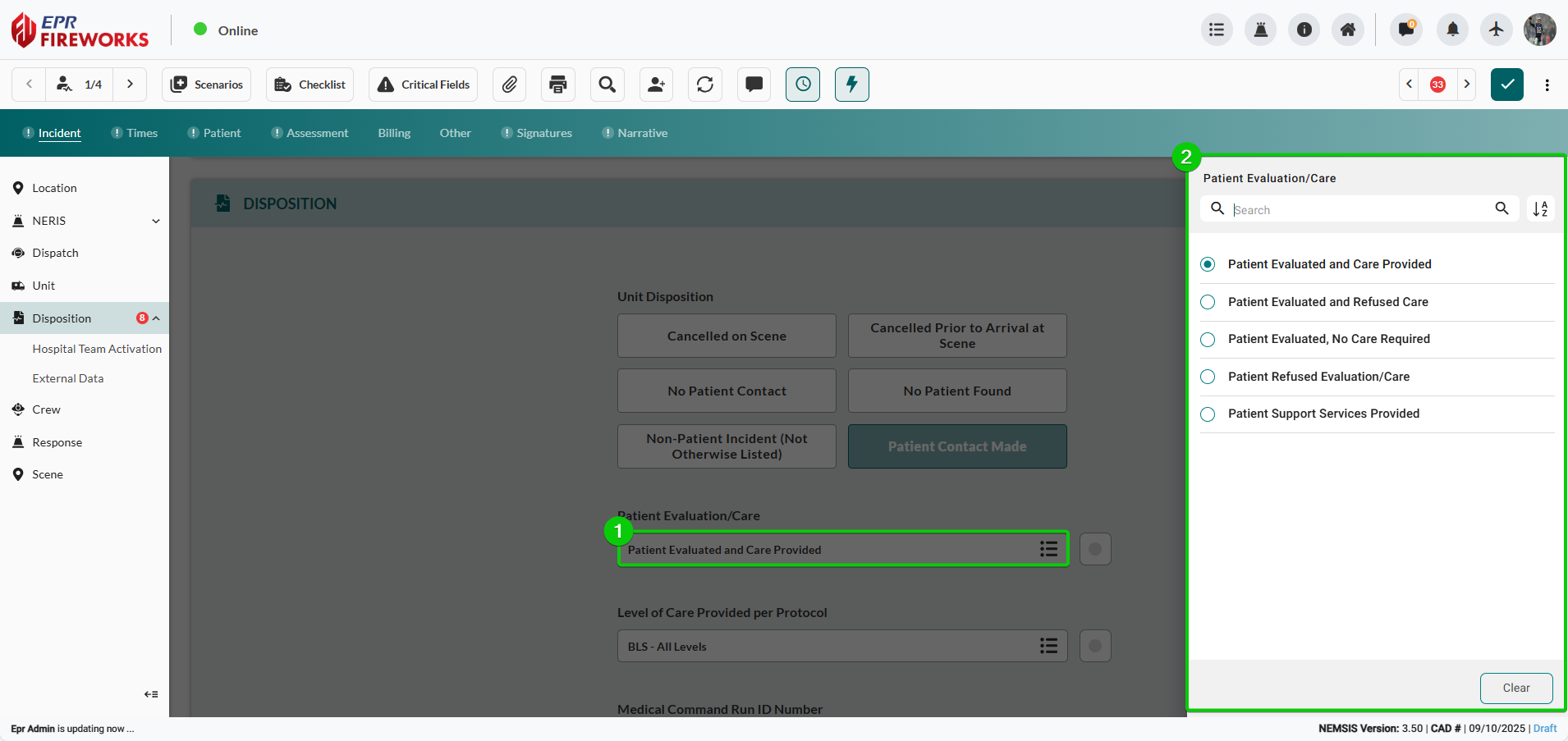
Click Patient Evaluation/Care, and then select provided evaluation/care.
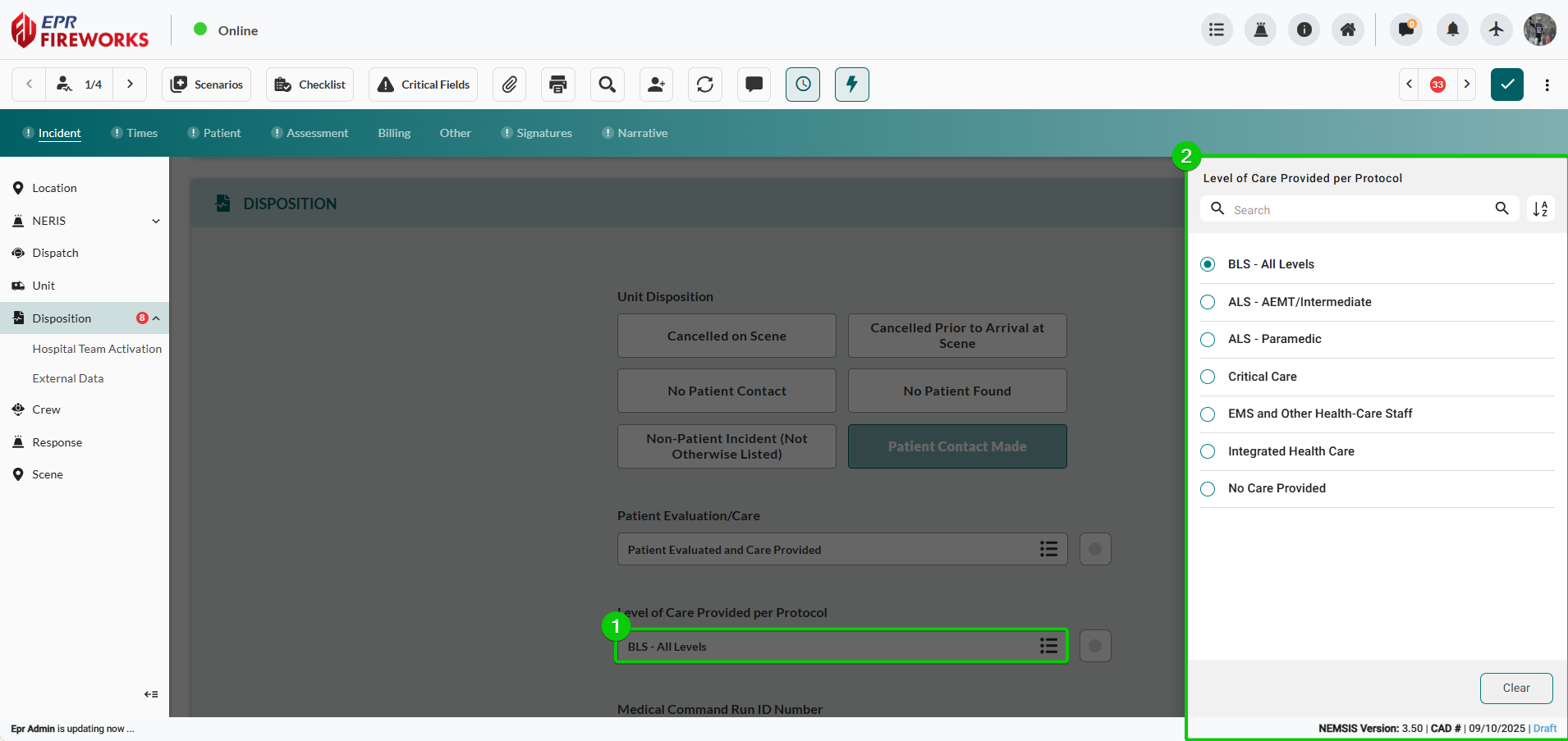
Select Level of Care Provided per Protocol from the sidebar.
Enter Medical Commander Run ID Number.
Click Call Type, and then select all applicable call types from the sidebar.
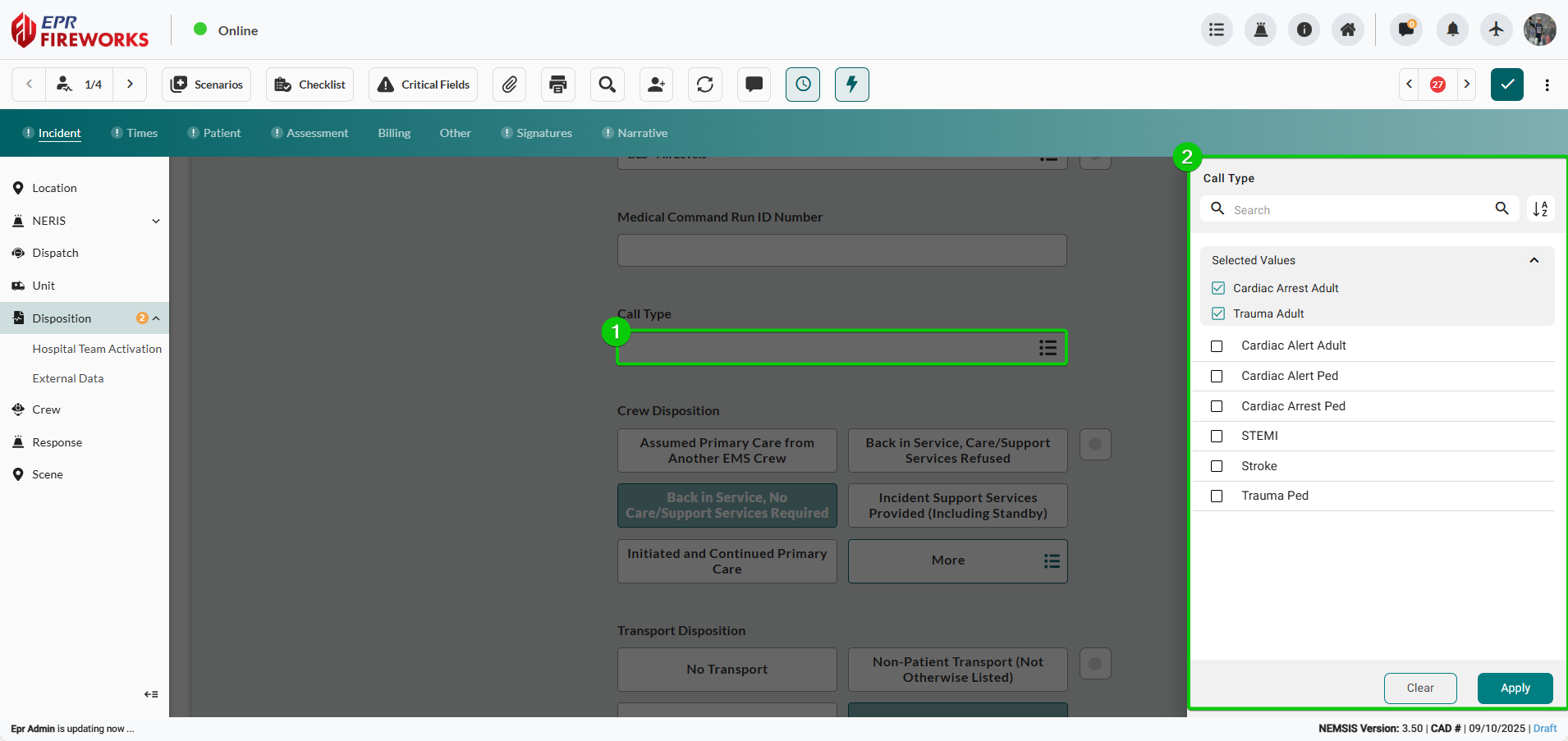
Select Crew Disposition.
Note: The system displays Crew Disposition options according to the agency’s defined order. To view all options, click More.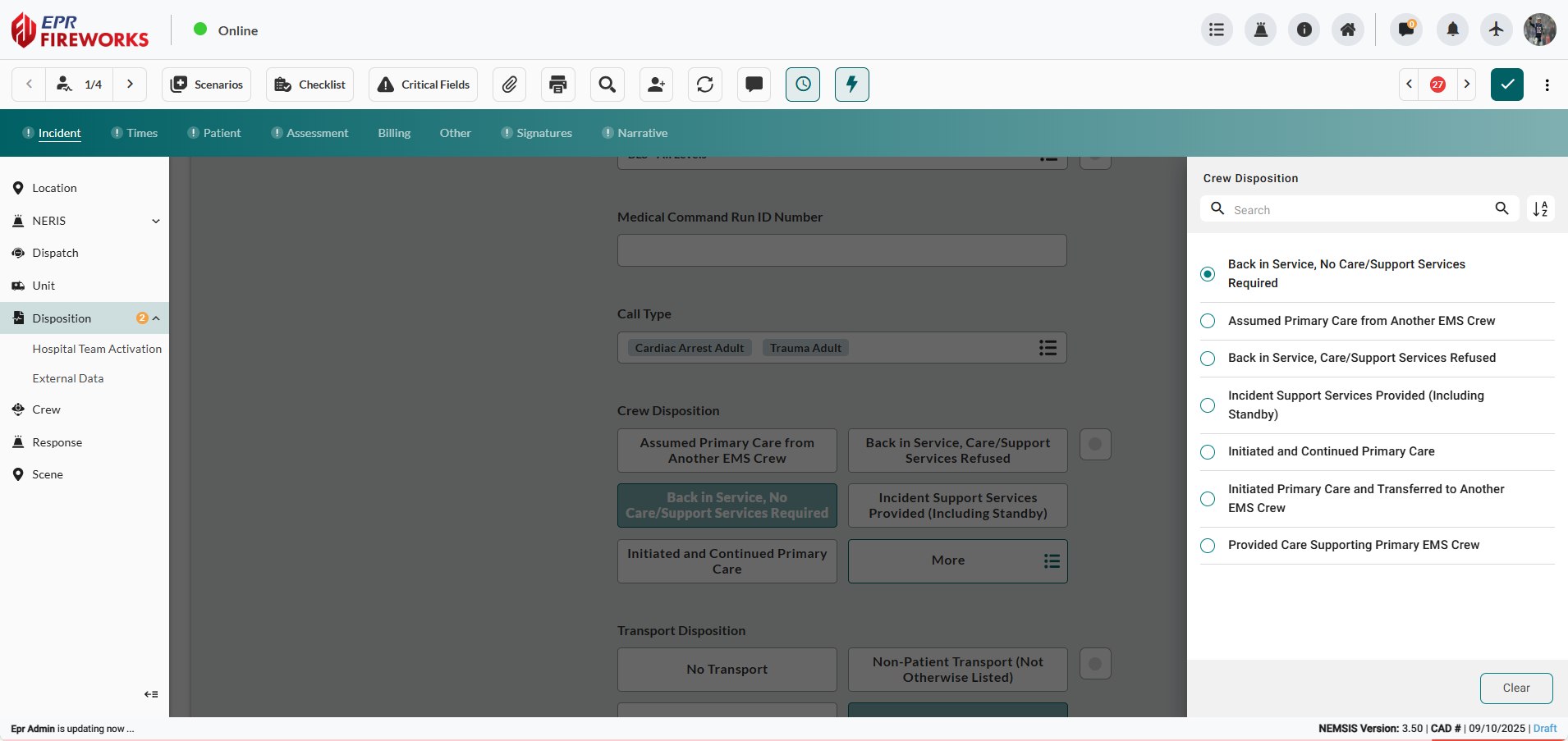
Select Transport Disposition.
Note: The system displays Transport Disposition options according to the agency’s defined order. To view all options, click More.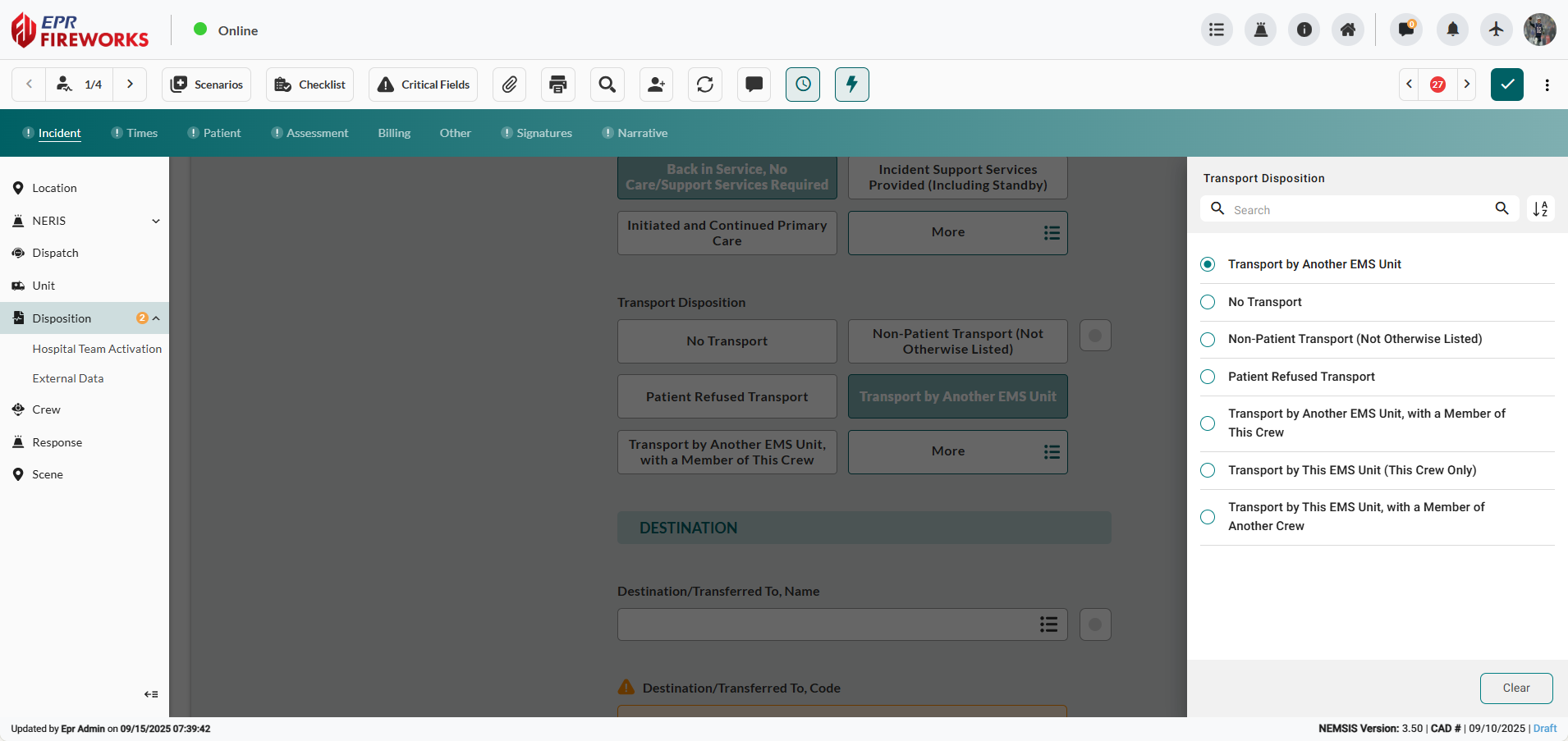
Next Steps
Continue to Destination Details if transporting patients, or proceed to Hospital Team Activation if required for the incident.