Welcome to FireWorks PRO

When to use this guide: You're new to FireWorks PRO and want to understand what it does before diving into details.
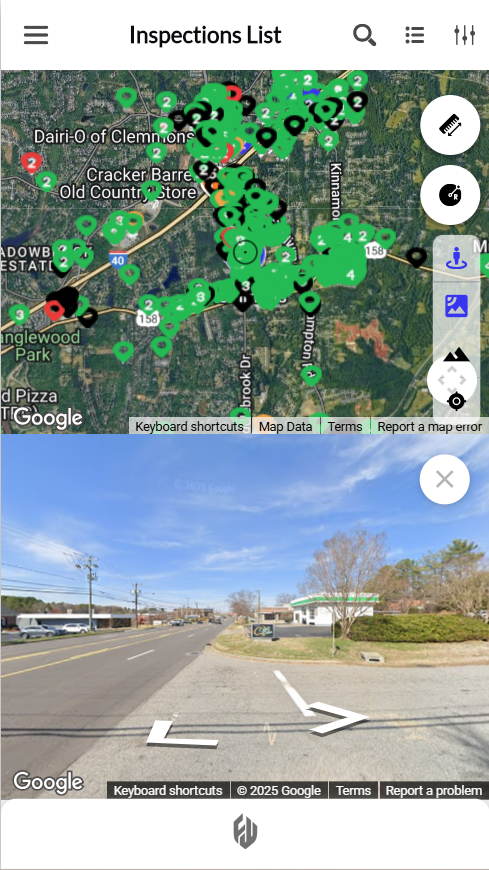
FireWorks PRO brings fire inspections, hydrant testing, and pre-fire planning to your iPhone or Android phone. Complete your work in the field, offline if needed, and sync automatically when you're back online.
New to FireWorks PRO?
If you're coming from paper inspections, FireWorks PRO works like your clipboard—but smarter:
Download work before heading out
Complete inspections offline in the field
Take photos that attach automatically
Submit directly without returning to the station
Get started with FireWorks PRO
Learning path for first-time users:
Understand what's possible: Read FireWorks PRO at a glance to see all features and capabilities
Get the app: Download and install FireWorks PRO to set up on your device. Android | iOS | Desktop App
Connect to your department: See Sign in for the first time for authentication
Try it out: Complete Your first inspection to learn the basics
Next: FireWorks PRO at a glance to see what FireWorks PRO can do, or Download and install FireWorks PRO to get started right away.