Quality Check (QC)
Overview
Document quality control (QC) review status for EMS events using EPR FireWorks QC capabilities. QC reviews support NEMSIS compliance requirements and can be completed either post-incident by crew members or later by supervisory staff based on agency protocols.

All QC section fields comply with NEMSIS standards. For the full field descriptions and examples, see QC Field Reference.
Accessing Quality Control Section
In the Other tab, navigate to QC.

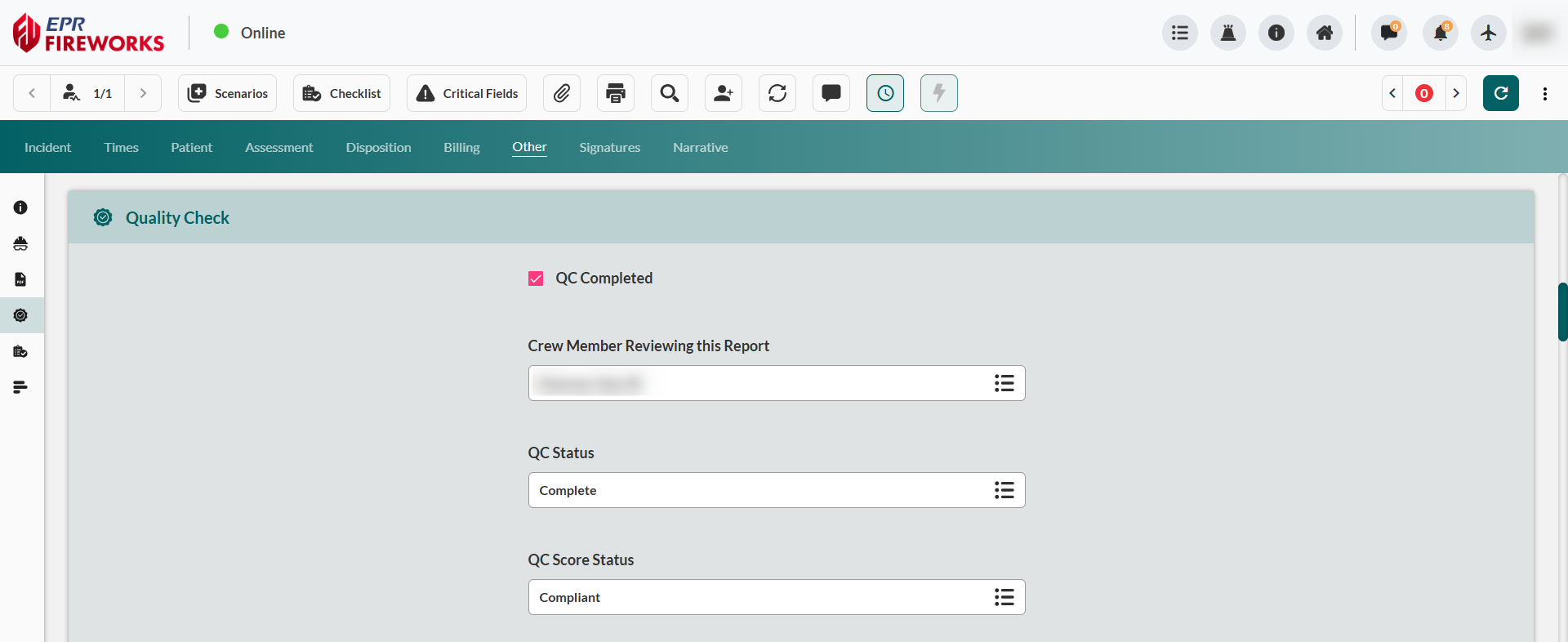
If QC was already performed for this EMS event, check QC Completed at the top of the section.

Completing QC Review Fields
Configure QC review parameters based on agency quality assurance protocols and review findings.
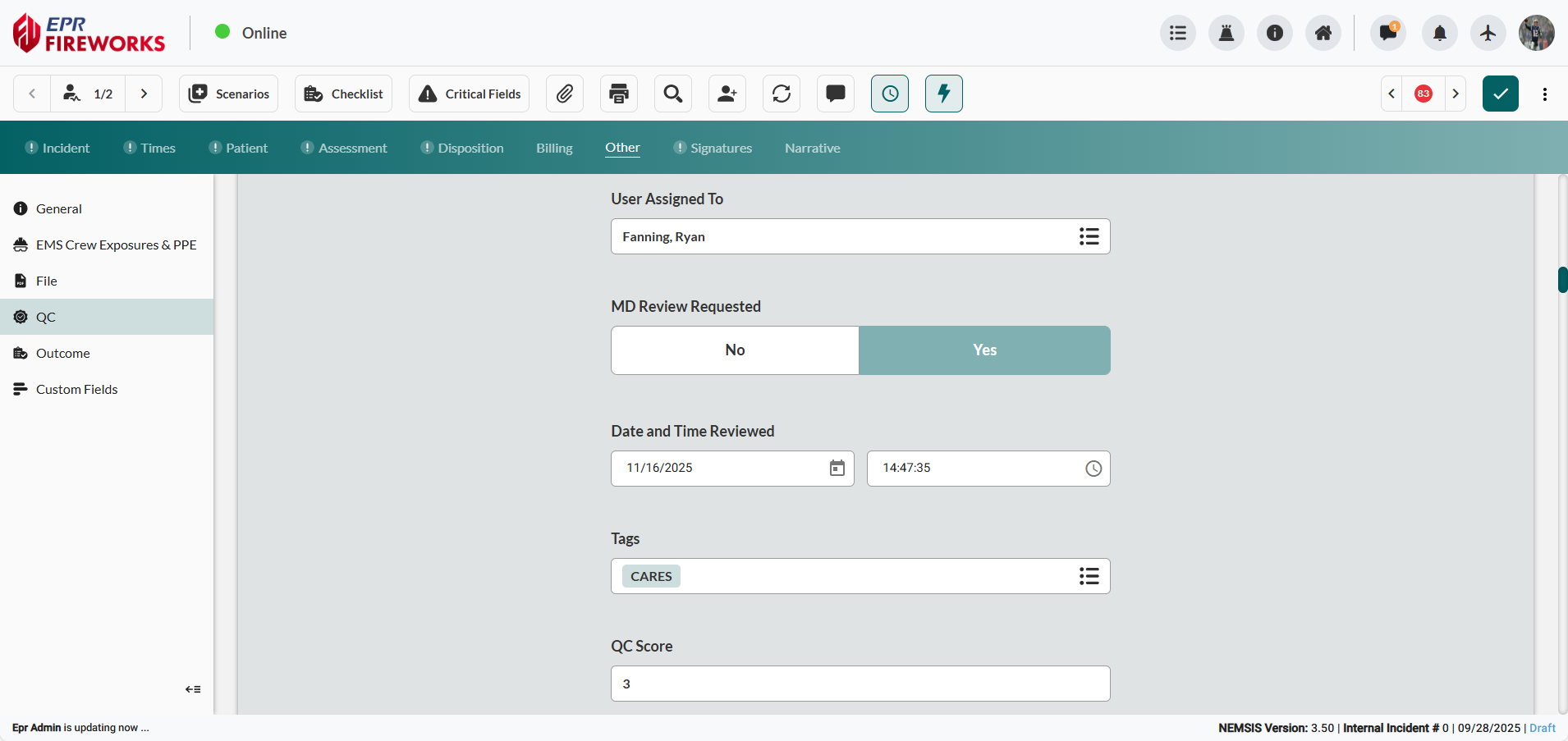
Assign reviewer. Select Crew Member Reviewing this Report for crew self-review, OR User Assigned To for supervisory review.
Set review status. Select QC Status (Complete for no deficiencies, Needs Review for pending assessment, Non-billable when documentation prevents billing).
Rate event management. Select QC Score Status for overall performance assessment.
Categorize event. Select QC Category to classify call type (ALS, BLS, Refusal, Interfacility Transfer).
Document reviewer rank. Select Role Assigned To (Captain of Medical Services, Deouty Chief of Medical Services, Medical Director, Training Officer).
Enter performance score. Enter QC Score rating protocol adherence (1-10 scale).

Finalizing QC Documentation
Complete remaining documentation fields and finalize the review.
Request physician review. Select MD Review Requested (Yes when medical director input is required for clinical validation, No for standard QC).
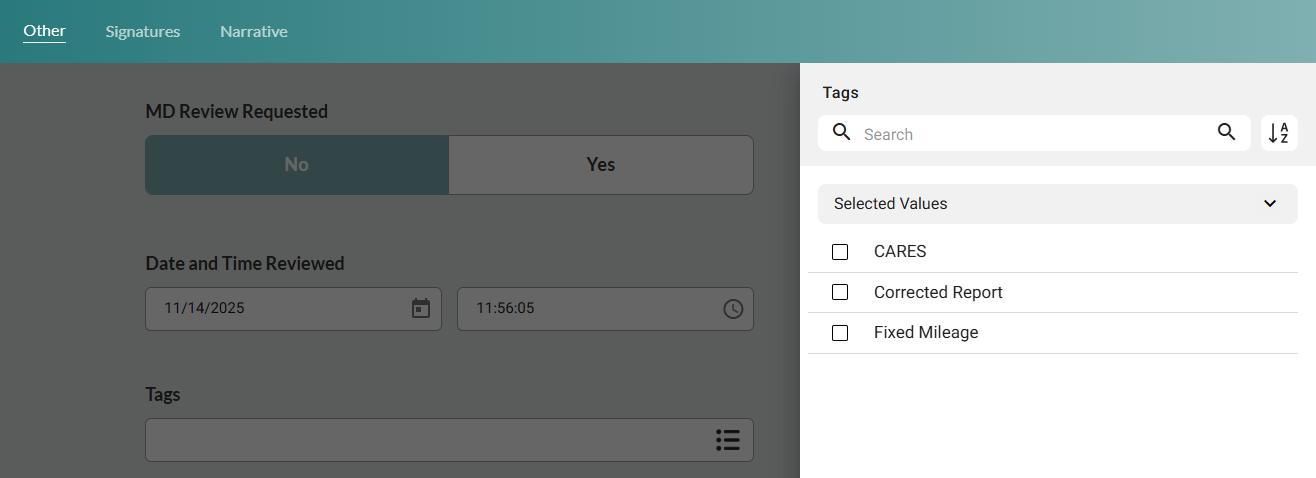
Document review timing. Complete Date and Time Reviewed fields.
Enable report filtering. Add Tags for searchability.
Confirm quality rating. Enter QC Score according to your agency guidelines.
Additional QC Information
Document supplementary details and communication status.
Track communication. Select QC Message Status for EPR FireWorks Messenger tracking.
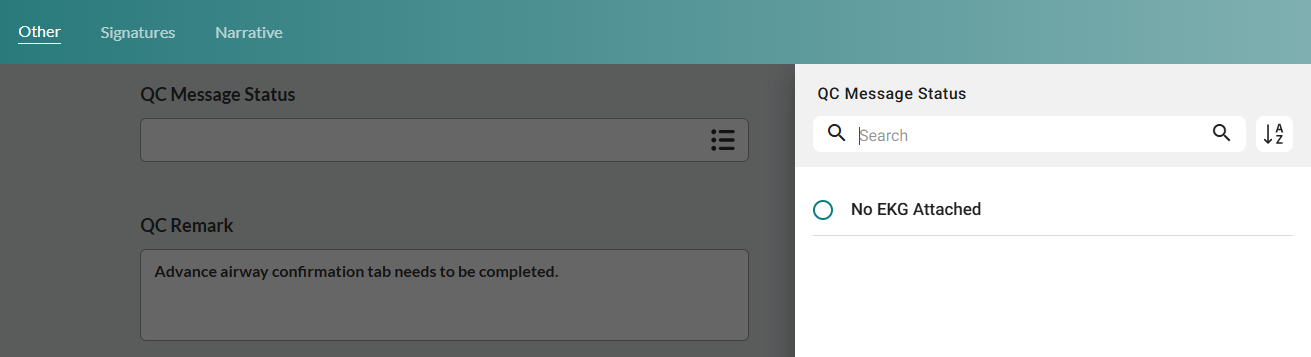
Complete QC Remark with specific feedback addressing documentation gaps, protocol compliance, or billing issues.

Next Steps
Outcome - document patient outcome