
Cardiac Arrest
Overview
Document cardiac arrest events, resuscitation efforts, and patient outcomes in the EPR FireWorks Assessment > Cardiac Arrest section. The Cardiac Arrest page captures NEMSIS 3.5 compliant data including event timing, CPR details, defibrillation, cardiac rhythms, and neurological outcomes.
Before You Start
Required Access: Assessment module with cardiac arrest documentation permissions
Prerequisites:
Patient ePCR created with chief complaint documented
Cardiac arrest identified (triggers Cardiac Arrest tab appearance)
Crew roles assigned for accurate witness/performer attribution
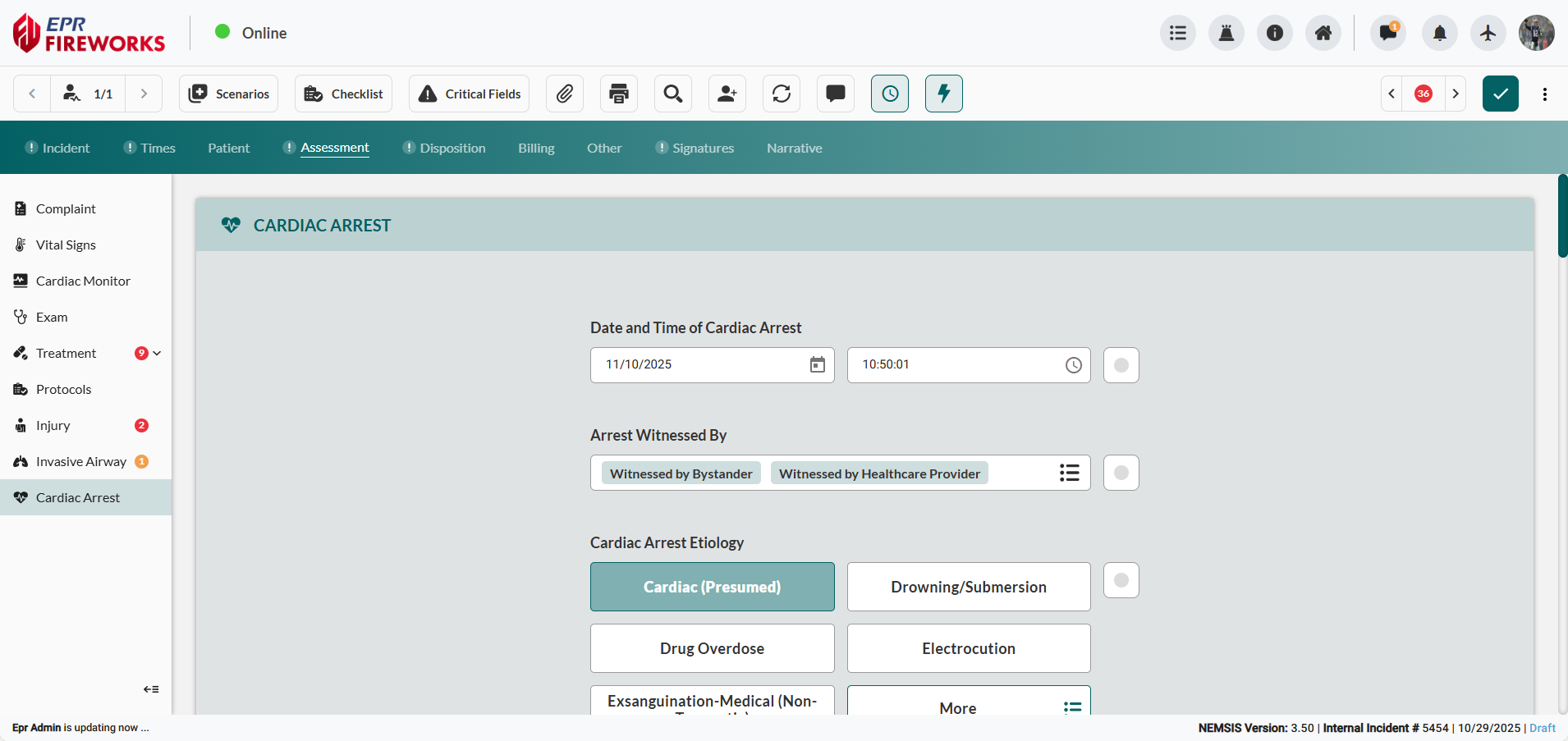

Note: The Cardiac Arrest page only appears when the Cardiac Arrest field is set to Yes in the Complaint section of the Assessment tab.
Documenting Interventions with Quick Actions
Use Quick Actions to add cardiac arrest medications and procedures directly to the Treatment page. The Quick Actions interface in Cardiac Arrest does not auto-populate fields on this page.
Click alphabetical category tabs (A-C, D-F, G-L, M-O, P-Z, Other) or Select Preset dropdown to locate the desired preset.

Select the desired preset. Medications and procedures automatically populate on the Treatment screen.
Documenting Cardiac Arrest Protocol
Document when and how the cardiac arrest occurred and initial EMS response.
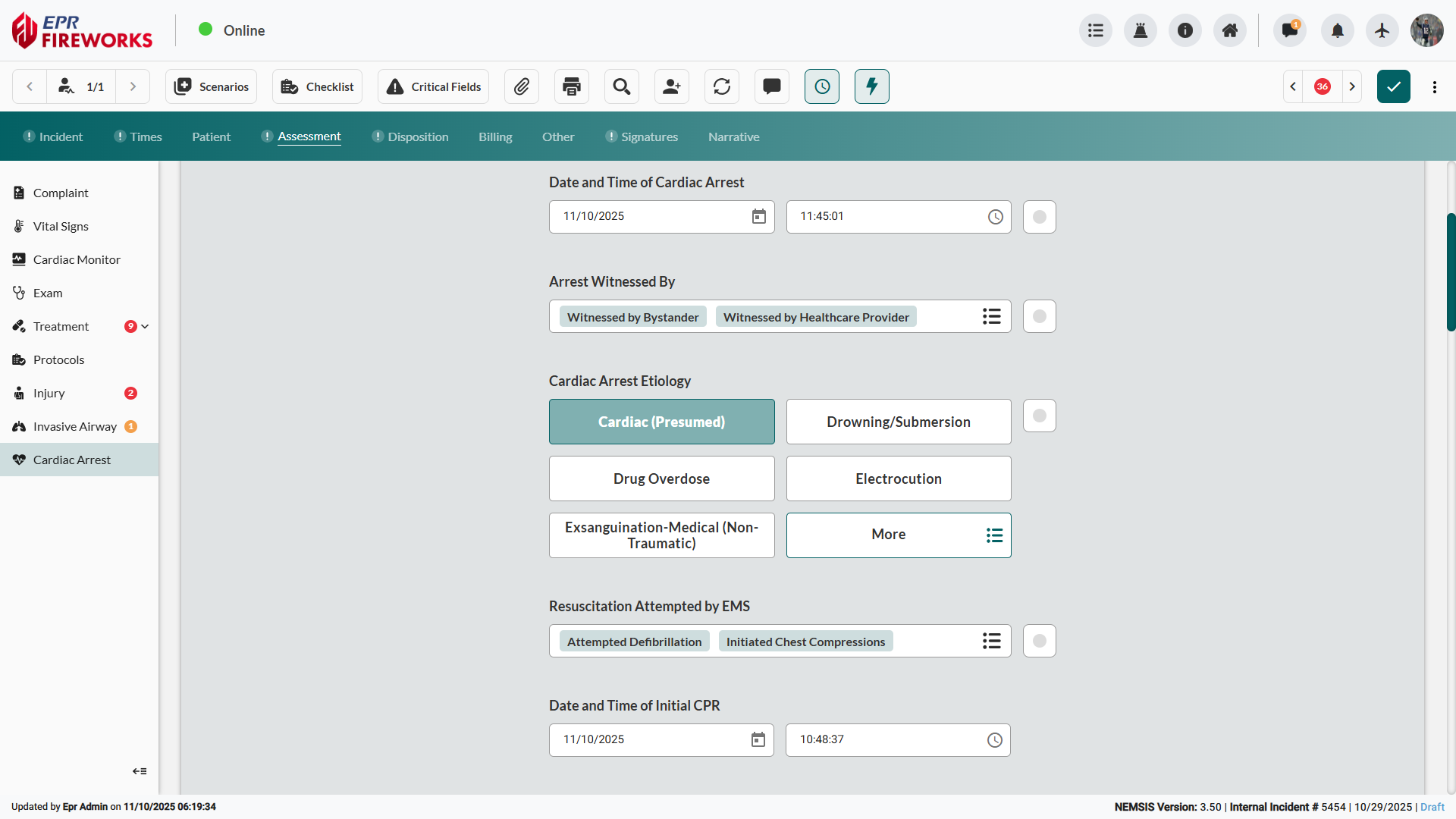
Enter Date and Time of Cardiac Arrest.
Click Arrest Witnessed By, and then select all witnesses on the scene.
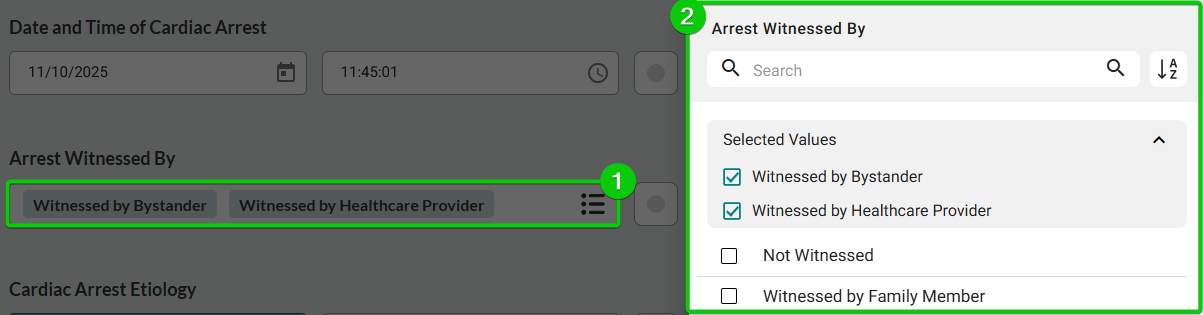
Select Cardiac Arrest Etiology.
Click Resuscitation Attempted by EMS, and then select all attempt types from the sidebar.
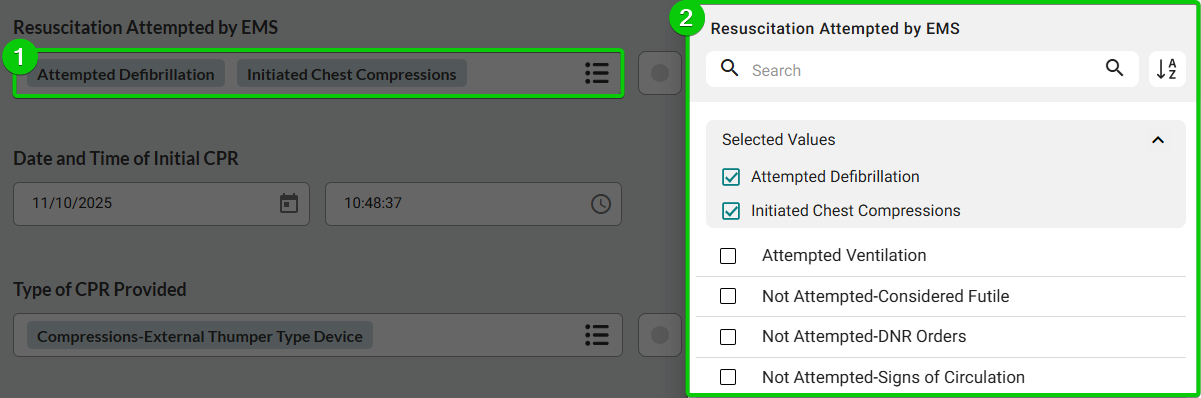
Enter Date and Time of Initial CPR.
Capturing CPR Type and Patient Rhythms
Record CPR methods provided and initial cardiac rhythms.
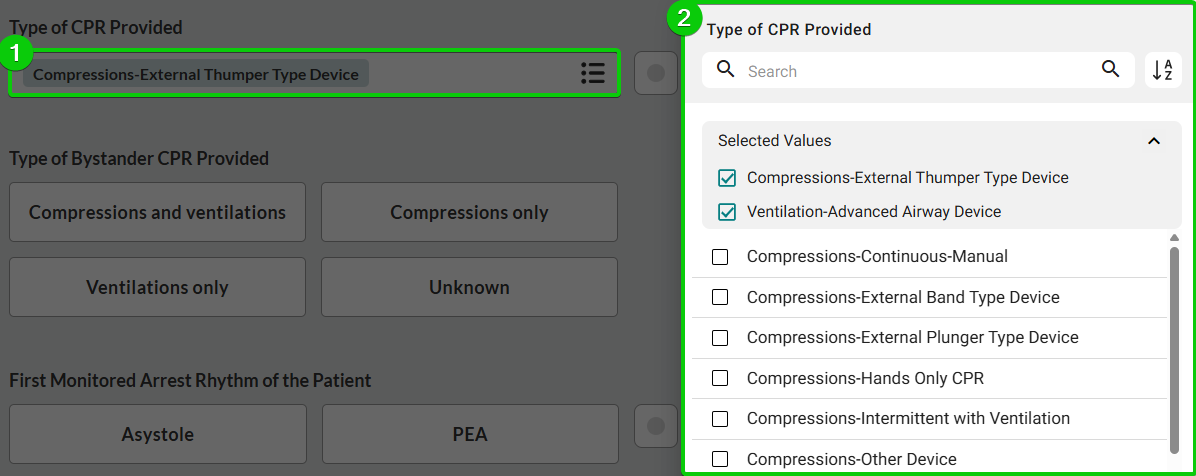
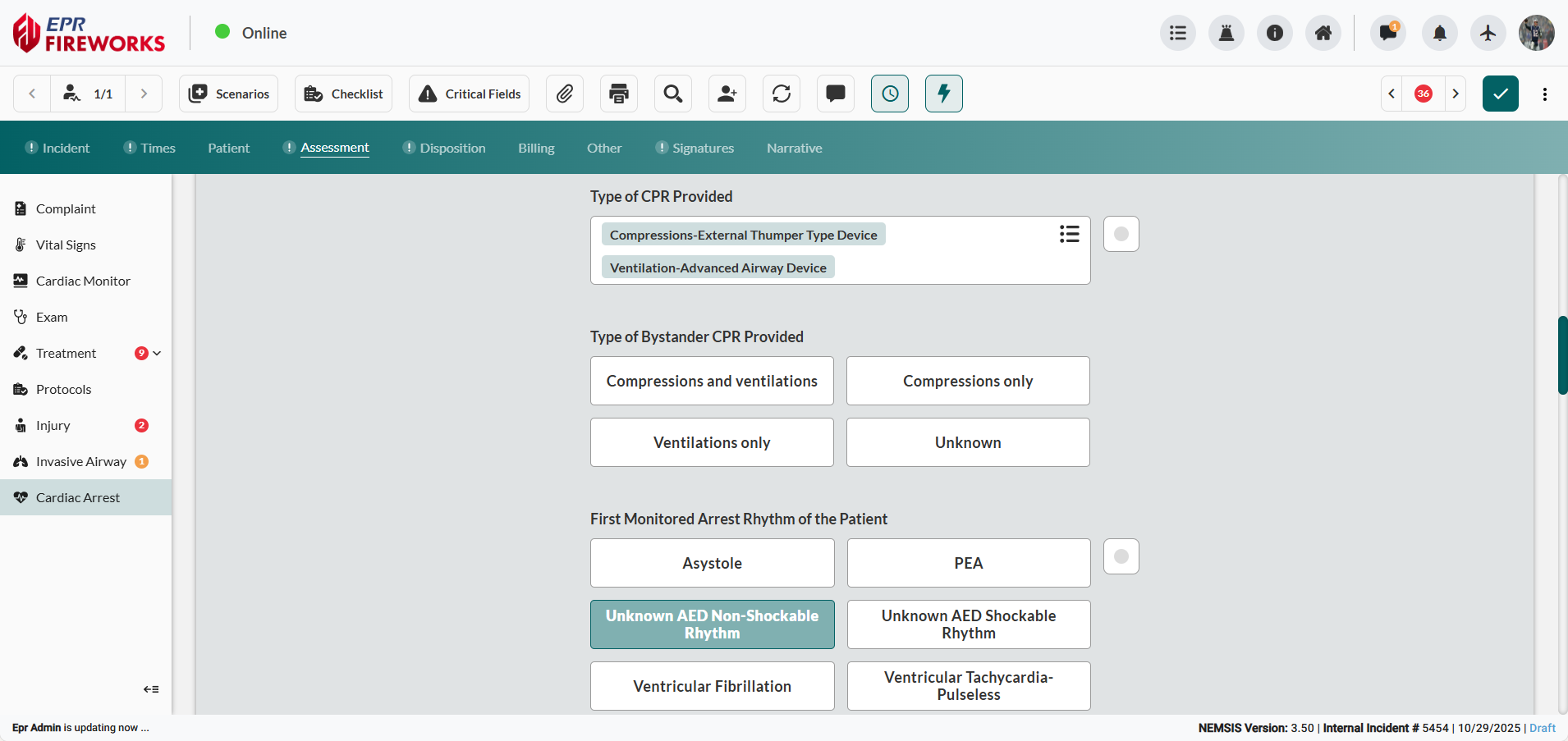
Click Type of CPR Provided, and then select all applicable options.
Document whether bystanders performed compression-only or conventional CPR. Select Type of Bystander CPR Provided.
Record the first cardiac rhythm observed when the monitoring equipment was attached. Select First Monitored Arrest Rhythm of the Patient.
Recording Resuscitation Outcomes and Discontinuation
Document ROSC (Return of Spontaneous Circulation) status, arrival rhythm, discontinuation details, and patient outcomes.
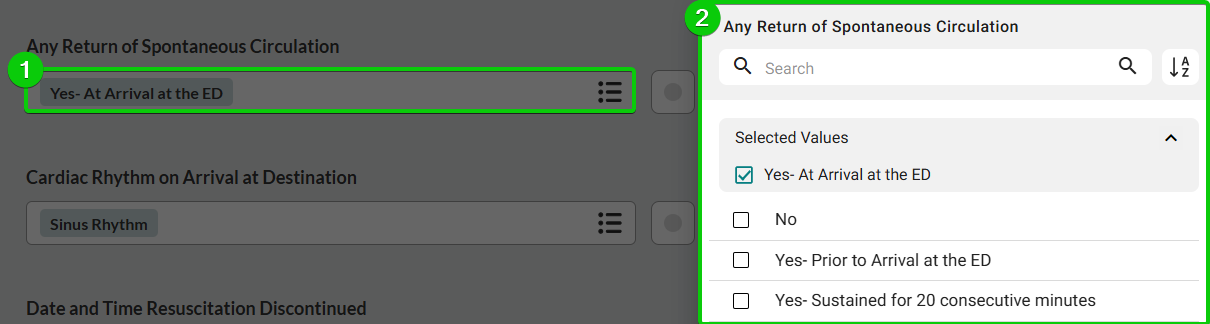
Document all instances when spontaneous circulation returned during the event. Click Any Return of Spontaneous Circulation, and then specify all spontaneous circulation returns.
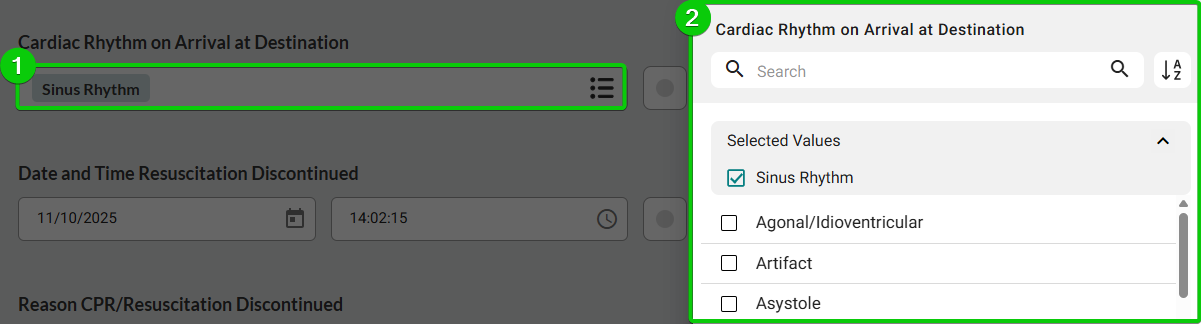
Click Cardiac Rhythm on Arrival at Destination, and then select all applicable options.
If CPR was discontinued:
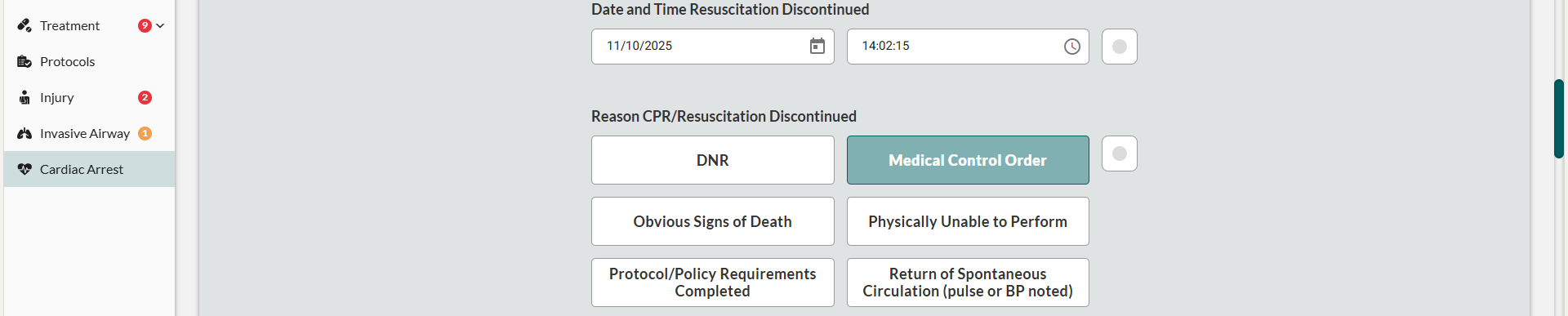
Enter Date and Time Resuscitation Discontinued.
Select Reason CPR/Resuscitation Discontinued.
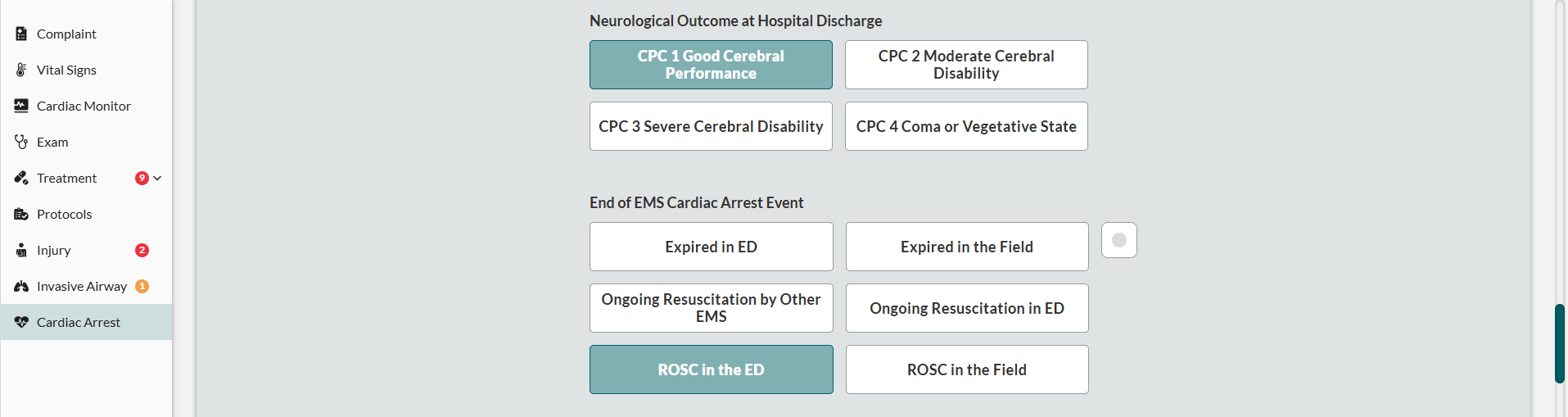
Document the patient's neurological status at hospital discharge using the Cerebral Performance Category (CPC) scale. Select Neurological Outcome at Hospital Discharge.
Indicate how EMS involvement in the cardiac arrest concluded (e.g., patient transported with pulse, expired on scene, care transferred). Select End of EMS Cardiac Arrest Event.
Completing CARES Registry Information
Document Cardiac Arrest Registry to Enhance Survival (CARES) data for national cardiac arrest research and quality improvement tracking. To access CARES fields, scroll to the CARES section. CARES data helps evaluate community response effectiveness and survival rates.
Recording CPR and AED Initiation
Record initial CPR details and defibrillator protocol initiation.
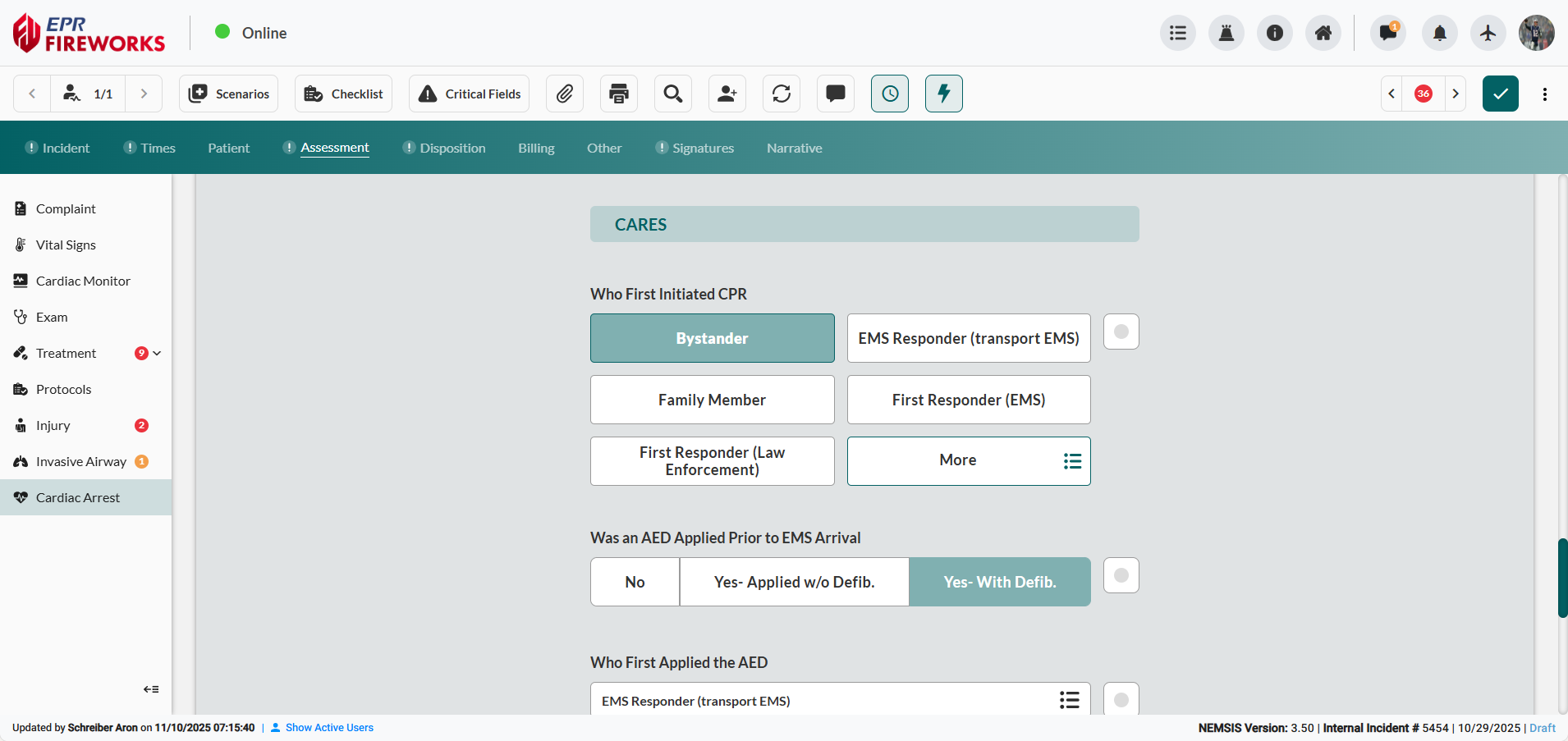
Select Who First Initiated CPR.
Indicate Was an AED Applied Prior to EMS Arrival (No, Yes-Applied w/o Defib, or Yes-With Defib).
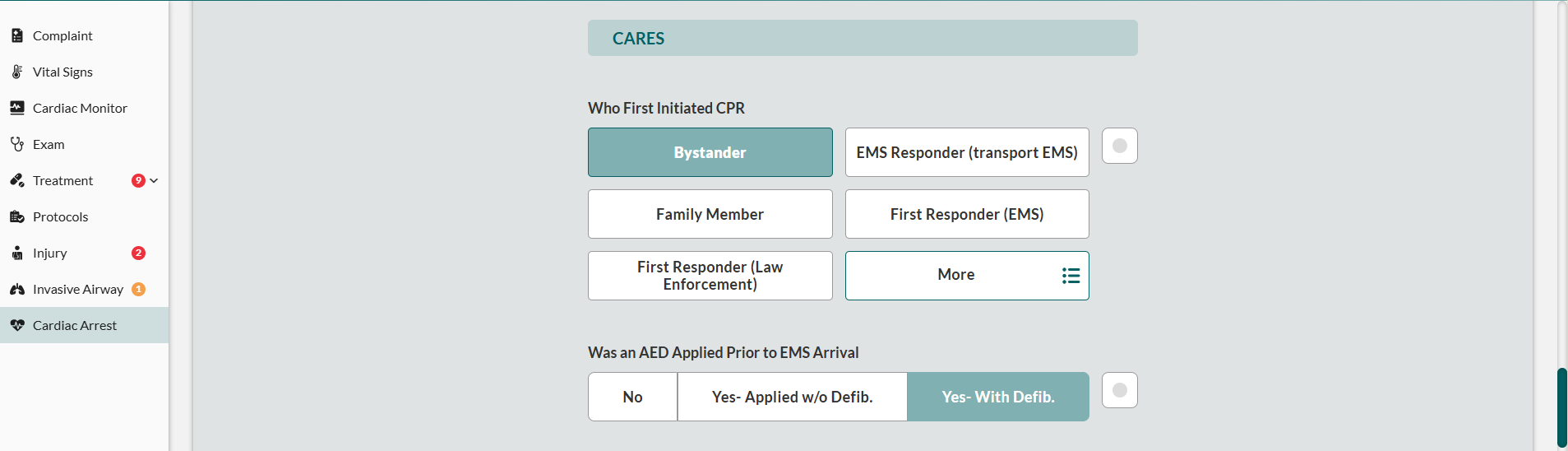
Click Who First Applied the AED, and then select all applicable entities from the sidebar.
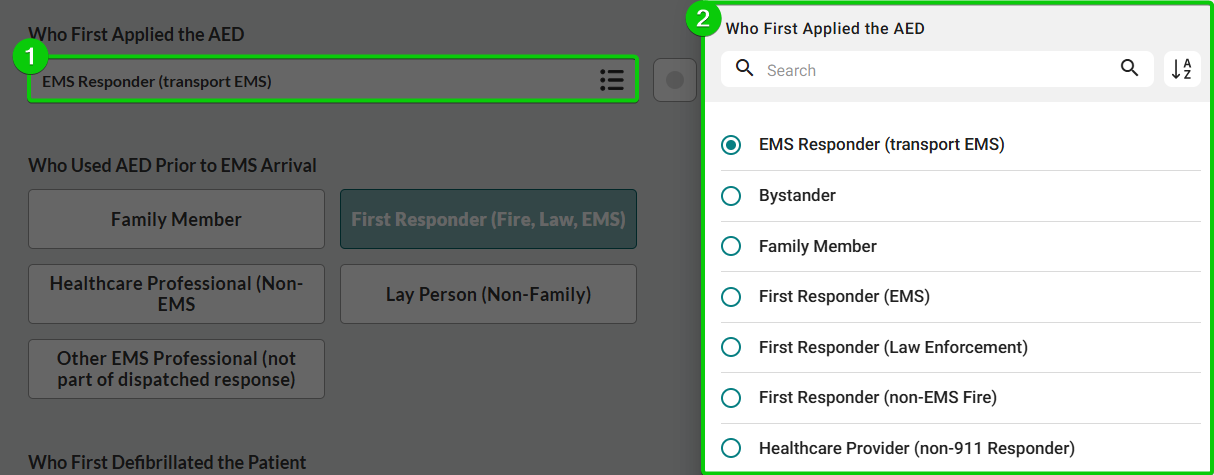
Identify Who Used AED Prior to EMS Arrival.

Recording Defibrillation and Post-Resuscitation Care
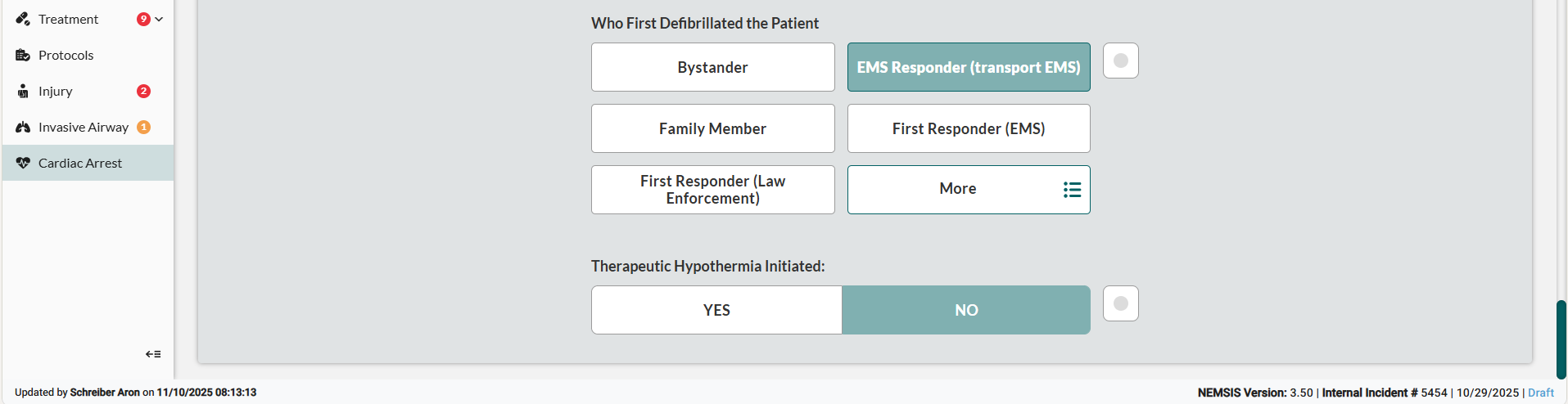
Identify Who First Defibrillated the Patient.
In Therapeutic Hypothermia Initiated, record whether Therapeutic Hypothermia was initiated after the initial cardiac arrest.
Next Steps
Billing - Billing information due to patient stabilization and transport services.
Other - Quality control, crew exposures, and custom fields
Signatures - Electronic consent and legal documentation
Narrative - Comprehensive incident description and clinical notes