ePCR 3.0 Update
Overview
ePCR 3.0 introduces a completely refreshed user interface with significant performance improvements and redesigned screens. You can now document calls more efficiently across all devices with optimized navigation and streamlined workflows, in compliance with NERIS standards.

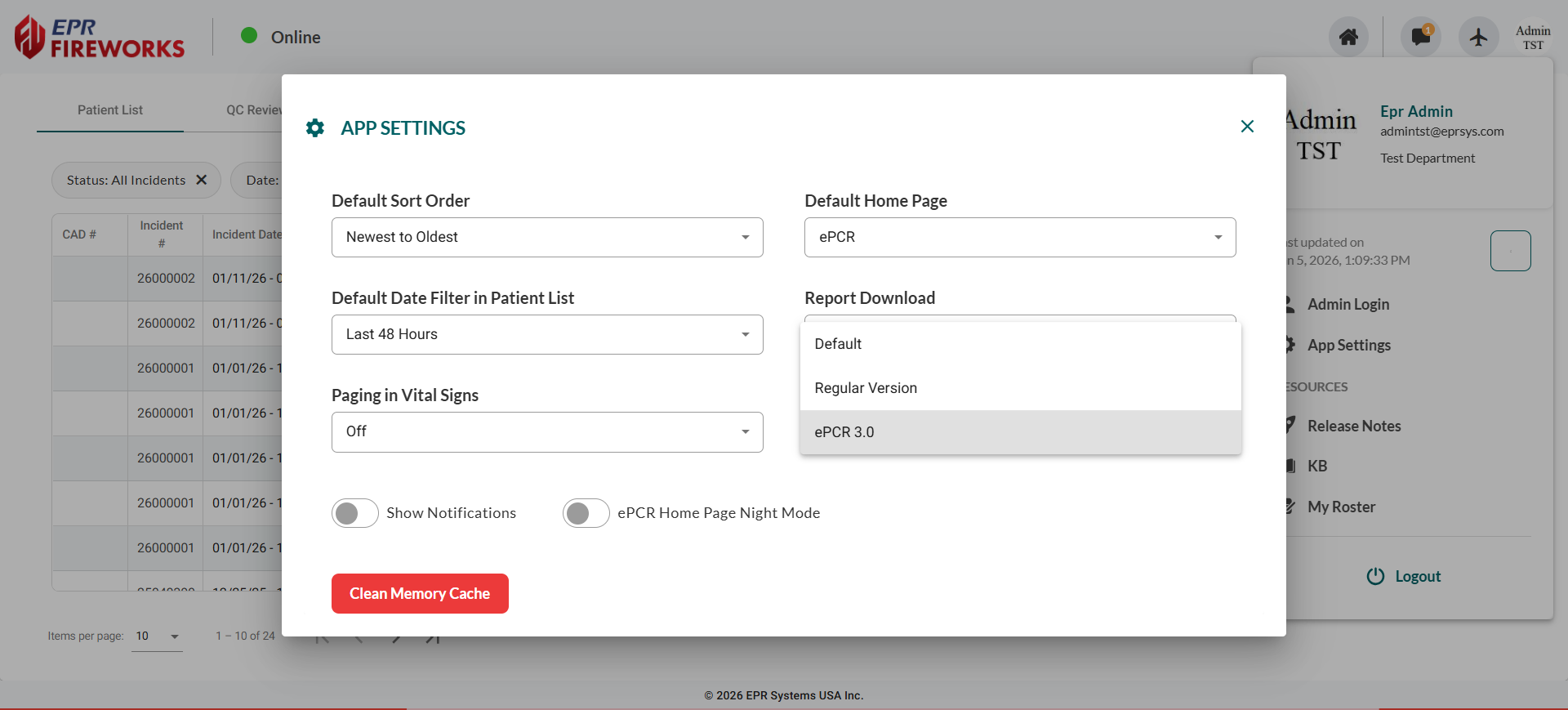
Design Options: Access App Settings from your user profile dropdown to choose between Default (admin-defined), Regular Version (old version), Beta Version, and Mobile Version.
NERIS Compliance
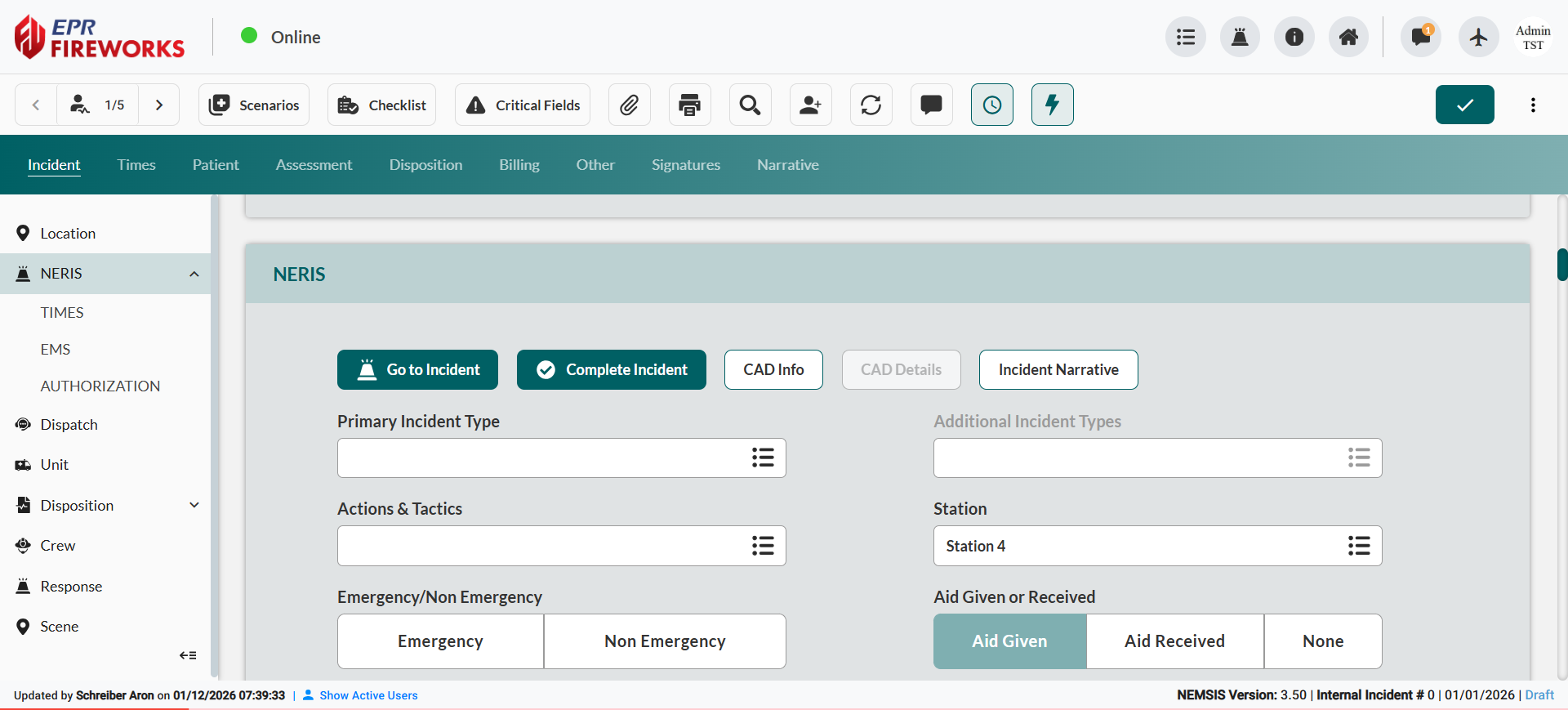
ePCR 3.0 is fully NERIS compliant, meeting the national incident reporting standard that replaces NFIRS. Complete NERIS documentation directly within ePCR through bidirectional data flow with the NERIS system.
GUI Improvements
Sidebars
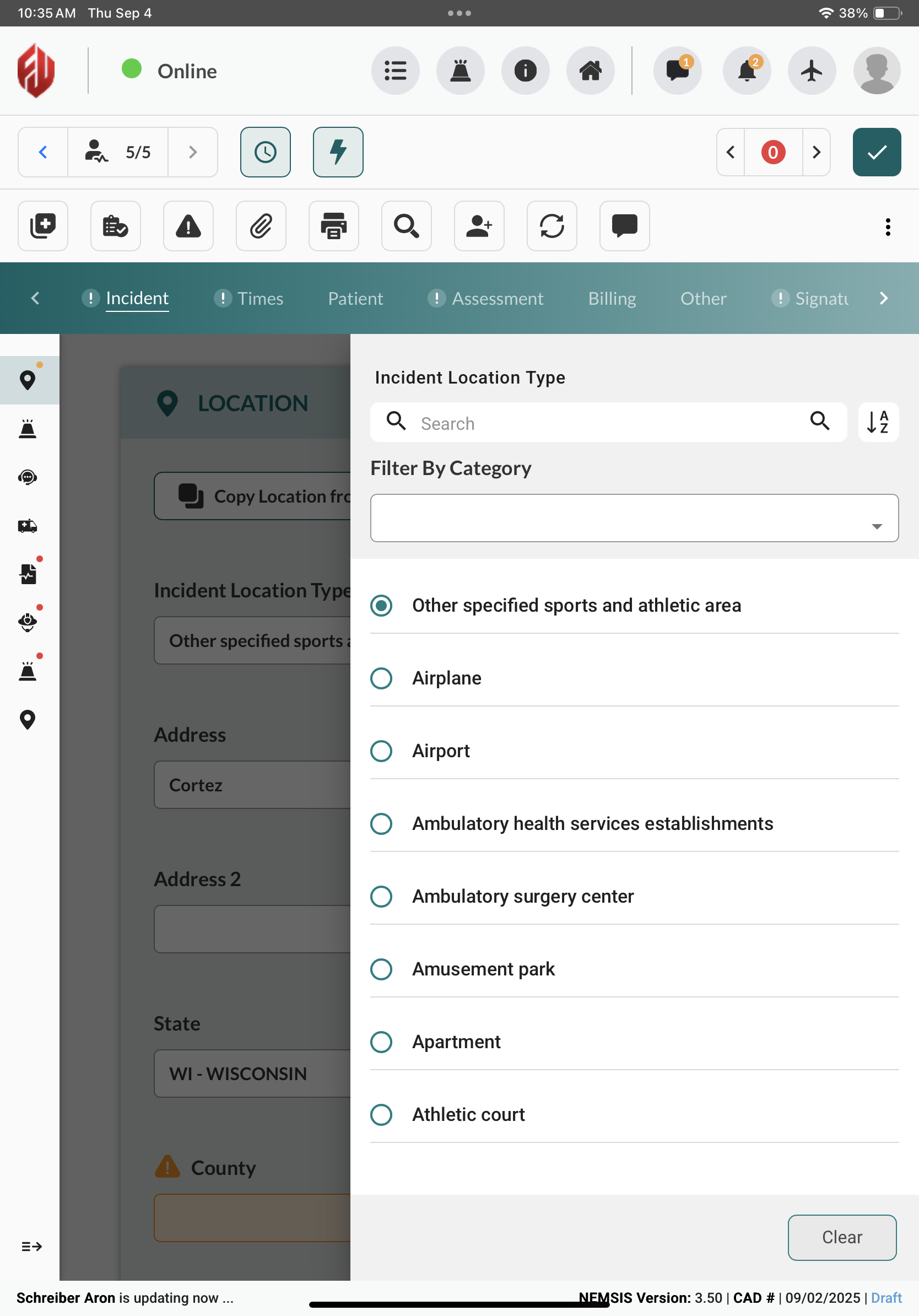
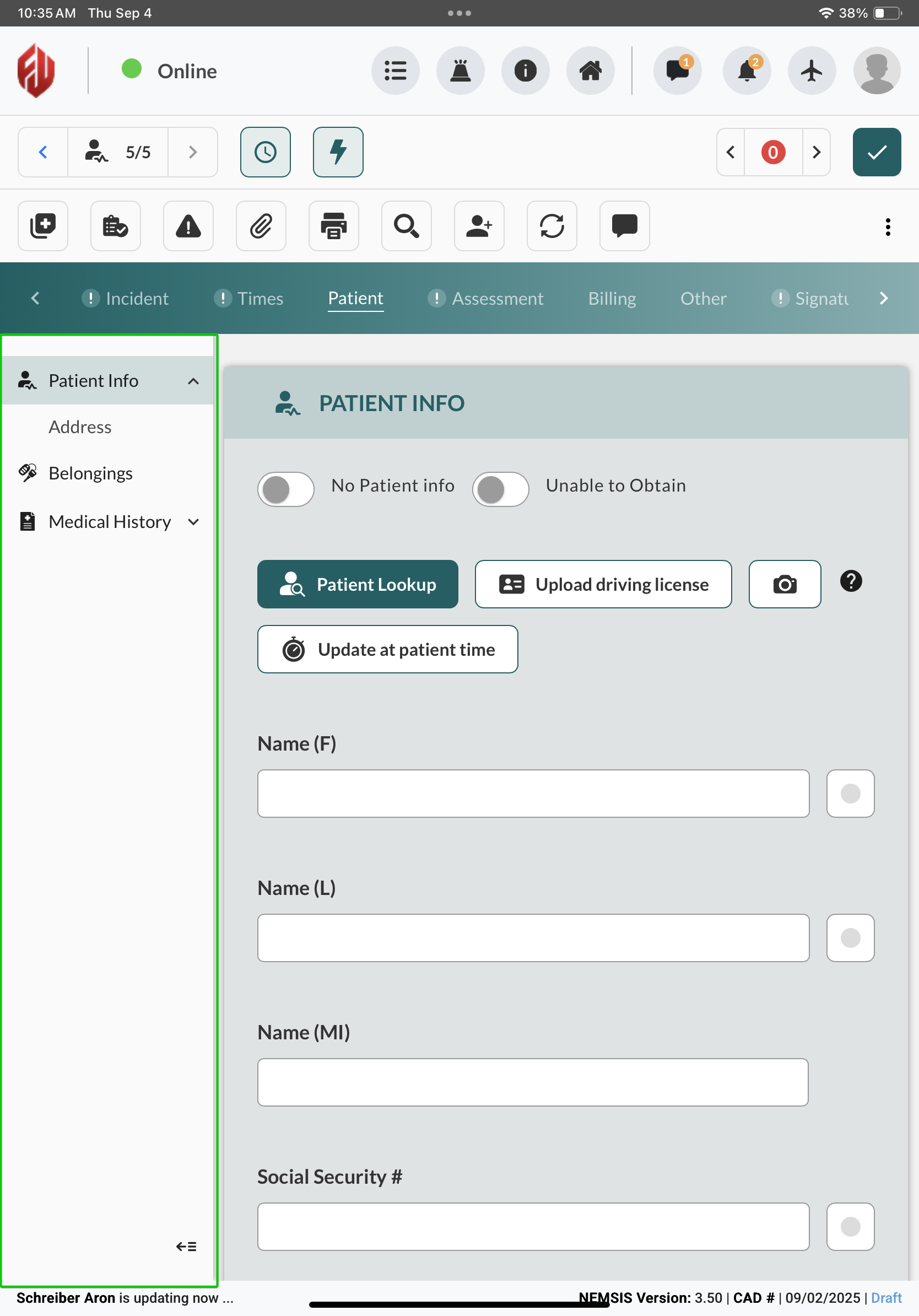
You can now work more efficiently with optimized sidebars throughout ePCR that enhance usability and provide cleaner navigation between sections.
Navigation Panels
Navigation panels now collapse on all devices, giving you more workspace in the main documentation area. You can also scroll continuously through all submenus for simplified navigation.
NV Fields
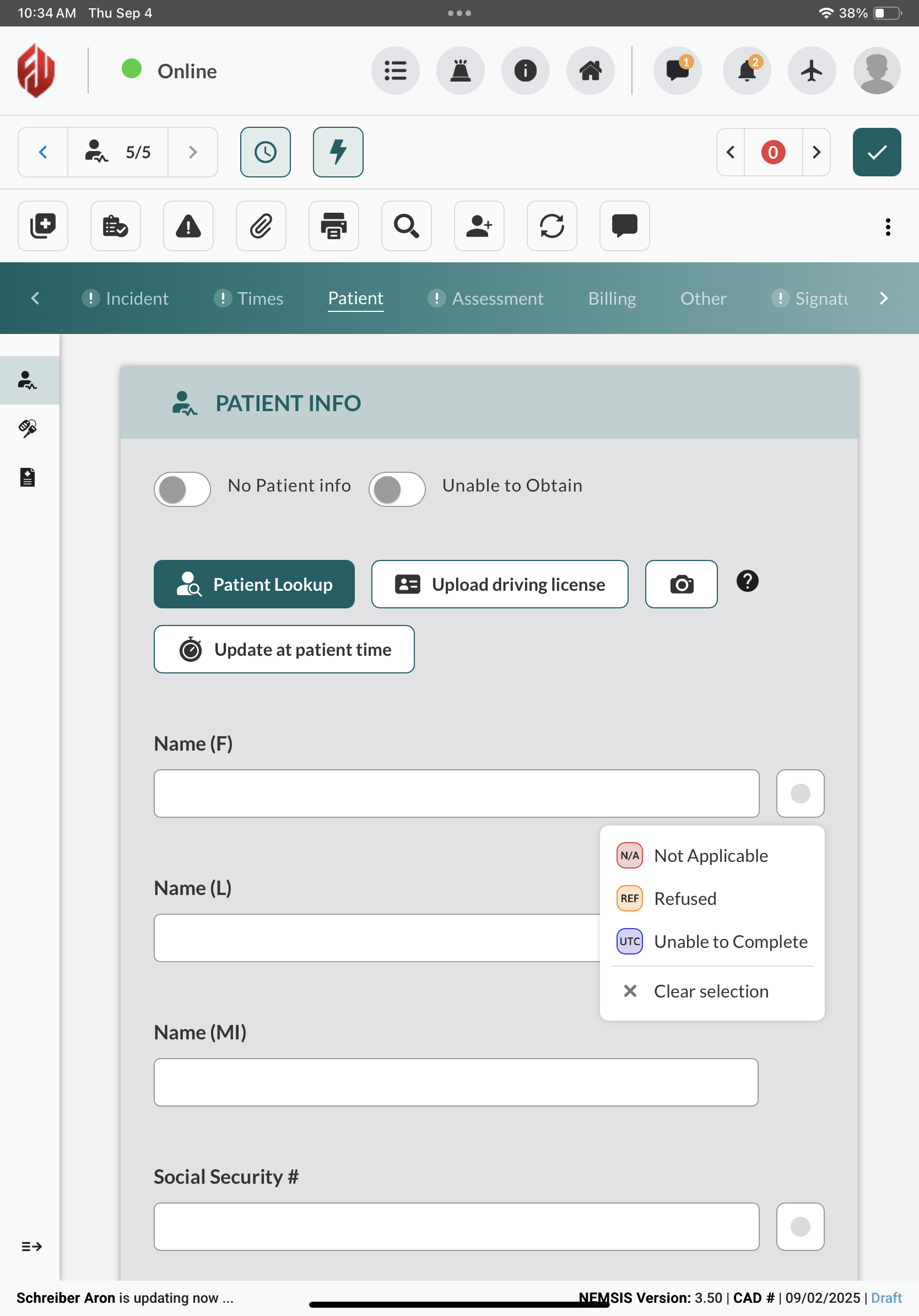
We enhanced Non-Value (NV) fields by positioning buttons to the right of relevant fields, improving form organization, and simplifying your data entry process.
Patient List
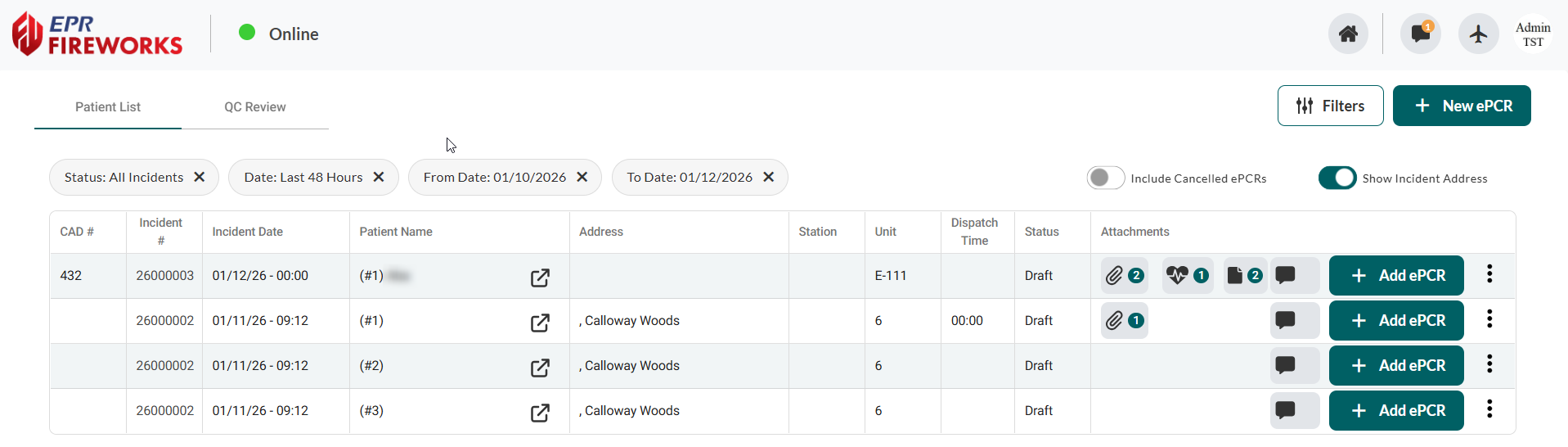
We redesigned the Patient List with a cleaner, more focused interface that reduces visual distractions during emergency operations.
Filters
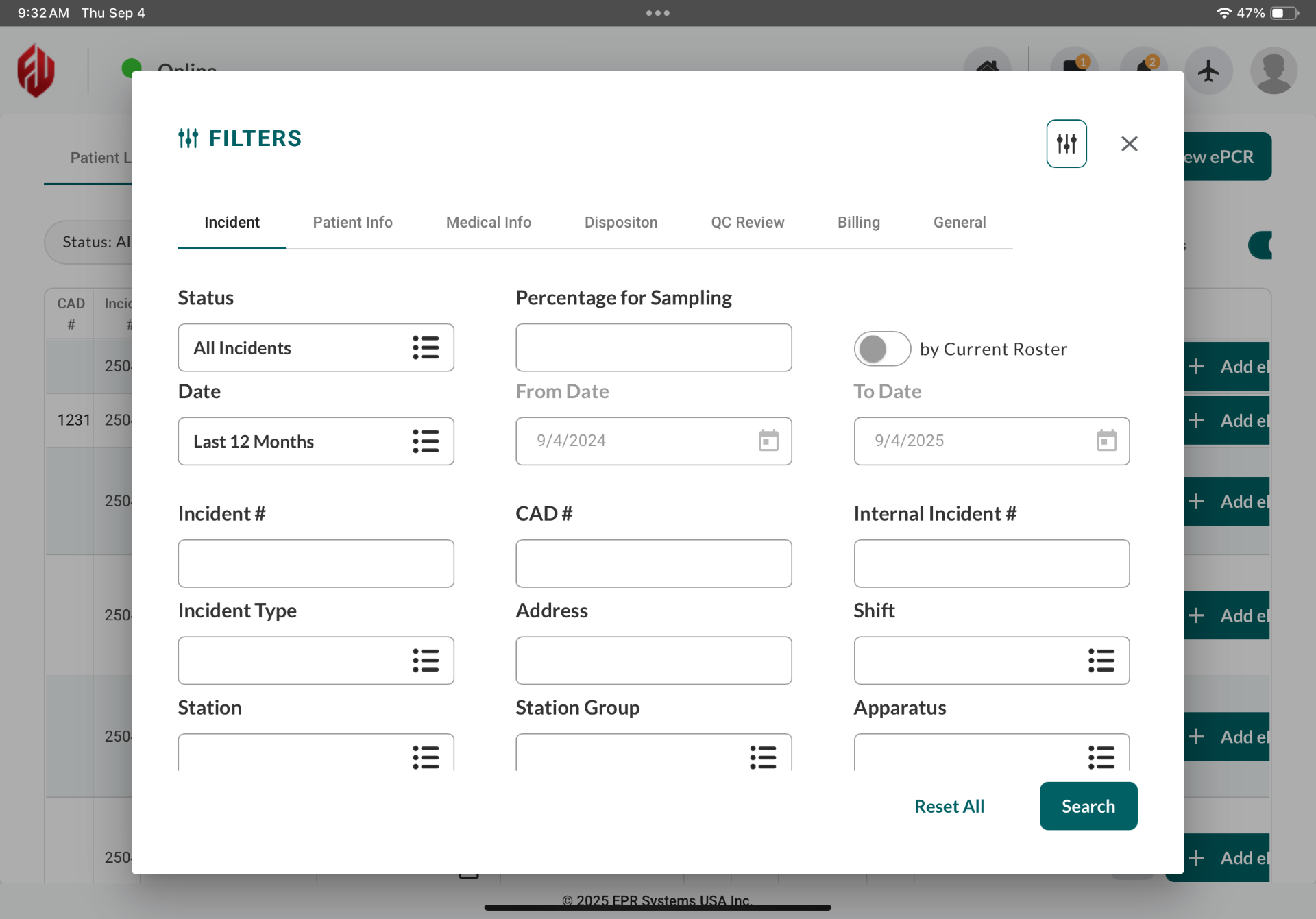
We reorganized the Filters pop-up window to improve your search experience. You can now locate patient records faster during time-sensitive operations with streamlined filter organization.
New Screens
Incident > Crew
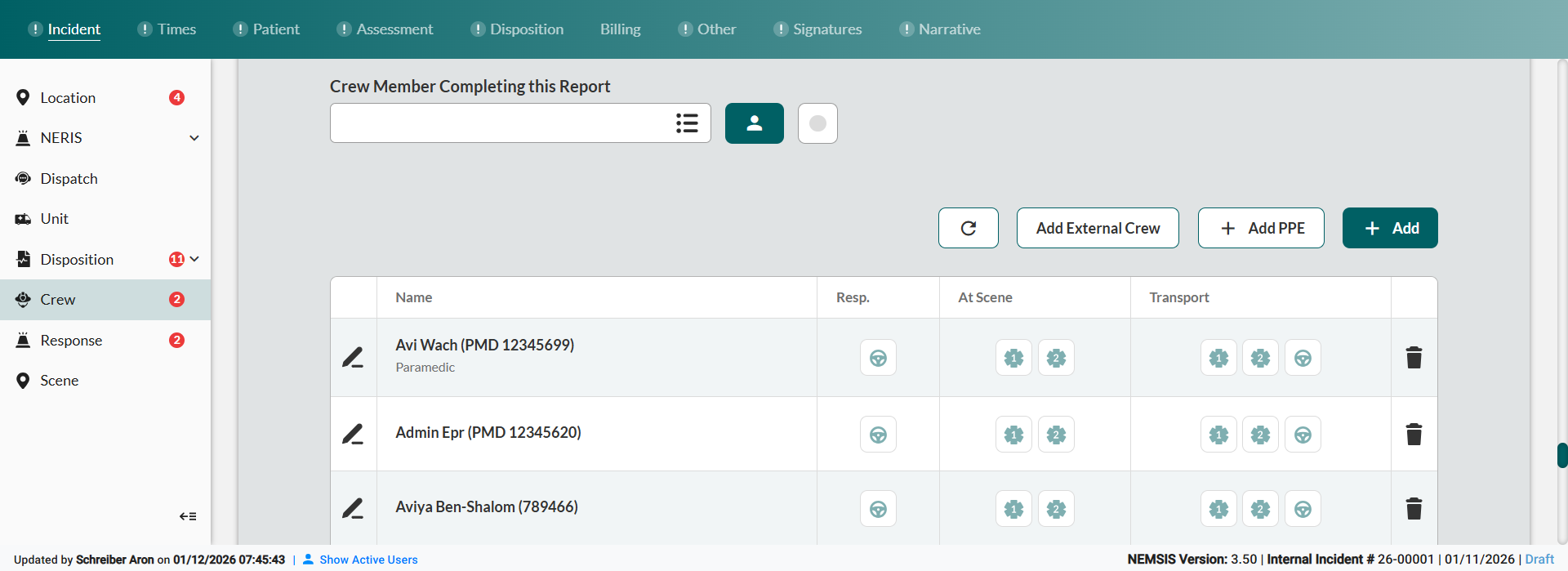
We completely redesigned the Crew tab to streamline your workflow for managing crew members and assignments during incident documentation.
Crew > Add PPE
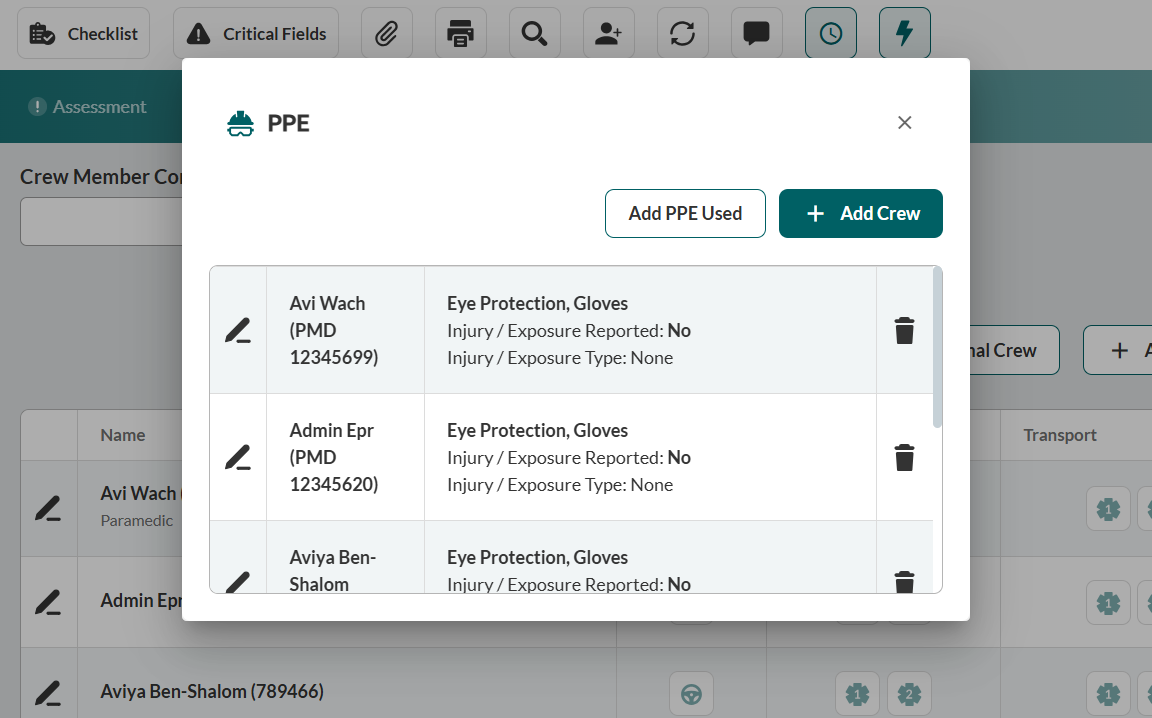
You can now add crew PPE information directly from the Crew section of the Incident tab. This streamlines your documentation workflow by placing PPE data entry where you would logically expect it during incident reporting.
Times
We enhanced the Times screen so you can view all response times at a glance in a summary format.
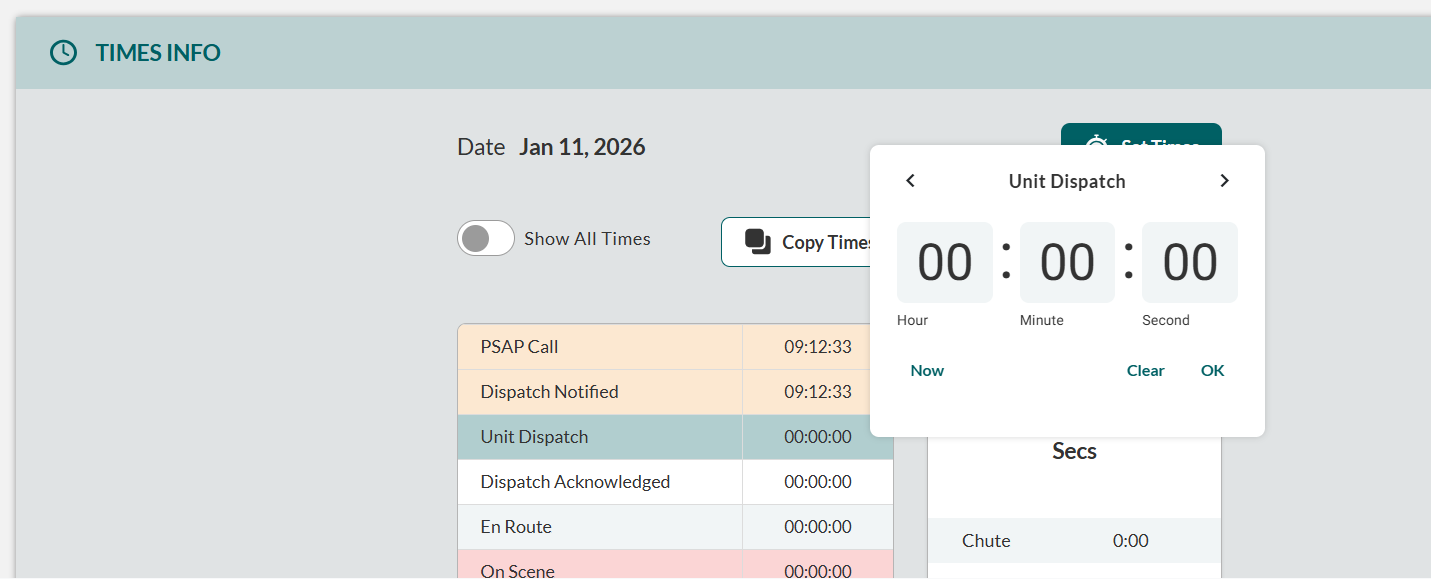
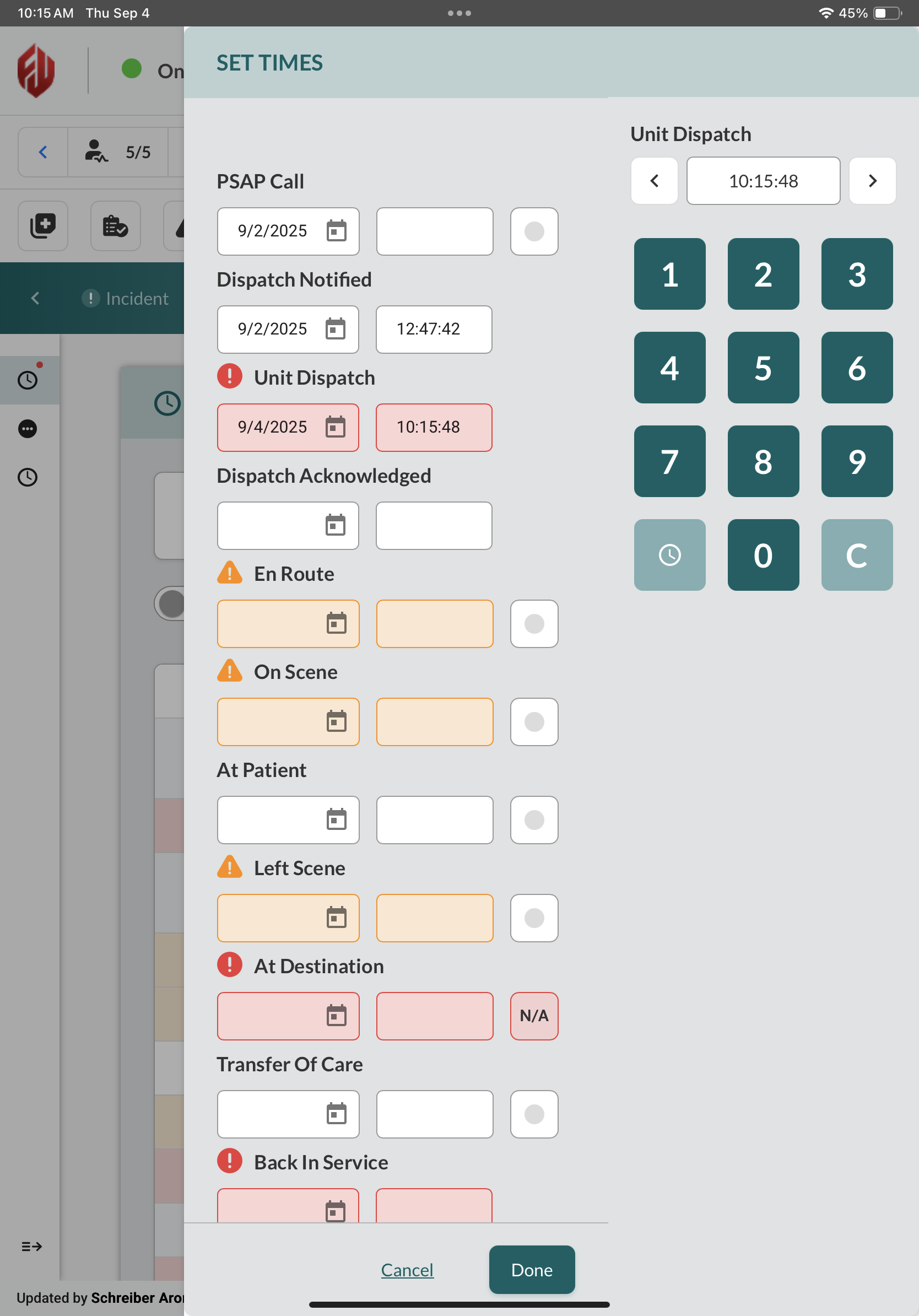
You can edit times directly in place or use the Set Times sidebar for manual adjustments. The keypad interface has been improved for tablet use.
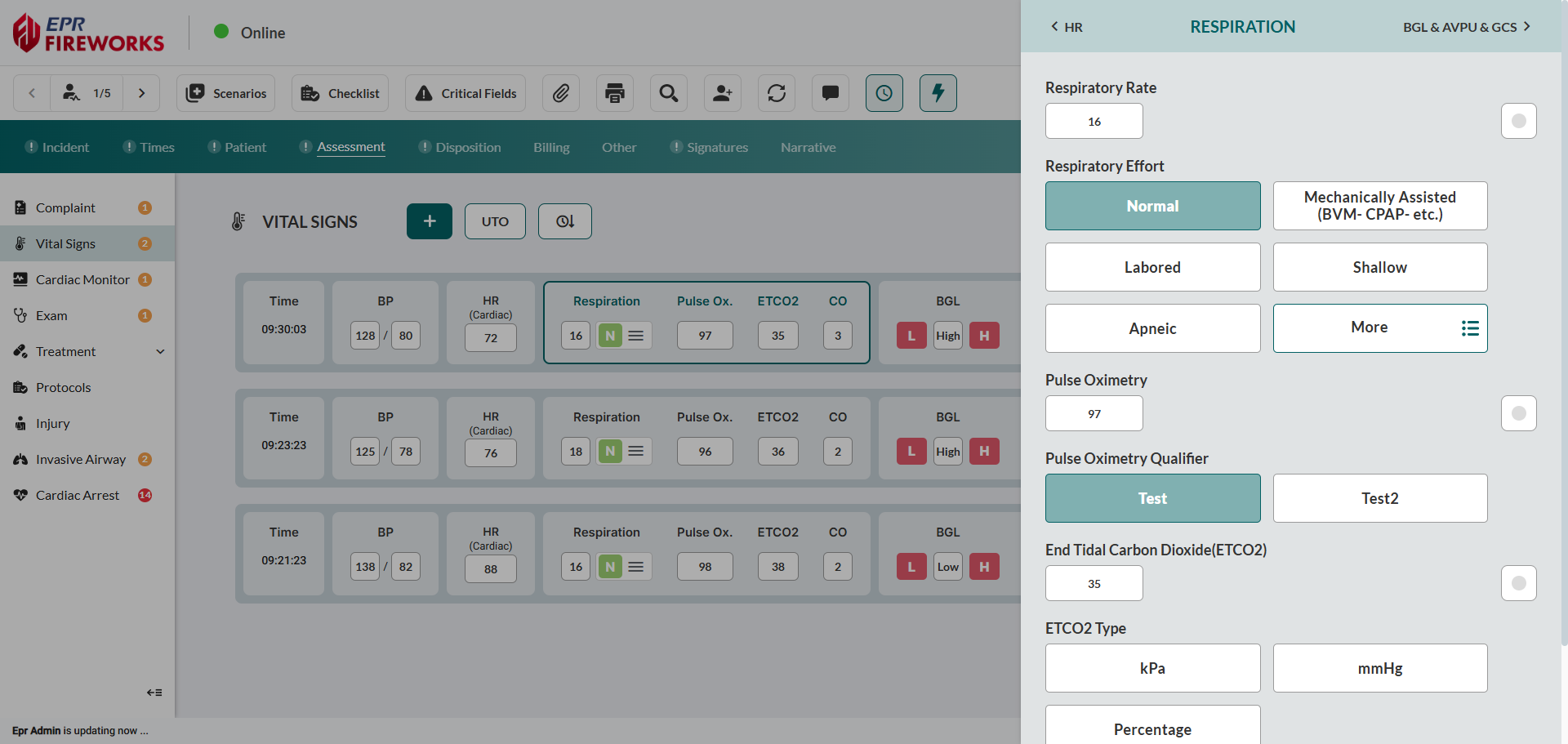
Assessment > Vitals
We redesigned the Vitals screen with a streamlined table layout for faster field documentation.
Assessment > Exam
The simplified Exam screen enables faster field documentation through enhanced visual indicators and streamlined assessment workflows.
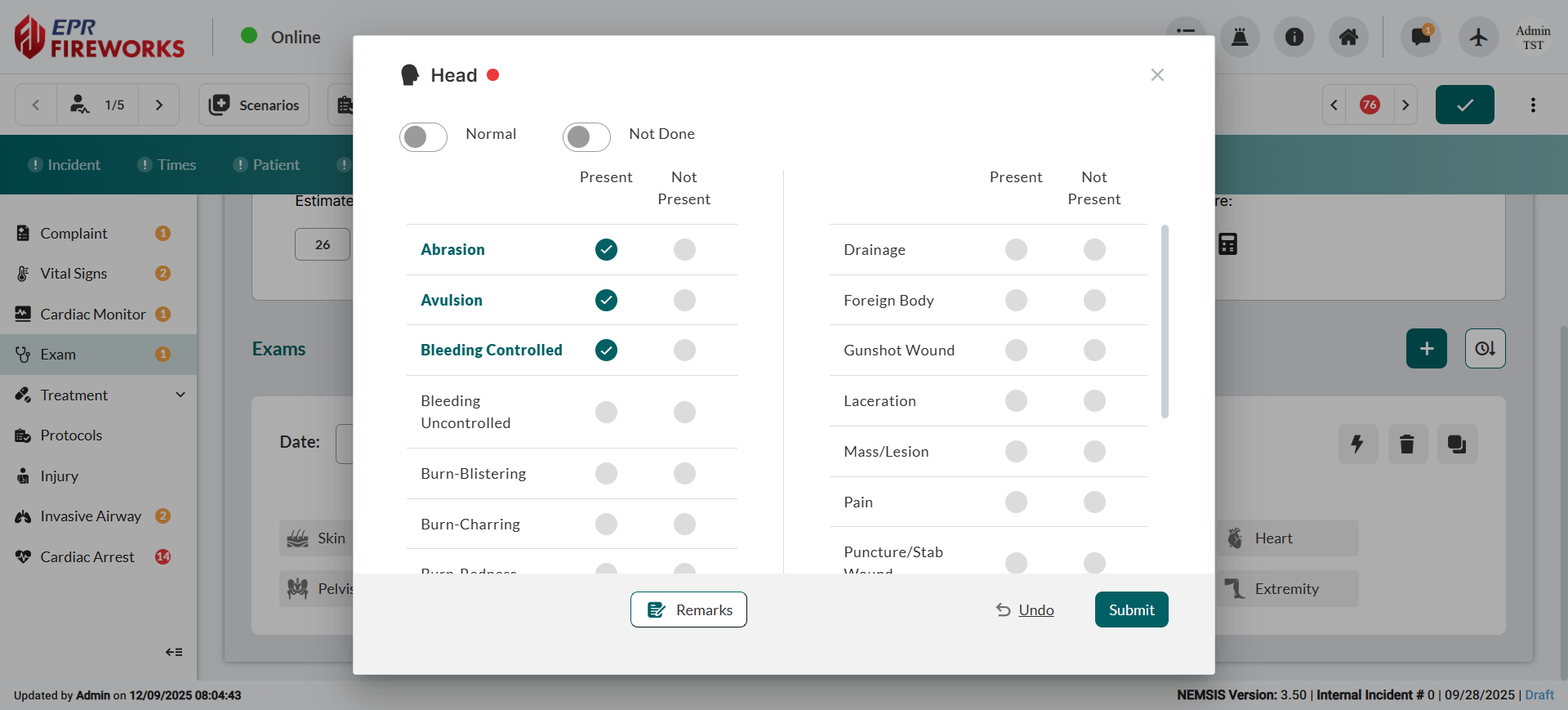
Streamlined Assessment Workflow: Assessments now open in pop-up windows for simplified and fluid documentation, with Normal and Not Done toggle options prominently displayed for rapid access.
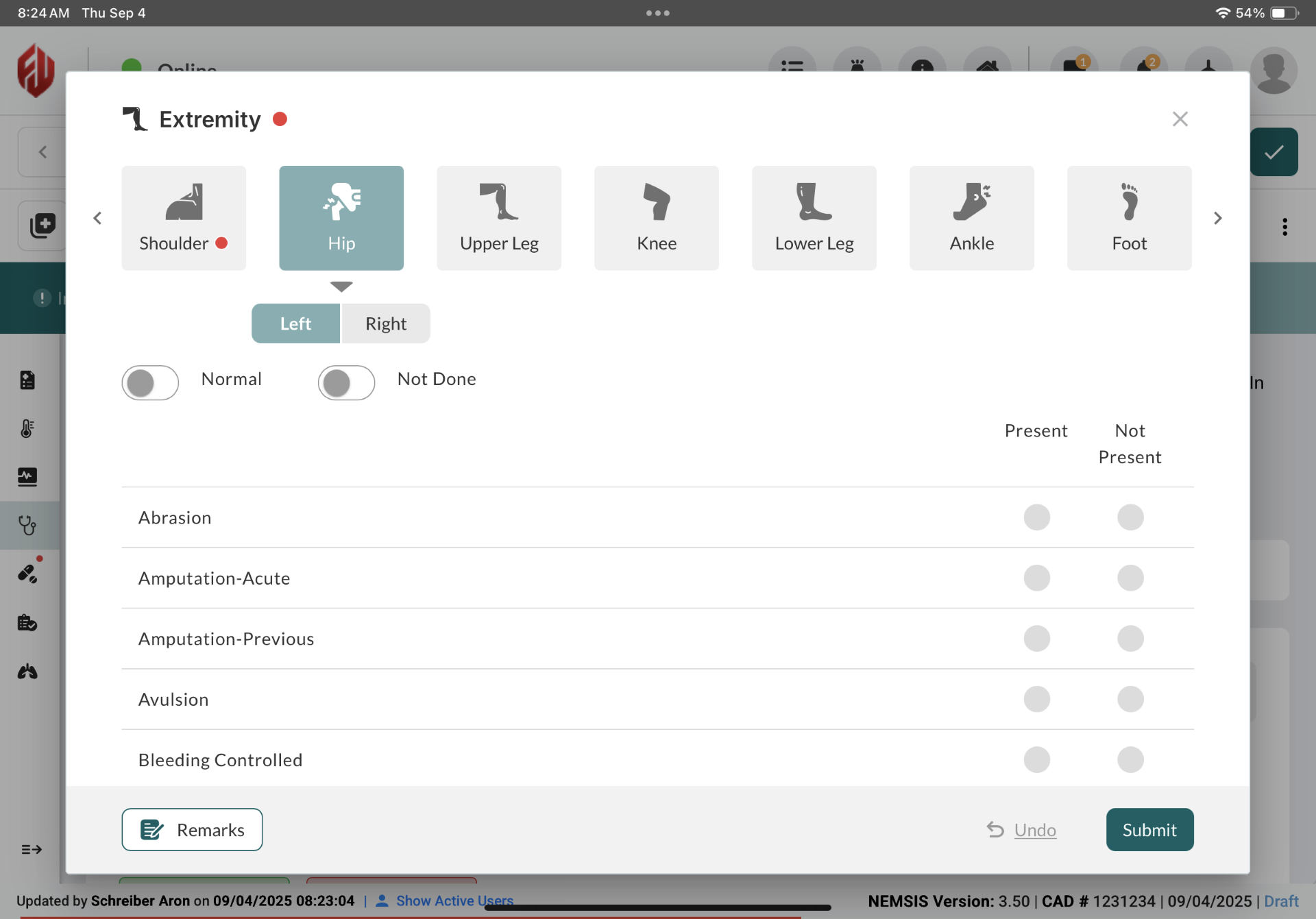
Simplified Limb Assessments: Limb assessments consolidated under a single Extremity section, making selection faster and more efficient. All locations organized in single menu, with Left/Right toggle for side specification.
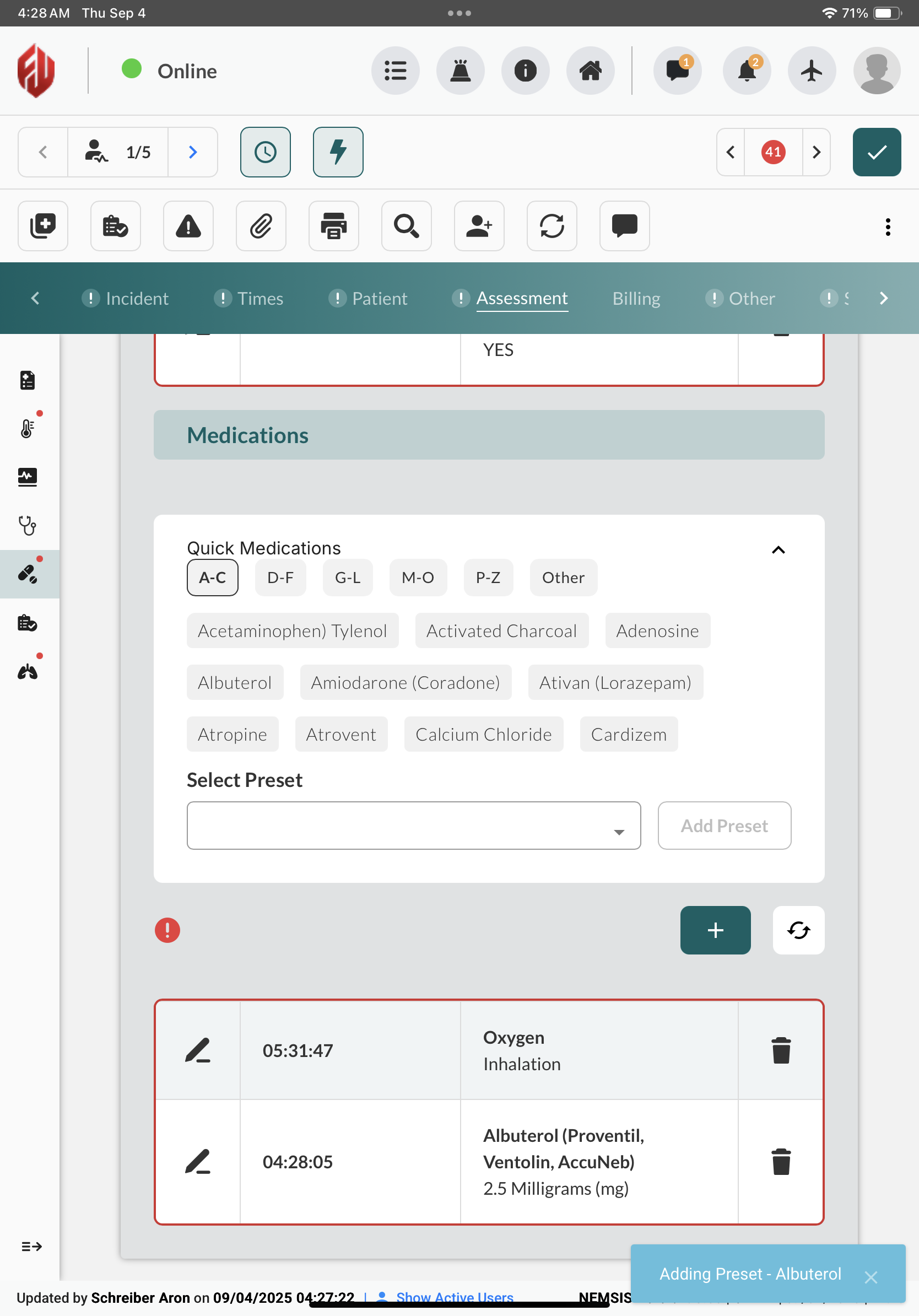
Assessment > Treatment
We completely redesigned the Treatment screen to consolidate medications and procedures into a streamlined interface with reorganized Quick Medications based on criteria built in the back office.
Signatures
The Signatures screen has been redesigned for improved workflow efficiency.
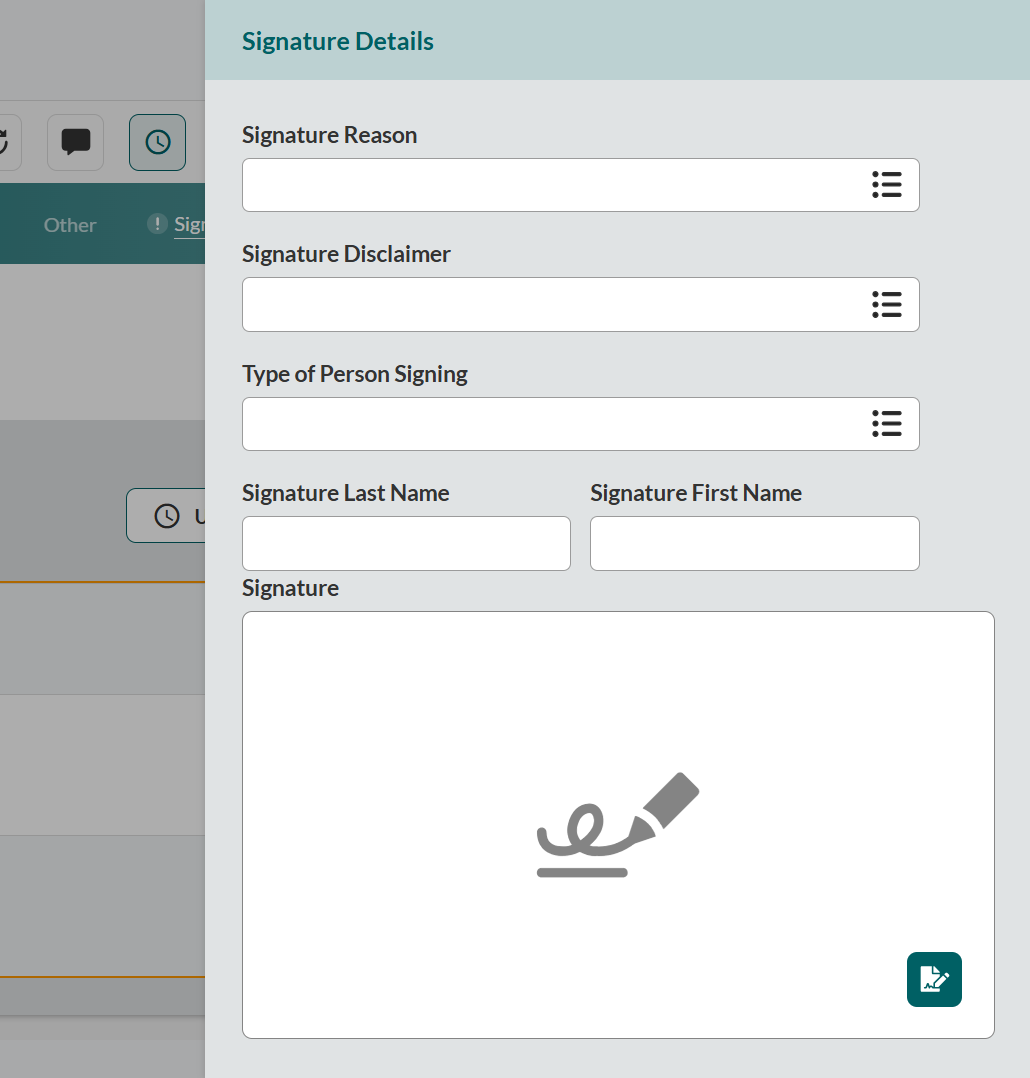
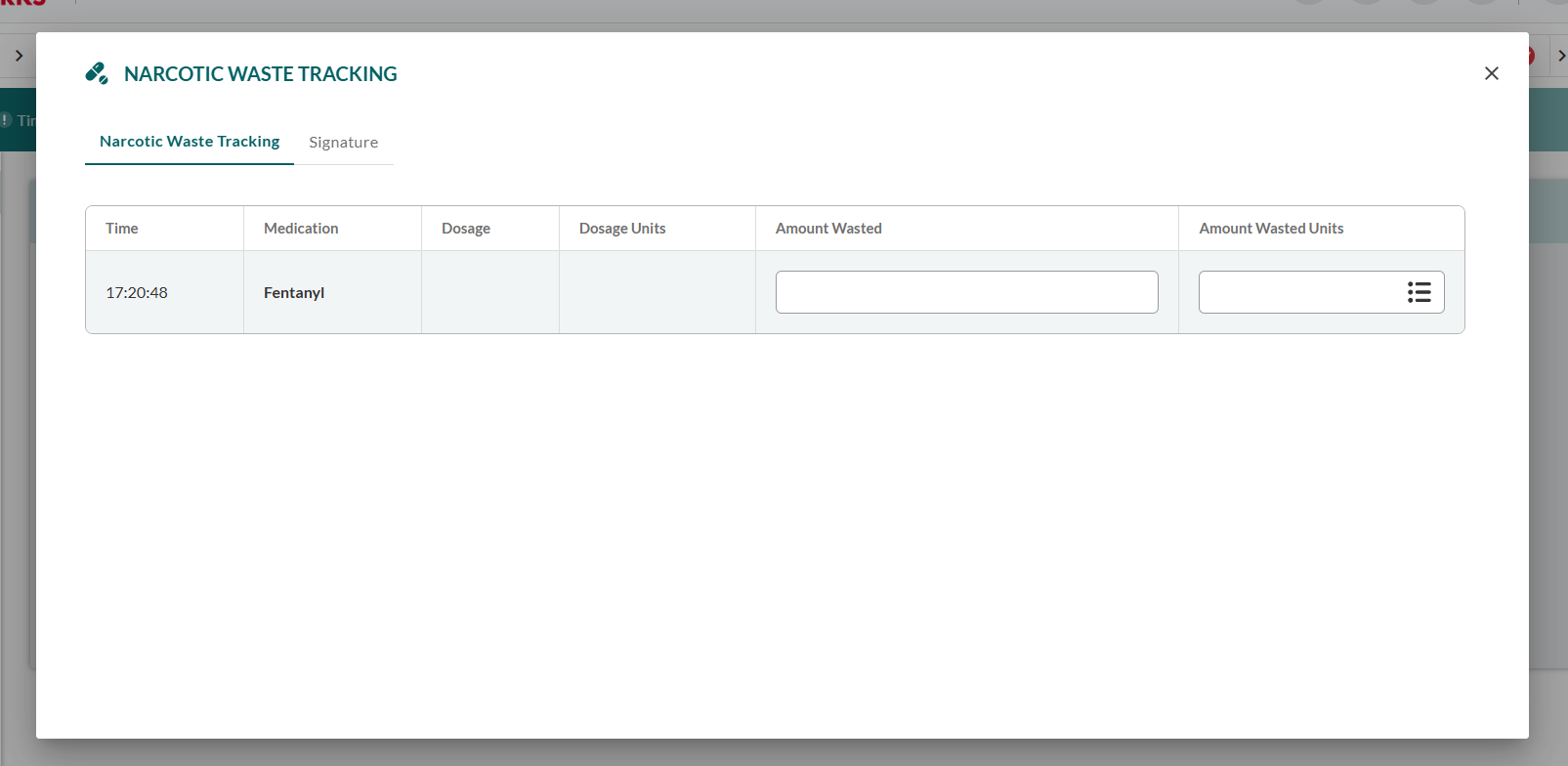
Additionally, you can now record controlled substance waste with witness verification for regulatory compliance and accountability.