
ePCR 3.0
Overview
EPR FireWorks electronic patient care reporting for comprehensive EMS documentation and NEMSIS compliance.
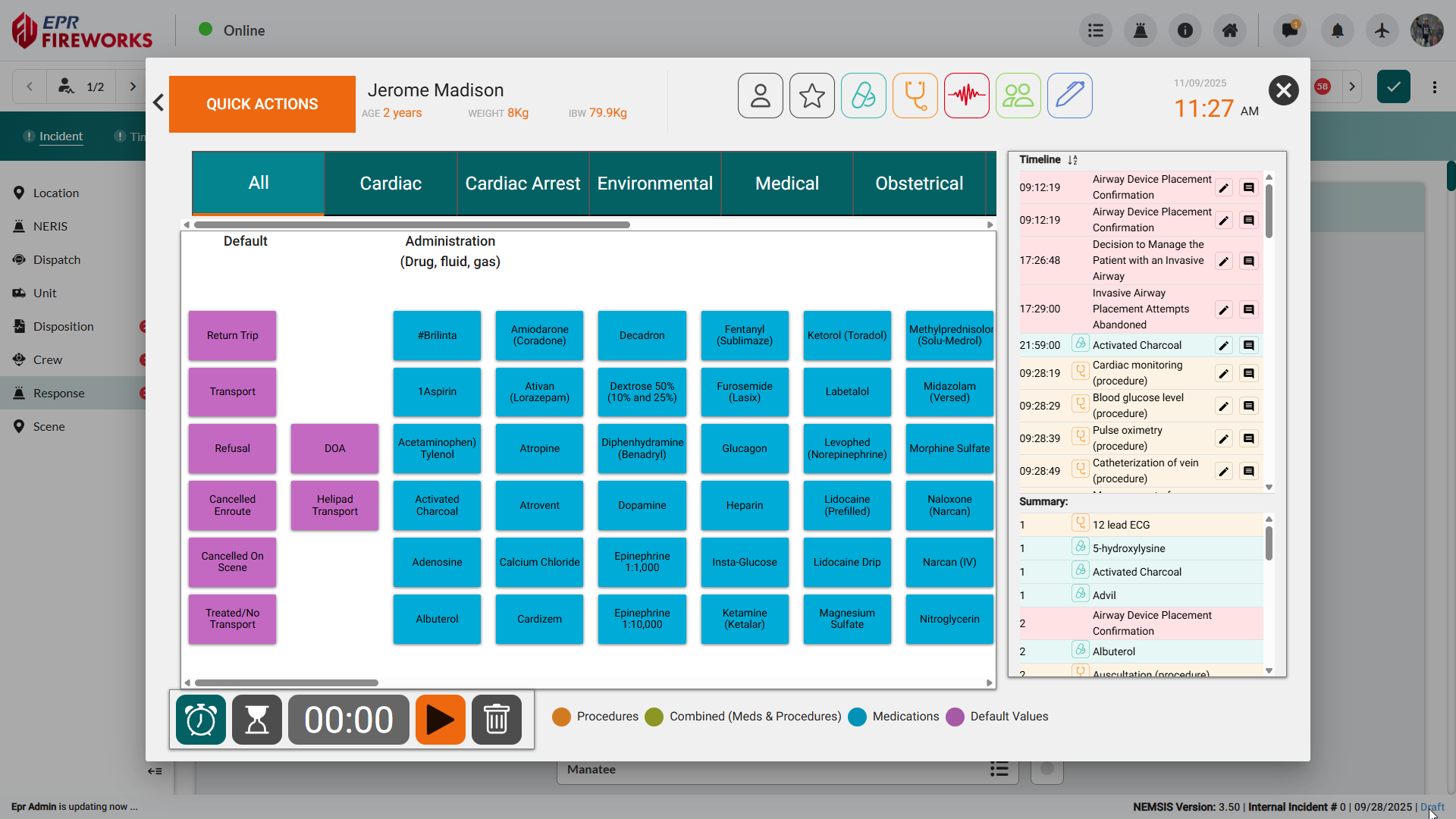
EPR FireWorks ePCR provides a tab-based interface for documenting patient information, assessments, and care delivery. Quick Actions enable rapid documentation of medications, procedures, and vital signs during field operations based on criteria configured in the back office quick presets configuration

Important! The ePCR interface is responsive and adapts to your screen size. On displays 1366 pixels wide or larger, forms display in a two-column layout. On smaller screens, the interface adjusts to a single-column layout for optimal viewing.
Getting Started with ePCR
New to ePCR? Review these essential topics before field use.
Configuring ePCR App Settings - System configuration and preferences
Managing Patient and QC List Interfaces - Patient management and quality control workflows
ePCR Incident Filters - Filtering and organizing incidents
Opening an ePCR - Creating and accessing patient care reports
Navigating the ePCR Interface - Interface layout and tab navigation
ePCR Quick Start Guide - Fast-track orientation for new users
Rapid Field Response
Core Documentation Tools
Critical Fields - Quick access to priority documentation fields
Quick Actions - One-touch documentation for medications, procedures, and vital signs
Checklists - Department protocols and trauma criteria
Scenarios - Streamlined documentation for common call types
Completing the ePCR
Required Documentation Tabs
Incident - Location, dispatch, and response information
Times - CAD integration and delay documentation
Patient - Demographics, history, and belongings tracking
Assessment - Complaints, vital signs, and clinical findings
Disposition - Chain of patient care initiatives and transport decisions.
Additional Documentation
Billing - Billing information due to patient stabilization and transport services.
Other - Quality control, crew exposures, and custom fields
Signatures - Electronic consent and legal documentation
Narrative - Comprehensive incident description and clinical notes
NEMSIS Compliance: All ePCR documentation supports national EMS data standards. Consult your state and department protocols.